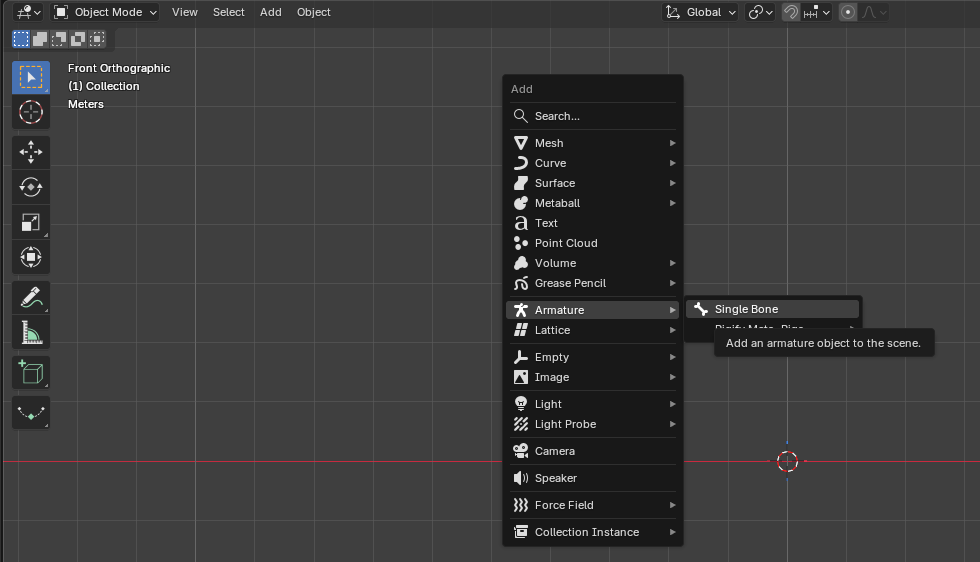
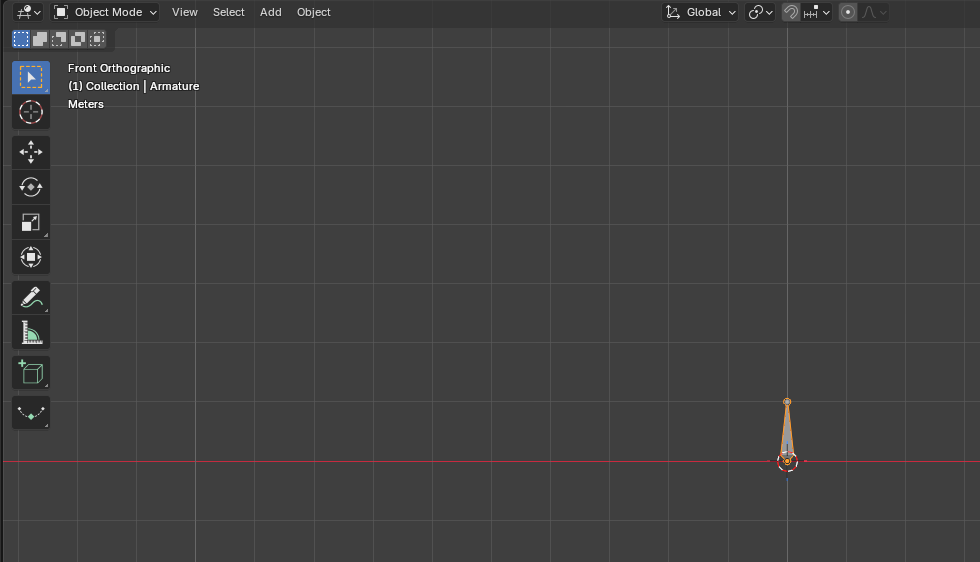
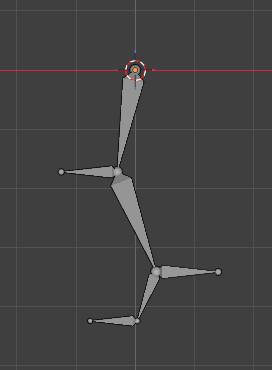
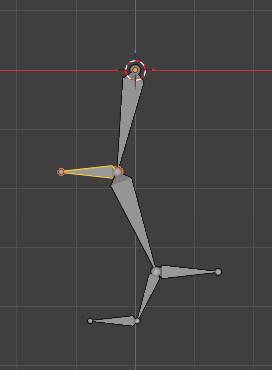
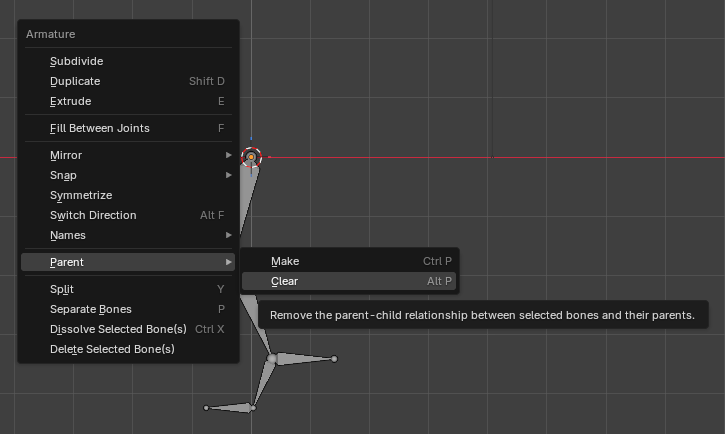
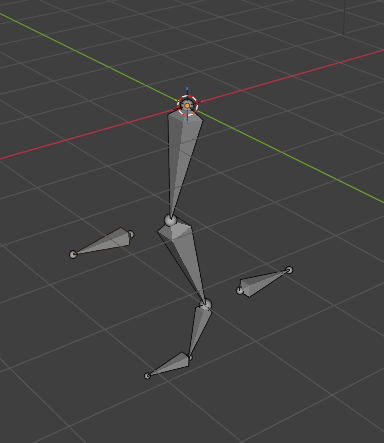
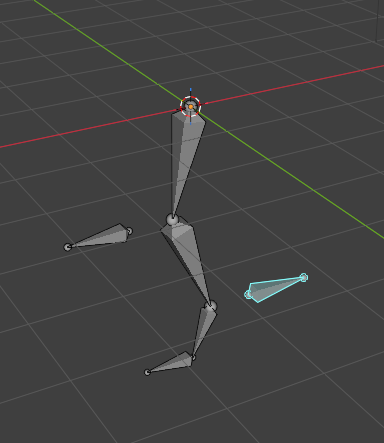
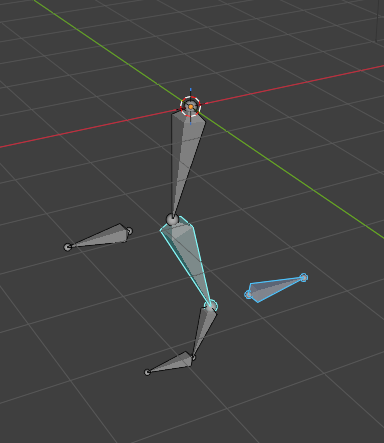
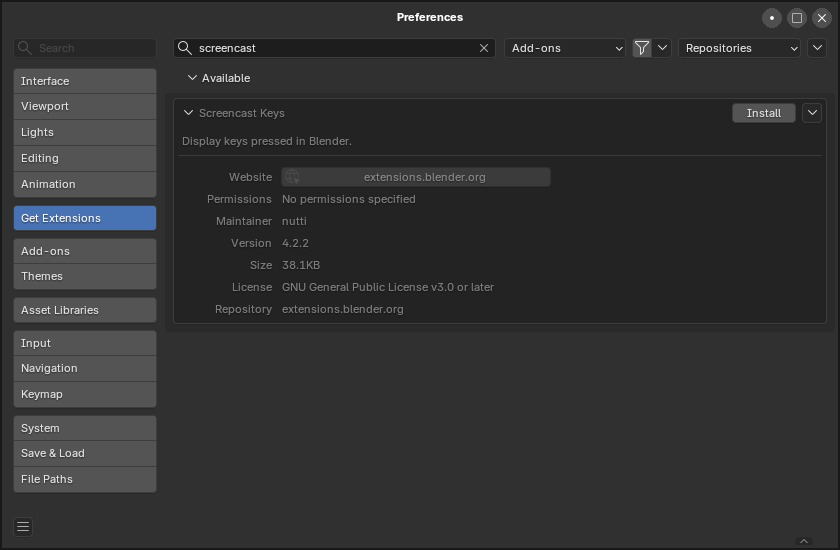
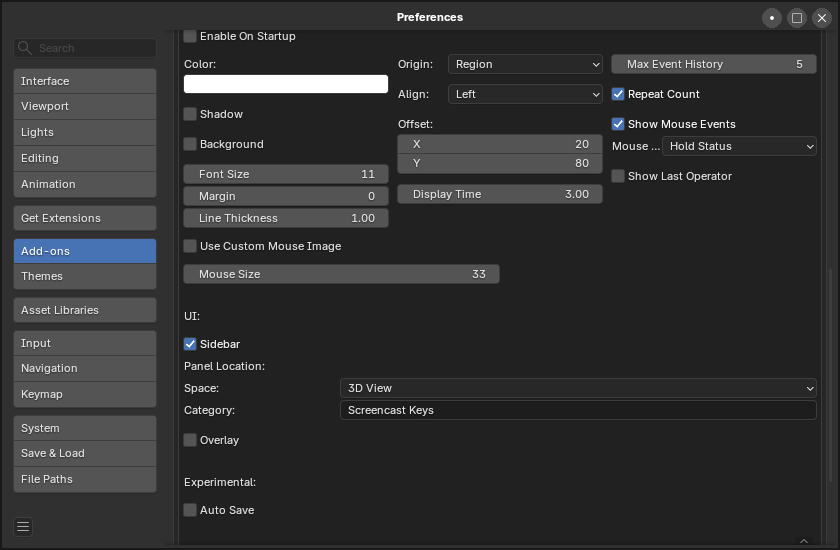
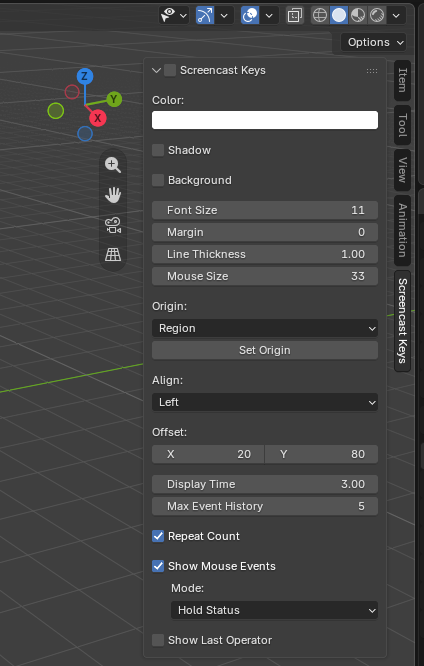
회로도 한번 시도는 해봐야겠다.
[링크 : https://www.youtube.com/watch?v=do40huur8fE]
[링크 : https://www.flux.ai/p]
claude mcp
'프로그램 사용 > kicad' 카테고리의 다른 글
| Kicad - open source PCB / circuit program (11) | 2010.07.08 |
|---|
회로도 한번 시도는 해봐야겠다.
[링크 : https://www.youtube.com/watch?v=do40huur8fE]
[링크 : https://www.flux.ai/p]
claude mcp
| Kicad - open source PCB / circuit program (11) | 2010.07.08 |
|---|
문득 생각나서 검색하는데 실험적인 기능.. smb3 멀티채널
에이 설마 저런게 옵션이겠어?goTsmsep
| EXPERIMENTAL FEATURES ===================== SMB3 Multi-Channel ------------------ Samba 4.4.0 adds *experimental* support for SMB3 Multi-Channel. Multi-Channel is an SMB3 protocol feature that allows the client to bind multiple transport connections into one authenticated SMB session. This allows for increased fault tolerance and throughput. The client chooses transport connections as reported by the server and also chooses over which of the bound transport connections to send traffic. I/O operations for a given file handle can span multiple network connections this way. An SMB multi-channel session will be valid as long as at least one of its channels are up. In Samba, multi-channel can be enabled by setting the new smb.conf option "server multi channel support" to "yes". It is disabled by default. |
[링크 : https://www.samba.org/samba/history/samba-4.4.0.html]
진짜냐?!
4.4.0 에서 실험 기능으로 도입되고, 4.15 에서부터는 기본값으로 바뀐듯?
| server multi channel support (G) This boolean parameter controls whether smbd(8) will support SMB3 multi-channel. This parameter was added with version 4.4. Note that this feature was still considered experimental up to 4.14. Due to dependencies to kernel APIs of Linux or FreeBSD, it's only possible to use this feature on Linux and FreeBSD for now. For testing this restriction can be overwritten by specifying force:server multi channel support=yes in addition. This option is enabled by default starting with to 4.15 (on Linux and FreeBSD). Default: server multi channel support = yes |
[링크 : https://www.samba.org/samba/docs/current/man-html/smb.conf.5.html]
| cifs mount 실패시 설치 패키지 (0) | 2023.02.10 |
|---|---|
| nas samba warn (0) | 2019.03.17 |
| smb 와 selinux 설정 (0) | 2019.02.14 |
| smb 서비스 속도향상하기(SSD-bcache, AIO) (0) | 2019.02.01 |
| samba acpi s3 wake up (0) | 2017.08.11 |
음.. 그러고 보니 zigbee 단말도 없긴하네?
| [ 40.925908] usb 2-1.2: new full-speed USB device number 5 using ehci-pci [ 41.009340] usb 2-1.2: New USB device found, idVendor=0451, idProduct=16a8, bcdDevice= 0.09 [ 41.009366] usb 2-1.2: New USB device strings: Mfr=1, Product=2, SerialNumber=3 [ 41.009375] usb 2-1.2: Product: TI CC2531 USB CDC [ 41.009381] usb 2-1.2: Manufacturer: Texas Instruments [ 41.009386] usb 2-1.2: SerialNumber: __0X00124B0018E27CF7 [ 41.010714] cdc_acm 2-1.2:1.0: ttyACM0: USB ACM device [ 64.137191] warning: `ThreadPoolForeg' uses wireless extensions which will stop working for Wi-Fi 7 hardware; use nl80211 |
[링크 : https://github.com/zigbee2mqtt/hassio-zigbee2mqtt]
[링크 : https://m.blog.naver.com/ohminy11/222520636013]
[링크 : https://cafe.naver.com/koreassistant/3962]
| $ ls -al /dev/serial/by-id/usb-Texas_Instruments_TI_CC2531_USB_CDC___0X00124B0018E27CF7-if00 lrwxrwxrwx 1 root root 13 12월 27 18:33 /dev/serial/by-id/usb-Texas_Instruments_TI_CC2531_USB_CDC___0X00124B0018E27CF7-if00 -> ../../ttyACM0 |
| version: 4 mqtt: base_topic: zigbee2mqtt server: mqtt://localhost:1833 serial: port: /dev/serial/by-id/usb-Texas_Instruments_TI_CC2531_USB_CDC___0X00124B0018E27CF7-if00 adapter: zstack advanced: channel: 11 network_key: GENERATE pan_id: GENERATE ext_pan_id: GENERATE frontend: enabled: true homeassistant: enabled: true |
[링크 : https://www.zigbee2mqtt.io/guide/configuration/]
[링크 : https://github.com/Koenkk/zigbee2mqtt]
[링크 : https://www.zigbee2mqtt.io/guide/installation/01_linux.html] 리눅스 직접설치 비추
링크에서 있는거랑은 시리얼이 달라서 일단은 내거랑 맞게 수정
| sudo docker run \ --name zigbee2mqtt \ --restart=unless-stopped \ --device=/dev/serial/by-id/usb-Texas_Instruments_TI_CC2531_USB_CDC___0X00124B0018E27CF7-if00:/dev/ttyACM0 \ -p 8080:8080 \ -v $(pwd)/data:/app/data \ -v /run/udev:/run/udev:ro \ -e TZ=Asia/Seoul \ ghcr.io/koenkk/zigbee2mqtt |
[링크 : https://www.zigbee2mqtt.io/guide/installation/02_docker.html] docker 추천
[링크 : https://github.com/koenkk/zigbee2mqtt/pkgs/container/zigbee2mqtt] 다른 아키텍쳐 일 경우
실행시 메시지
| Unable to find image 'ghcr.io/koenkk/zigbee2mqtt:latest' locally latest: Pulling from koenkk/zigbee2mqtt 2d35ebdb57d9: Pull complete 22359d97d4f5: Pull complete 04d924b772af: Pull complete 93836646b368: Pull complete 33e1af1a4e45: Pull complete 3fa2c3ee76eb: Pull complete 7b447ead2b45: Pull complete ce83bad0f202: Pull complete 508a0def7d14: Pull complete 108de8ed3423: Pull complete Digest: sha256:163e7351430a95d550d5b1bb958527edc1eff115eb013ca627f3545a192e853f Status: Downloaded newer image for ghcr.io/koenkk/zigbee2mqtt:latest Using '/app/data' as data directory Starting Zigbee2MQTT without watchdog. Onboarding page is available at http://0.0.0.0:8080/ |


| Onboarding page is available at http://0.0.0.0:8080/ [2025-12-27 20:13:39] info: z2m: Logging to console, file (filename: log.log) [2025-12-27 20:13:39] info: z2m: Starting Zigbee2MQTT version 2.7.1 (commit #6d30fa156cf208189edbbd7db8422a6fc657fb9e ) [2025-12-27 20:13:39] info: z2m: Starting zigbee-herdsman (7.0.4) [2025-12-27 20:13:39] info: zh:adapter:discovery: Matched adapter: {"path":"/dev/ttyACM0","manufacturer":"Texas Instruments","serialNumber":"__0X00124B0018E27CF7","pnpId":"usb-Texas_Instruments_TI_CC2531_USB_CDC___0X00124B0018E27CF7-if00","vendorId":"0451","productId":"16a8"} => zstack: 4 [2025-12-27 20:13:39] info: zh:zstack:znp: Opening SerialPort with {"path":"/dev/ttyACM0","baudRate":115200,"rtscts":false,"autoOpen":false} [2025-12-27 20:13:39] info: zh:zstack:znp: Serialport opened [2025-12-27 20:13:46] info: zh:controller: Wrote coordinator backup to '/app/data/coordinator_backup.json' [2025-12-27 20:13:46] info: z2m: zigbee-herdsman started (restored) [2025-12-27 20:13:46] info: z2m: Coordinator firmware version: '{"meta":{"maintrel":3,"majorrel":2,"minorrel":6,"product":0,"revision":20190608,"transportrev":2},"type":"ZStack12"}' [2025-12-27 20:13:46] info: z2m: Currently 0 devices are joined. [2025-12-27 20:13:46] info: z2m: Connecting to MQTT server at mqtt://localhost:1883 [2025-12-27 20:13:46] error: z2m: MQTT failed to connect, exiting... () [2025-12-27 20:13:46] info: z2m: Stopping zigbee-herdsman... [2025-12-27 20:13:47] info: zh:controller: Wrote coordinator backup to '/app/data/coordinator_backup.json' [2025-12-27 20:13:47] info: zh:zstack:znp: closing [2025-12-27 20:13:47] info: zh:zstack:znp: Port closed [2025-12-27 20:13:47] info: z2m: Stopped zigbee-herdsman |
| zigbee 2 MQTT(Z2M) / zigbee home automation(ZHA) (0) | 2025.12.27 |
|---|---|
| mosquitto qos (0) | 2025.04.18 |
| mosquitto for windows 계정추가 (0) | 2025.02.18 |
| mosquitto service for windows (0) | 2025.02.18 |
| CC2531 zigbee - mqtt (0) | 2025.01.07 |
예전에 구매해놨던 CC2531을 어떻게 써먹나 고민하면서 다시 찾다가 이상한 용어 발견
현재는 zigbee2MQTT(Z2M) 펌웨어로 구워져 있는 상태일것 같은데, 이걸 구으려면 라즈베리가 필요한가보네?
[링크 : https://psychoria.tistory.com/m/692]
mDNS 설정시 115200 bps 라는데.. putty로 115k 해서는 먼가 되는게 없긴하다.
[링크 : https://www.zigbee2mqtt.io/guide/configuration/adapter-settings.html]
[링크 : https://blog.naver.com/fromzip/222009276457]
[링크 : https://wendysm.tistory.com/98]
[링크 : https://m.blog.naver.com/ohminy11/222520636013]
| zigbee CC2531 on ubuntu 실패 (0) | 2025.12.27 |
|---|---|
| mosquitto qos (0) | 2025.04.18 |
| mosquitto for windows 계정추가 (0) | 2025.02.18 |
| mosquitto service for windows (0) | 2025.02.18 |
| CC2531 zigbee - mqtt (0) | 2025.01.07 |
reset은 아예 없애는거라 내 취향은 아니고
revert 가 딱이긴 한데 의미가 내가 생각하던 것과는 조금 달랐다
예를 들어
git log 에서
hash 1111
hash 2222
hash 3333
hash 4444
git revert 2222 라고 하면
hash 2222 에서 했던 녀석만을 되돌리게 된다.
정리 하자면
revert 는 "hash 의 해당 commit을 돌린다" 이기 때문에
돌아가고 싶은 커밋이 아니라
없애고 싶은 커밋을 명시해야 한다.
man page 에도 존재하는 커밋을 되돌린다고 되어있다.
| git-revert - Revert an existing commit Synopsis git revert [--edit | --no-edit] [-n] [-m parent-number] [-s] <commit> Description Given one existing commit, revert the change the patch introduces, and record a new commit that records it. This requires your working tree to be clean (no modifications from the HEAD commit). Note: git revert is used to record a new commit to reverse the effect of an earlier commit (often a faulty one). If you want to throw away all uncommitted changes in your working directory, you should see git-reset(1), particularly the --hard option. If you want to extract specific files as they were in another commit, you should see git-checkout(1), specifically the git checkout <commit> - <filename> syntax. Take care with these alternatives as both will discard uncommitted changes in your working directory. |
[링크 : https://linux.die.net/man/1/git-revert]
만약 돌려야 한다면 한번에 될진 모르겠지만 1111, 2222를 revert 해야 할지도? (확인필요)
| $ git log --oneline 17b787d bug3 fixed 1fefb57 bug2 fixed 8b3560b bug1 fixed 784065c feature1 developed ... 이제 우리는 이러한 버그 수정을 없애고 저장소를 bug1 fixed 상태 이전의 상태로 되돌리기로 결정했습니다. 따라서 --no-commit 옵션과 함께 git revert 명령을 사용할 수 있습니다. 명령 구문은 git revert --no-commit <commit>입니다. 따라서 완료된 버그 수정의 세 커밋을 되돌리려면 다음과 같이 해야 합니다. $ git revert --no-commit 17b787d784065c $ git revert --no-commit 1fefb57 $ git revert --no-commit 8b3560b |
[링크 : https://www.delftstack.com/ko/howto/git/git-revert-multiple-commits/]
[링크 : https://medium.com/@rnrjsah789/git-revert-4c569366a77b]
git revert를 하면 자동으로 커밋메시지를 생성해서 커밋하는데
여러개 돌릴때 마다 메시지 남기면 번거로우니 쭈르르르륵 되돌려 버릴땐 -n 옵션 주면 된다고 한다.
| -n, --no-commit Usually the command automatically creates a commit with a commit log message stating which commit was reverted. This flag applies the change necessary to revert the named commit to your working tree and the index, but does not make the commit. In addition, when this option is used, your index does not have to match the HEAD commit. The revert is done against the beginning state of your index. This is useful when reverting more than one commits' effect to your index in a row. |
| git submodule recursive (0) | 2026.02.03 |
|---|---|
| .gitconfig insteadof (0) | 2025.12.09 |
| git master -> main branch (0) | 2025.05.22 |
| git local branch, merge master (0) | 2025.01.16 |
| git switch (0) | 2025.01.16 |
전역설정으로 등록하면 저장소 주소가 달라졌을때 간단하게(!) 연결을 변경해 줄 수 있다.
[링크 : https://gist.github.com/Kovrinic/ea5e7123ab5c97d451804ea222ecd78a]
| git submodule recursive (0) | 2026.02.03 |
|---|---|
| git revert (0) | 2025.12.11 |
| git master -> main branch (0) | 2025.05.22 |
| git local branch, merge master (0) | 2025.01.16 |
| git switch (0) | 2025.01.16 |
당근보다가 신기한 보드가 있어 찾아보는데.
오피셜하게 보이는건 esp32-s3 계열 같은데
[링크 : https://lvgl.io/boards]
[링크 : https://docs.lvgl.io/8.0/get-started/espressif.html]
[링크 : https://github.com/lvgl/lv_port_esp32]
[링크 : https://github.com/lvgl/lvgl_esp32_drivers]
1.5만에 팔아서 검색해보다
조금 싸긴 한데.. esp-wroom-32 기반이라 esp32-s3는 아닌것 같고..
[링크 : https://itempage3.auction.co.kr/DetailView.aspx?itemno=E586493868]
[링크 : https://ko.aliexpress.com/item/1005006284154750.html]
어떤걸 사야 되는걸까?
스펙상으로는 SPI 채널을 제외하면 크게 차이가 없어 보이는데...
일단 고속(?) UI를 위한거니까 SPI 외에는 내부 cpu 성능으로 하는거라면 머...
| esp32-s3 | 32-bit MCU & 2.4 GHz Wi-Fi & Bluetooth 5 (LE) Xtensa® 32-bit LX7 dual-core processor that operates at up to 240 MHz 512 KB of SRAM and 384 KB of ROM on the chip, and SPI, Dual SPI, Quad SPI, Octal SPI, QPI, and OPI interfaces that allow connection to flash and external RAM Additional support for vector instructions in the MCU, which provides acceleration for neural network computing and signal processing workloads Peripherals include 45 programmable GPIOs, SPI, I2S, I2C, PWM, RMT, ADC, DAC and UART, SD/MMC host and TWAI™ Reliable security features ensured by RSA-based secure boot, AES-XTS-based flash encryption, the innovative digital signature and the HMAC peripheral, “World Controller” Fully certified with integrated antenna and software stacks |
| esp32 | 32-bit MCU & 2.4 GHz Wi-Fi & Bluetooth/Bluetooth LE ESP32 embedded, two or one Xtensa® 32-bit LX6 microprocessor(s) with adjustable clock frequency, ranging from 80 MHz to 240 MHz +19.5 dBm output power ensures a good physical range Classic Bluetooth for legacy connections, also supporting L2CAP, SDP, GAP, SMP, AVDTP, AVCTP, A2DP (SNK) and AVRCP (CT) Support for Bluetooth Low Energy (Bluetooth LE) profiles including L2CAP, GAP, GATT, SMP, and GATT-based profiles like BluFi, SPP-like, etc Bluetooth Low Energy (Bluetooth LE) connects to smart phones, broadcasting low-energy beacons for easy detection Sleep current is less than 5 μA, making it suitable for battery-powered and wearable-electronics applications Peripherals include capacitive touch sensors, Hall sensor, SD card interface, Ethernet, high-speed SPI, UART, I2S and I2C Fully certified with integrated antenna and software stacks |
| lvgl pro + figma vs square line studio (0) | 2026.01.28 |
|---|---|
| freertos on esp32 lvgl 예제 분석 (0) | 2026.01.26 |
| lvgl pro on win10 실패 (0) | 2026.01.22 |
| lvgl pro, square line studio (0) | 2026.01.09 |
| LVGL (Light and Versatile Graphics Library) (0) | 2023.11.18 |
stm32도 붙이는데 리눅스에서도 작동중인 녀석을 디버그 할 수 있나 찾는데
그냥 pid 옵션주면 된다고
12년전 글이라서 한번 해봐야겠다.
-p는 gdb 옵션
attach 는 gdb 인터프리터내 명령어
| gdb -p 12271 gdb /path/to/exe 12271 gdb /path/to/exe (gdb) attach 12271 |
[링크 : https://stackoverflow.com/questions/14370972/how-to-attach-a-process-in-gdb]
| gdb 사용법 (0) | 2026.01.16 |
|---|---|
| gdbserver taget (0) | 2023.07.19 |
| gdb conditional break (0) | 2023.07.19 |
| gdb 디버깅 타겟을 인자와 함께 실행하기 (0) | 2022.10.17 |
| gdb break (0) | 2021.04.09 |
해당 퍼스펙티브만 초기화되므로, 이상하게 보이는 녀석에서 실행해주면 된다.
2004년 부터 썼는데 20년 만에 알게 되다니 -_-
window - perspectice - reset perspective

| eclipse cdt + cppcheck + doxygen (0) | 2018.01.02 |
|---|---|
| eclipse cdt + eclox + doxygen (0) | 2012.02.07 |
| eclipse cdt 에서 doxygen 활성화 하기 (2) | 2012.02.06 |
| eclipse CDT plugin 설치하기 (2) | 2012.01.29 |
| eclipse에서 archive (*.a) 링크하기 (0) | 2012.01.18 |
네트워크 맵을 그려주길래 보고 있었는데 10분 지나니 이렇게 된다. -_-

dashboard는 빼먹었는데 먼가 몇 개 그래프가 사라진거 같고
메뉴상에서 확인해보면 생각외로 많은 것들이 잠긴다.
| Enterprise XL | community |
![]() |
![]() |
![]() |
![]() |
![]() |
![]() |
![]() |
![]() |
![]() |
![]() |
![]() |
![]() |
![]() |
![]() |
| ntopng ubuntu 22.04 신버전 설치 (0) | 2025.10.06 |
|---|---|
| ntopng nic 어디서 봐야하나? (0) | 2025.10.06 |
| ntopng 인터페이스 변경 (0) | 2025.10.05 |