'2026/08'에 해당되는 글 41건

  1. 2026.08.14 udevadm
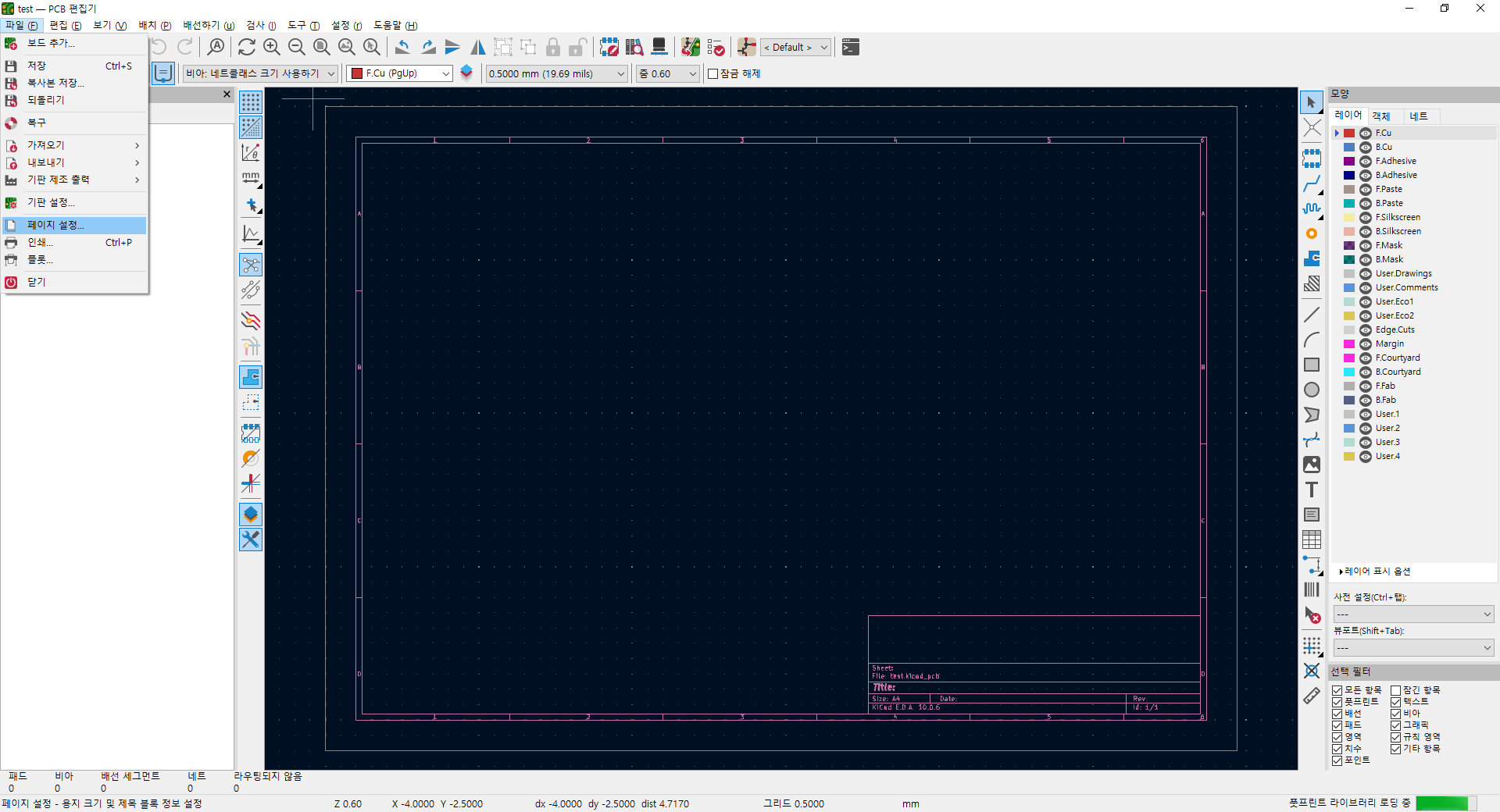
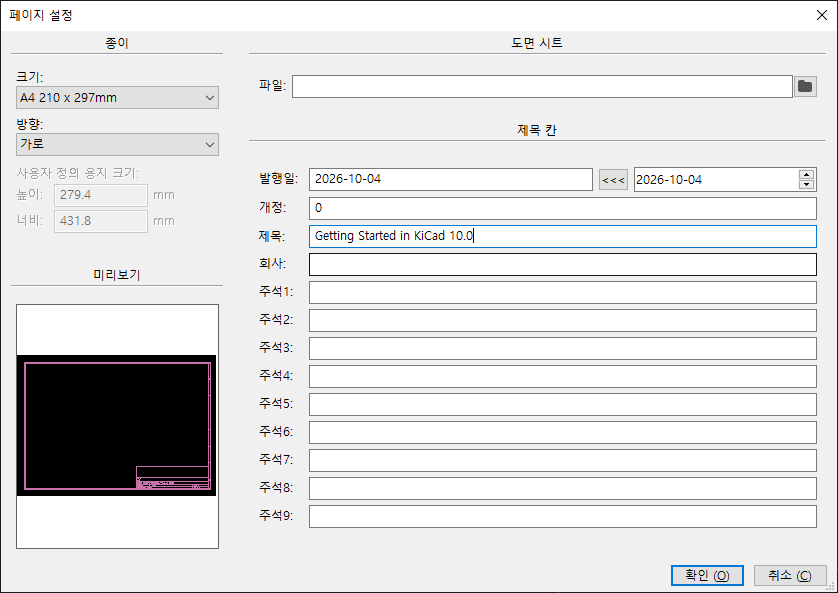
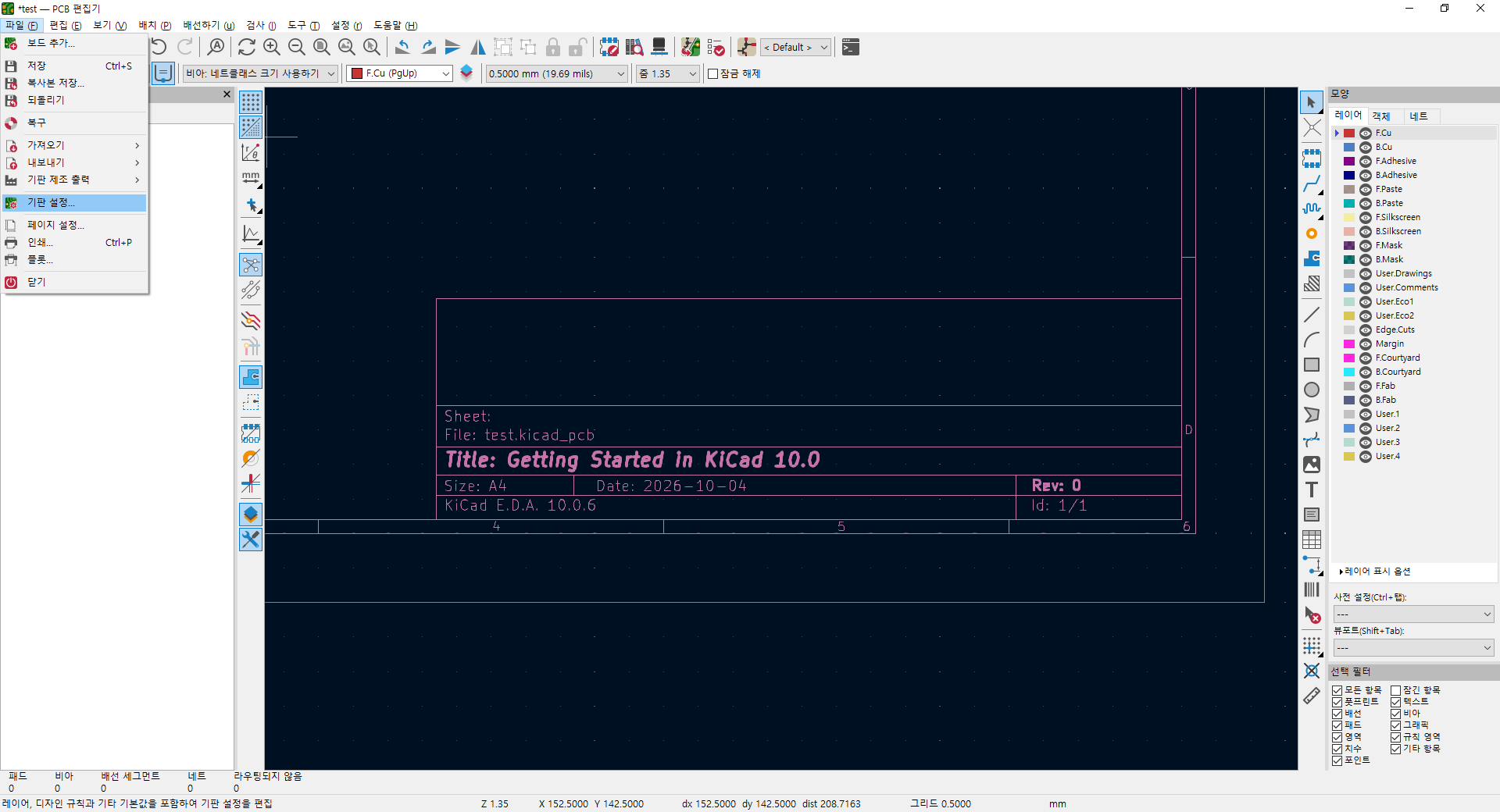
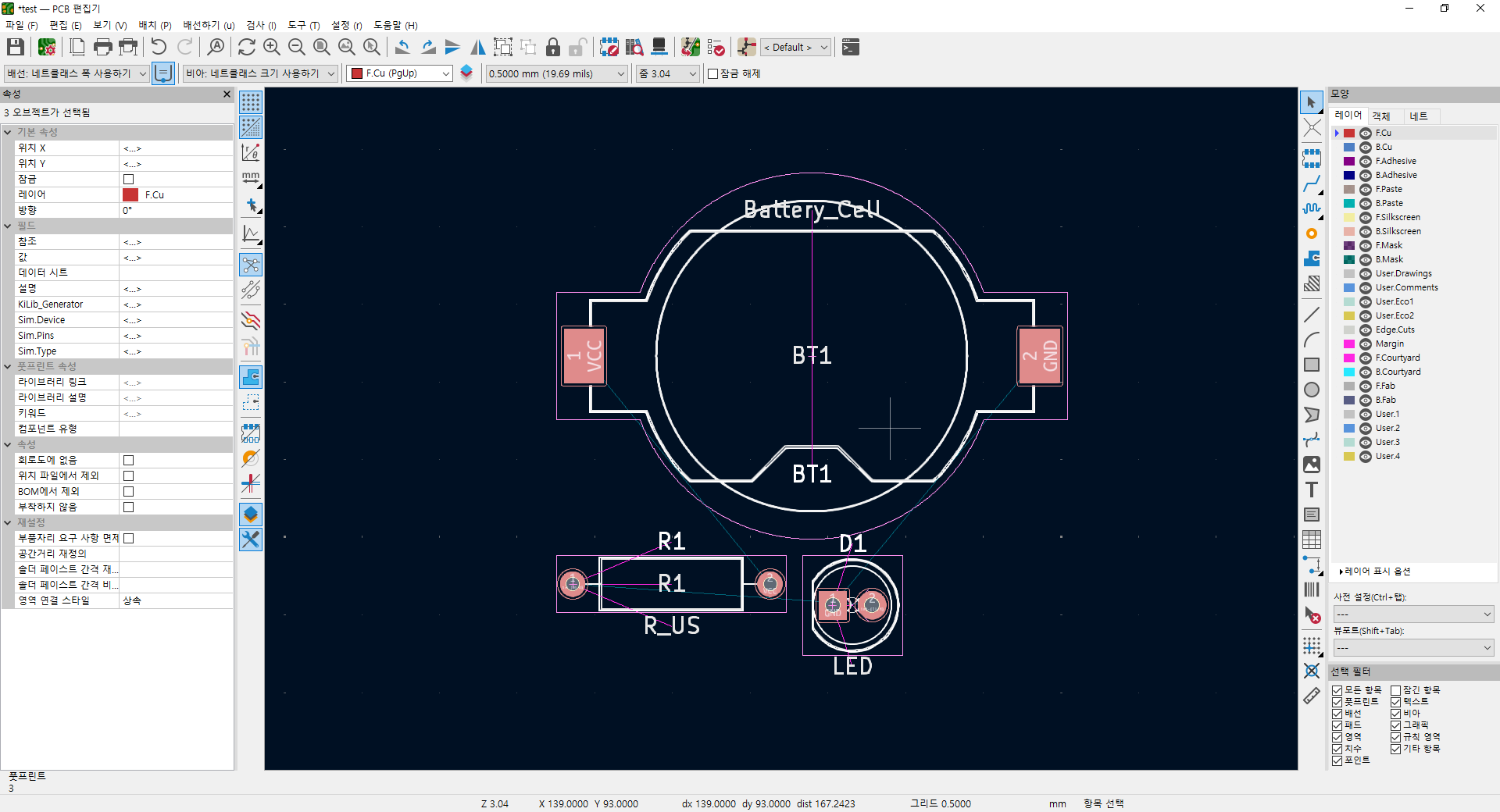
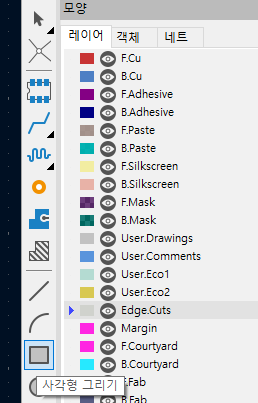
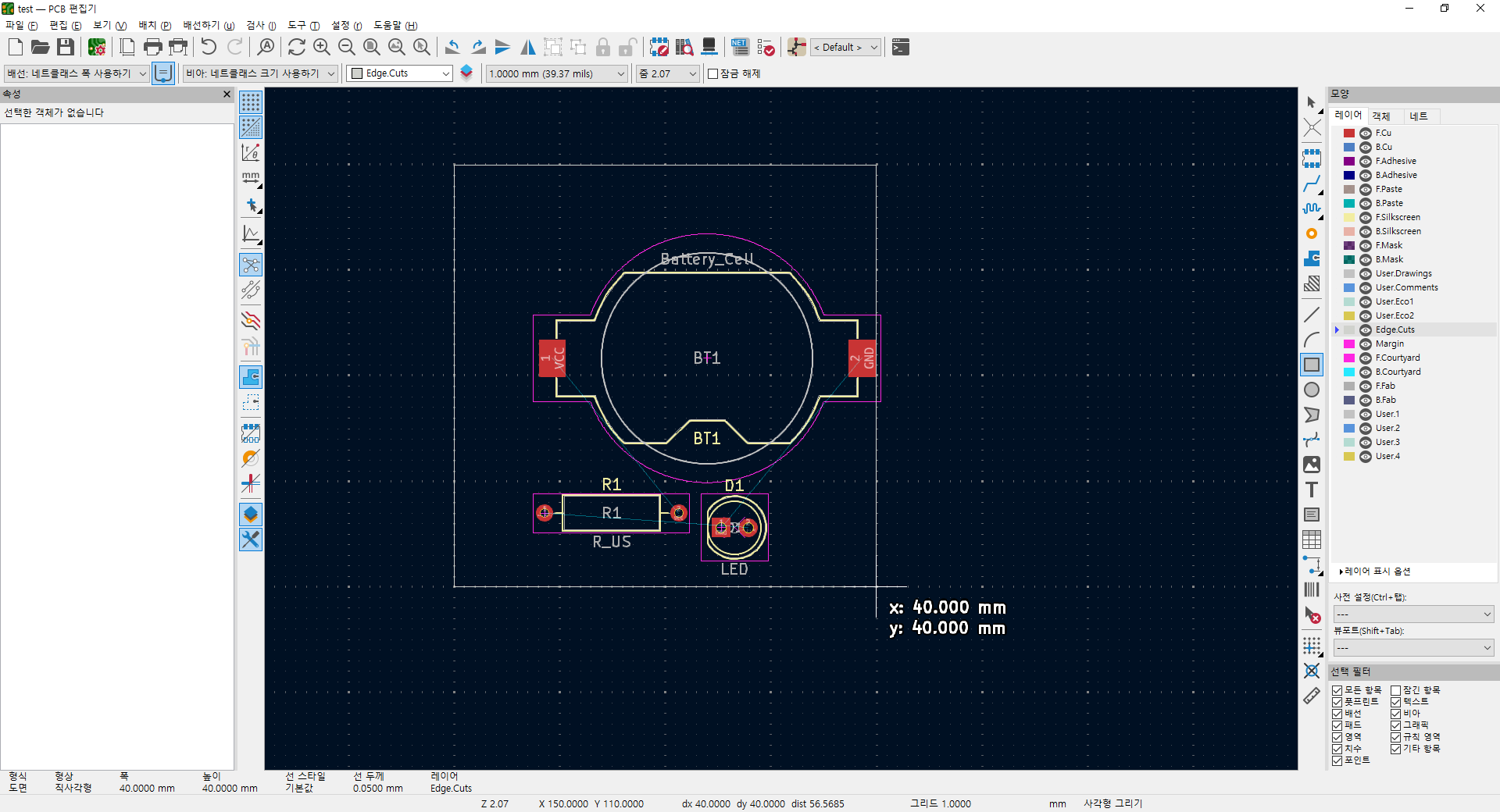
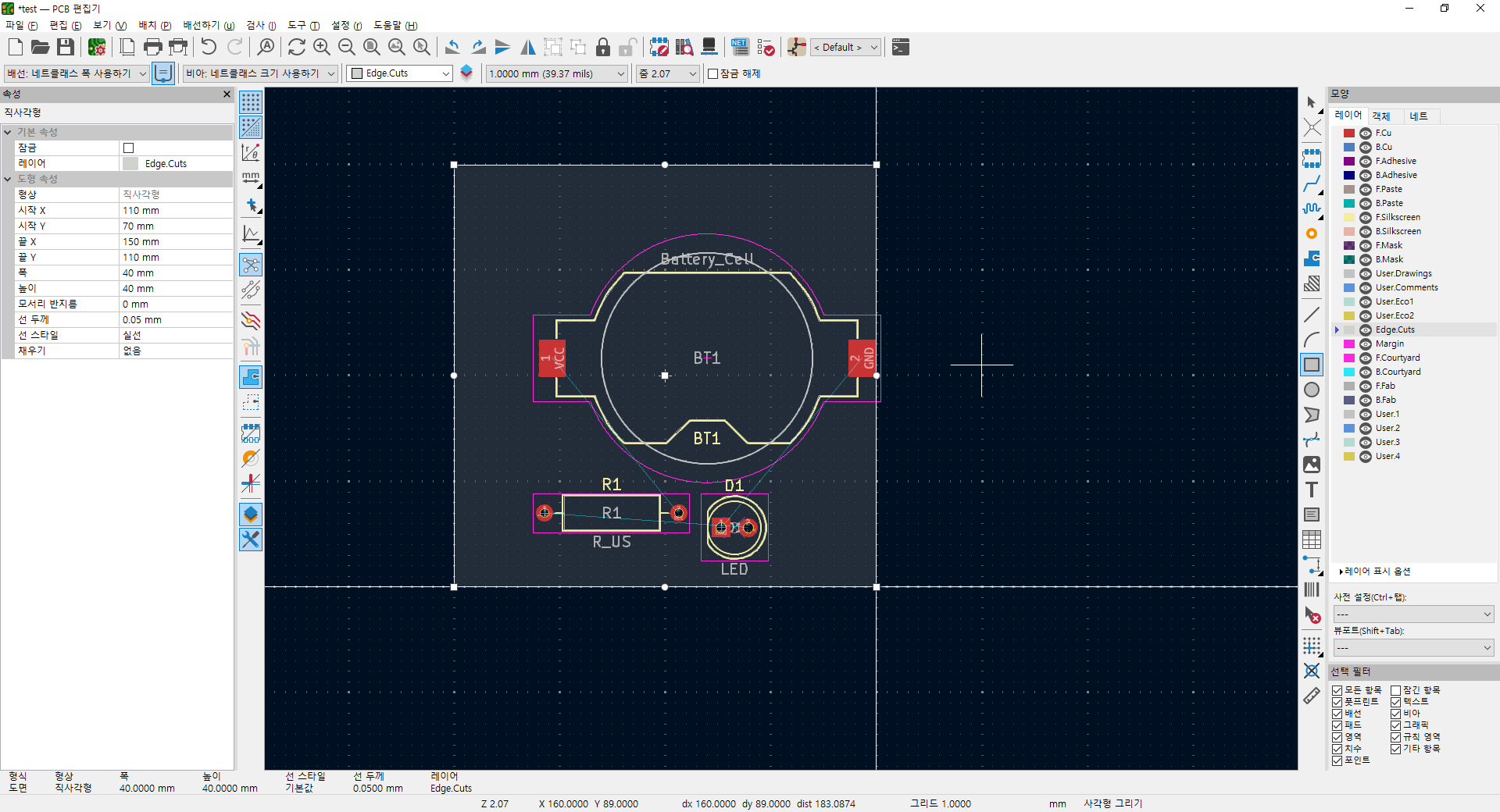
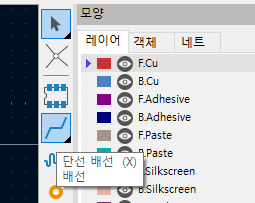
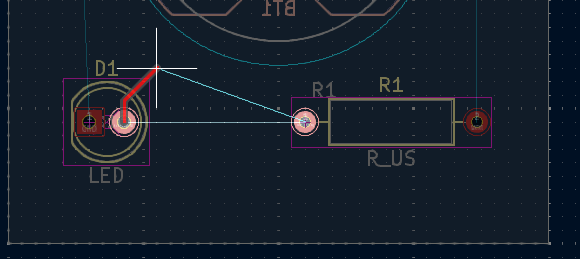
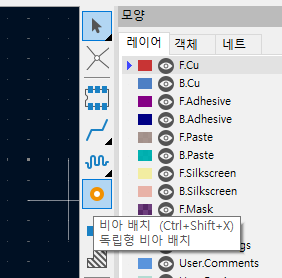
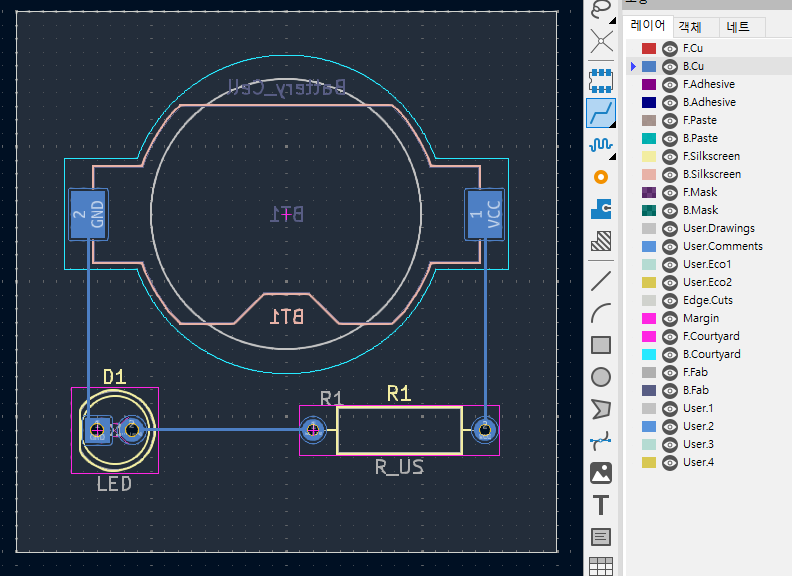
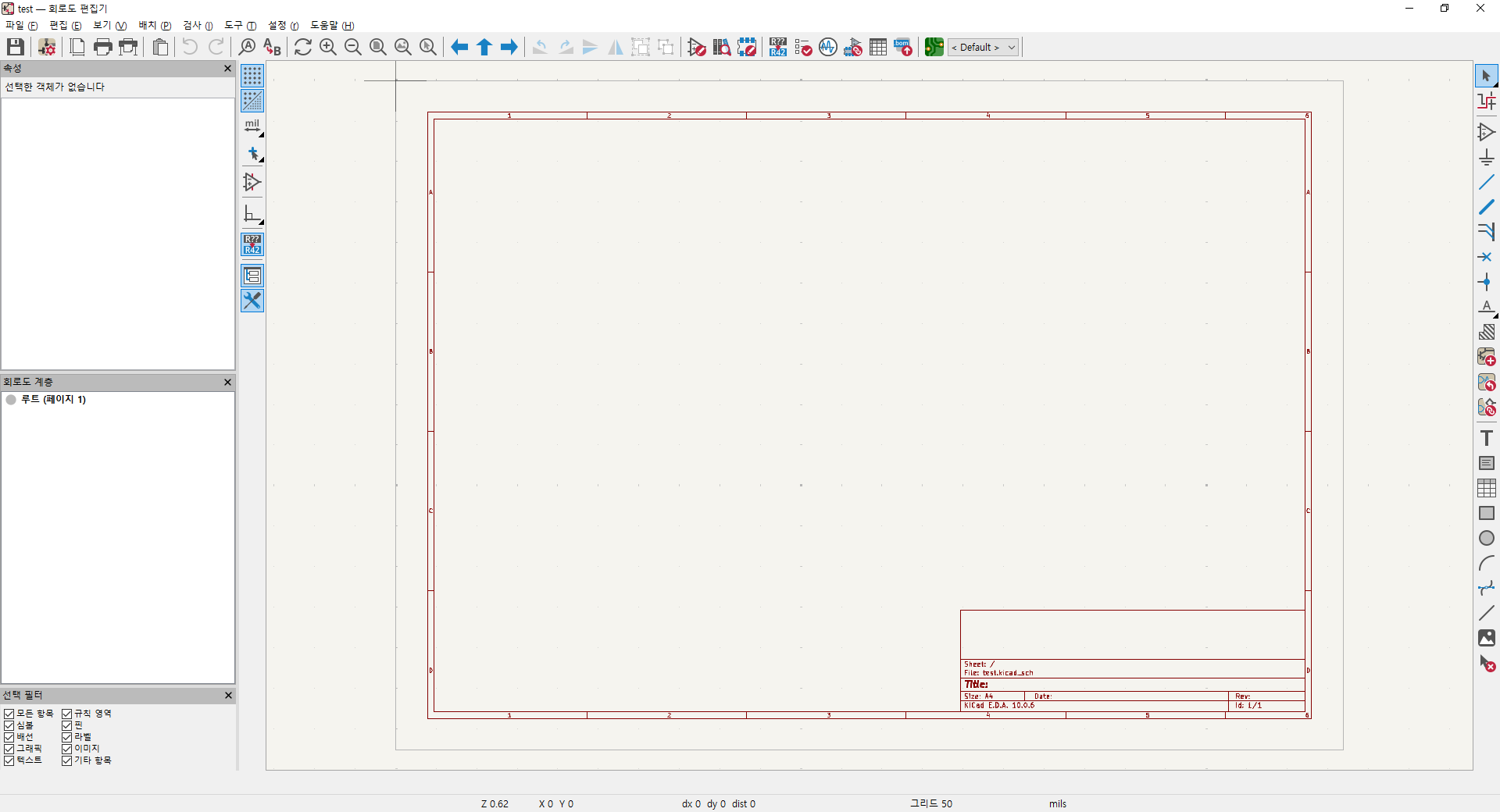
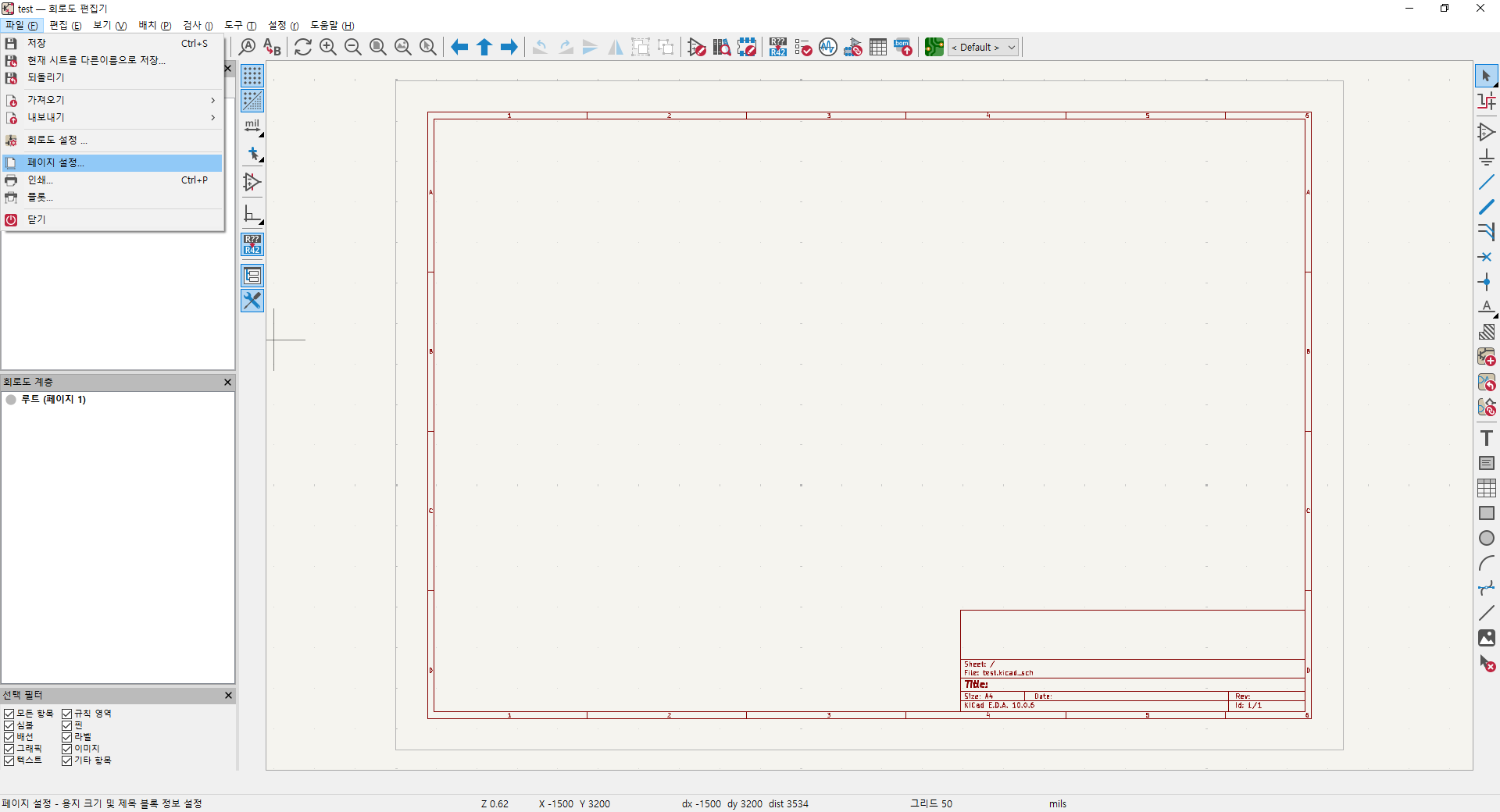
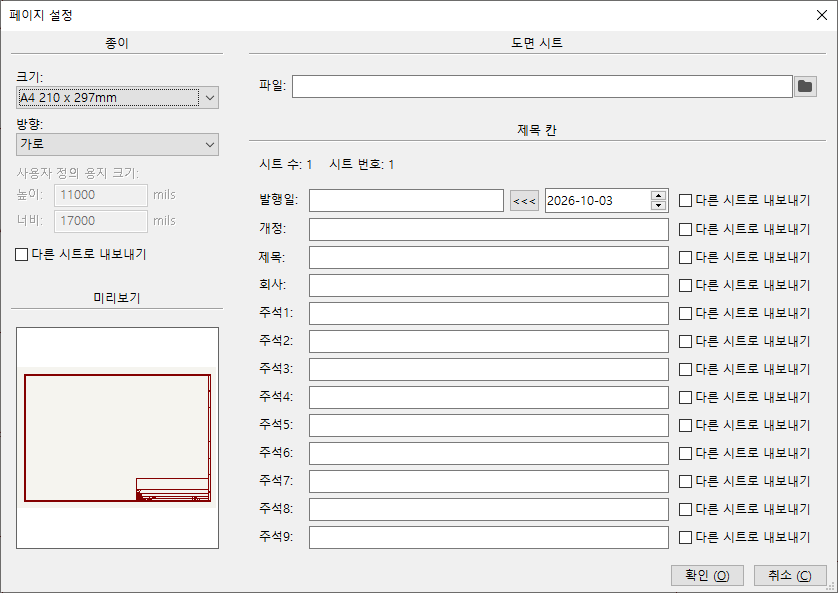
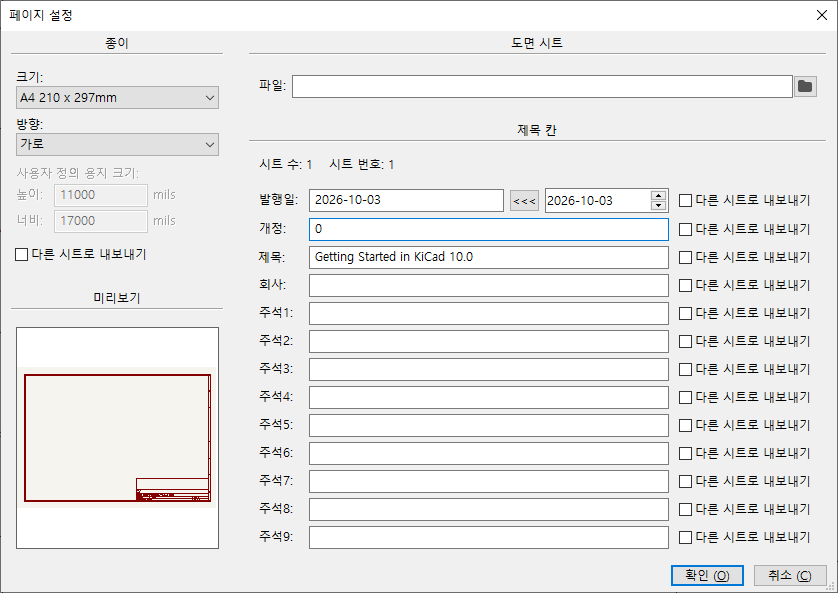
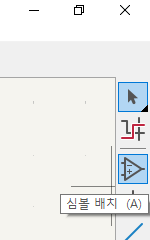
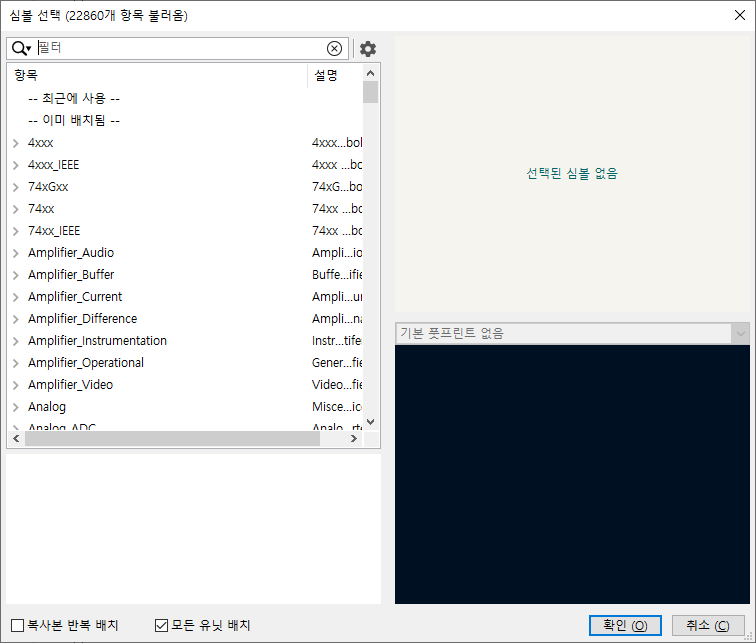
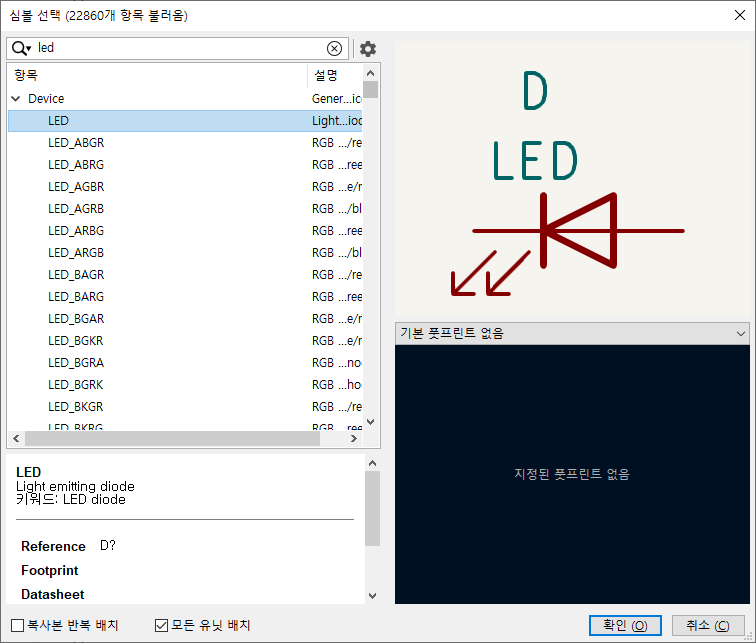
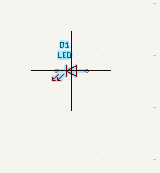
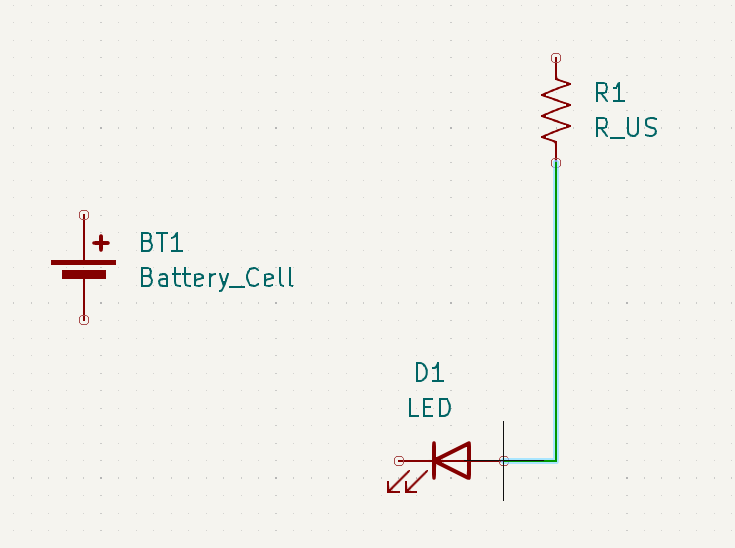
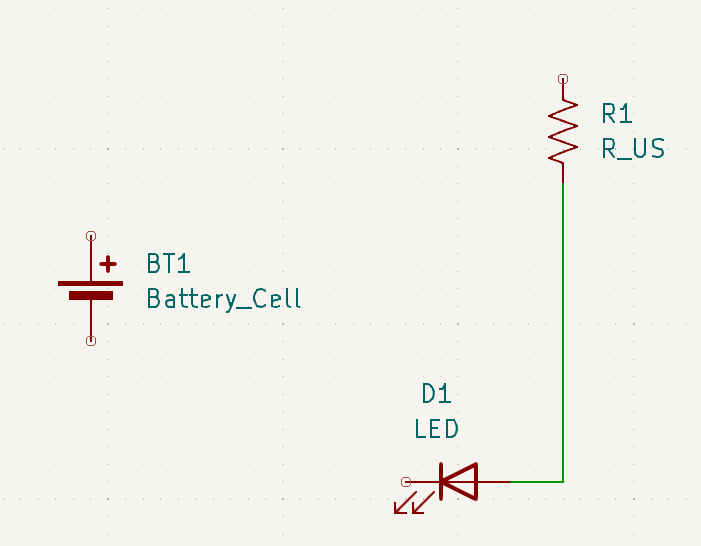
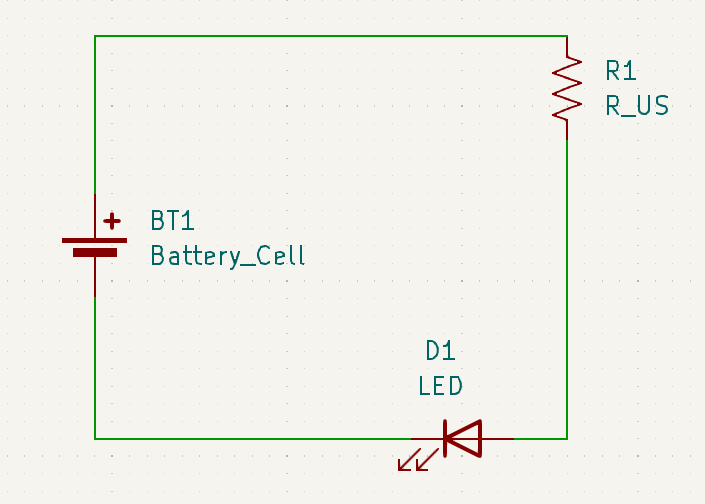
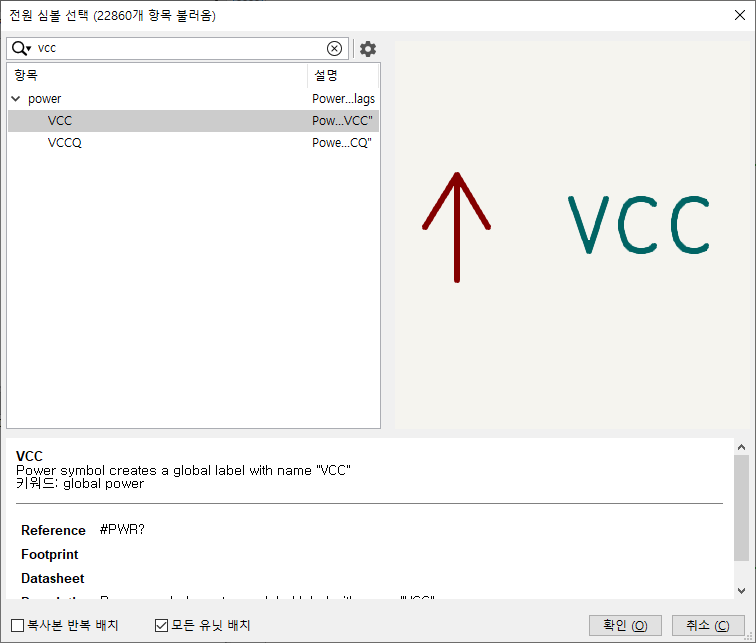
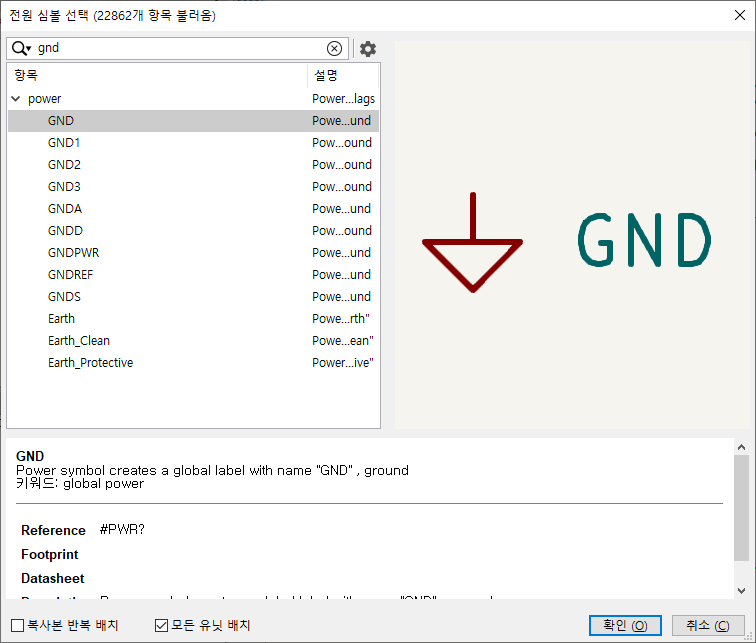
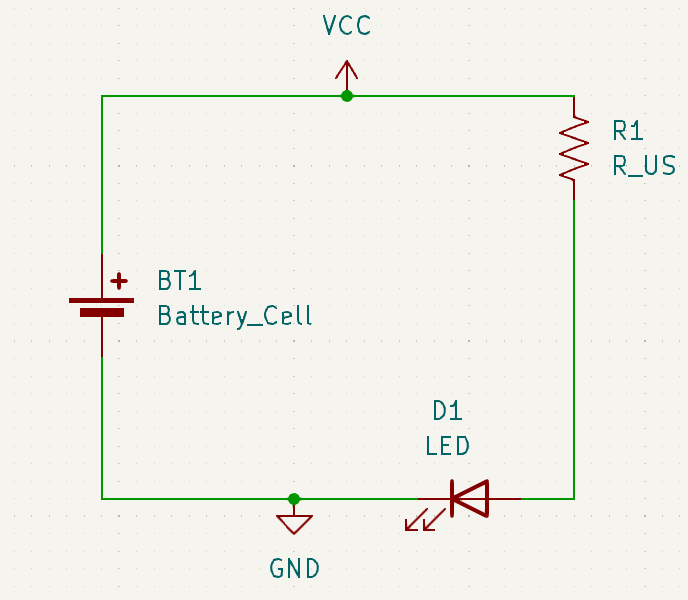
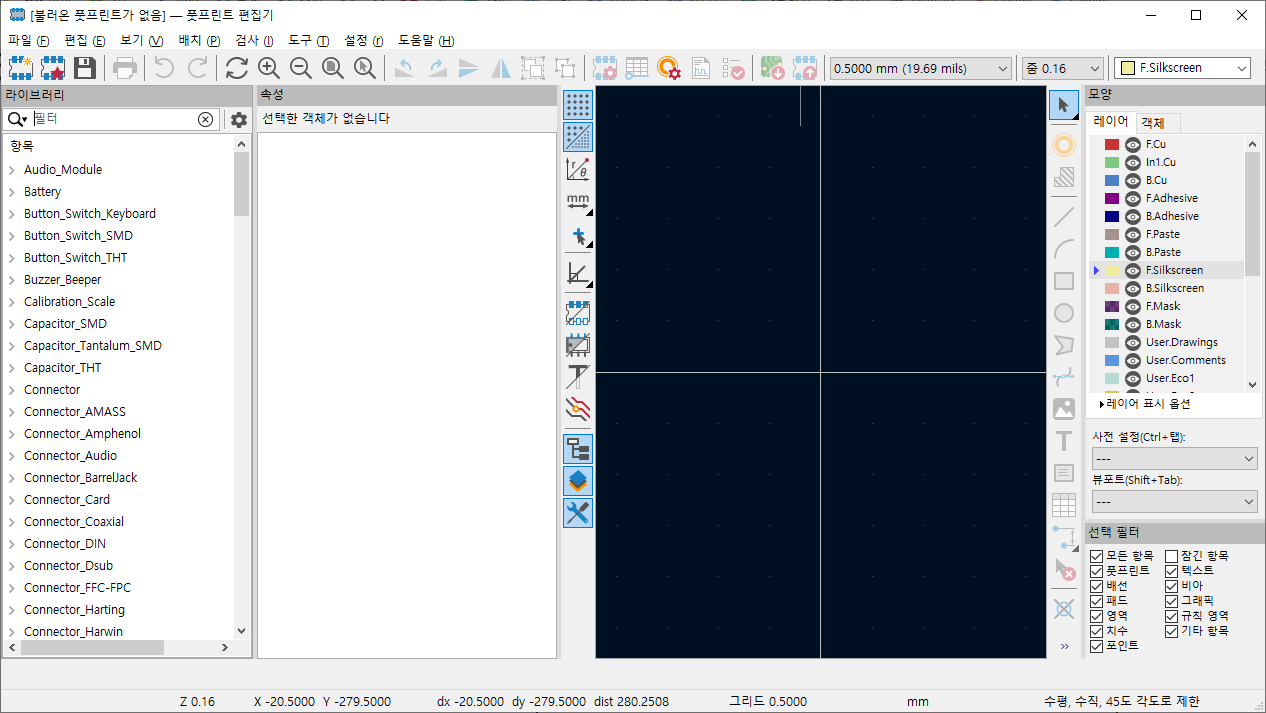
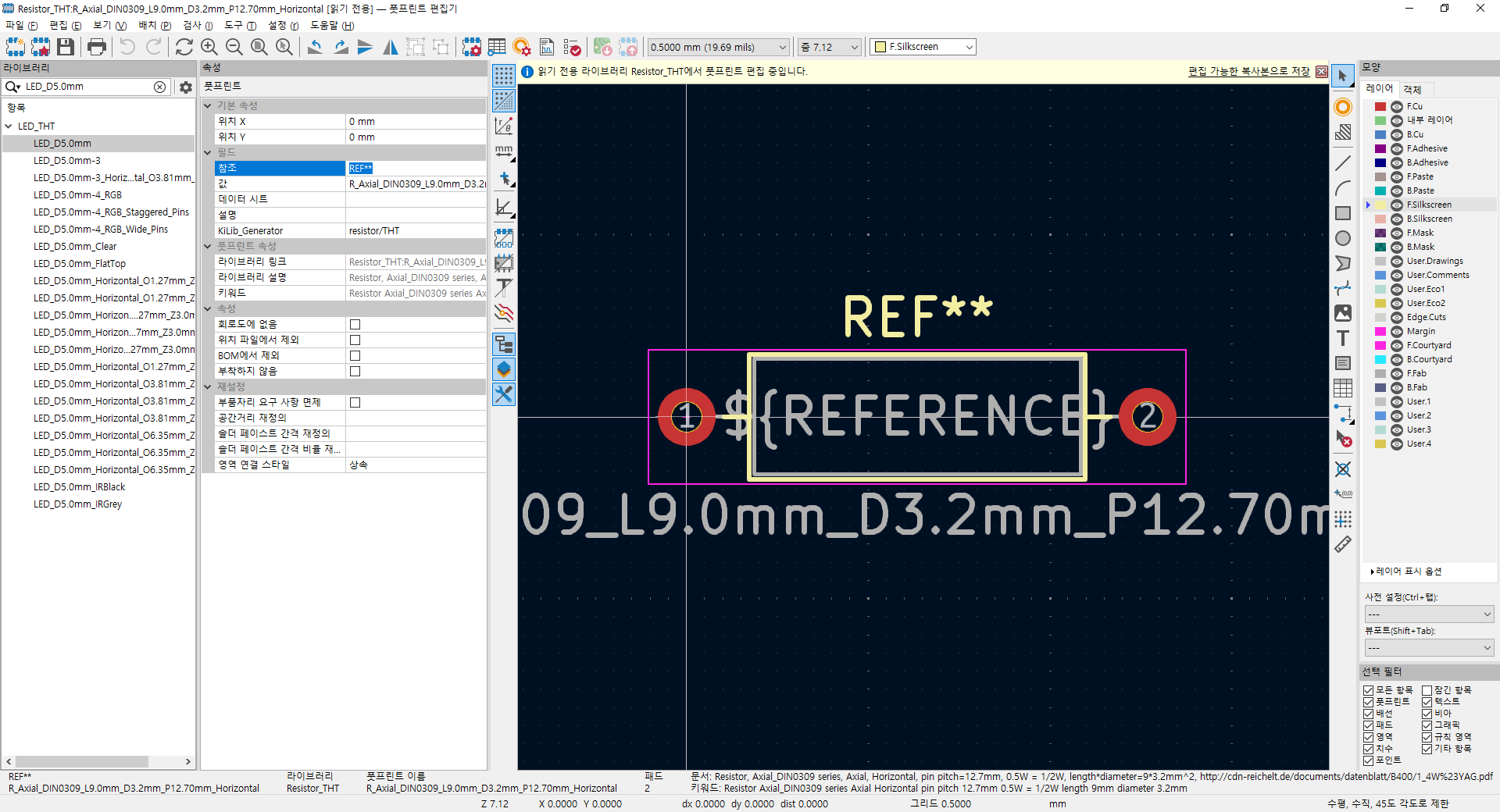
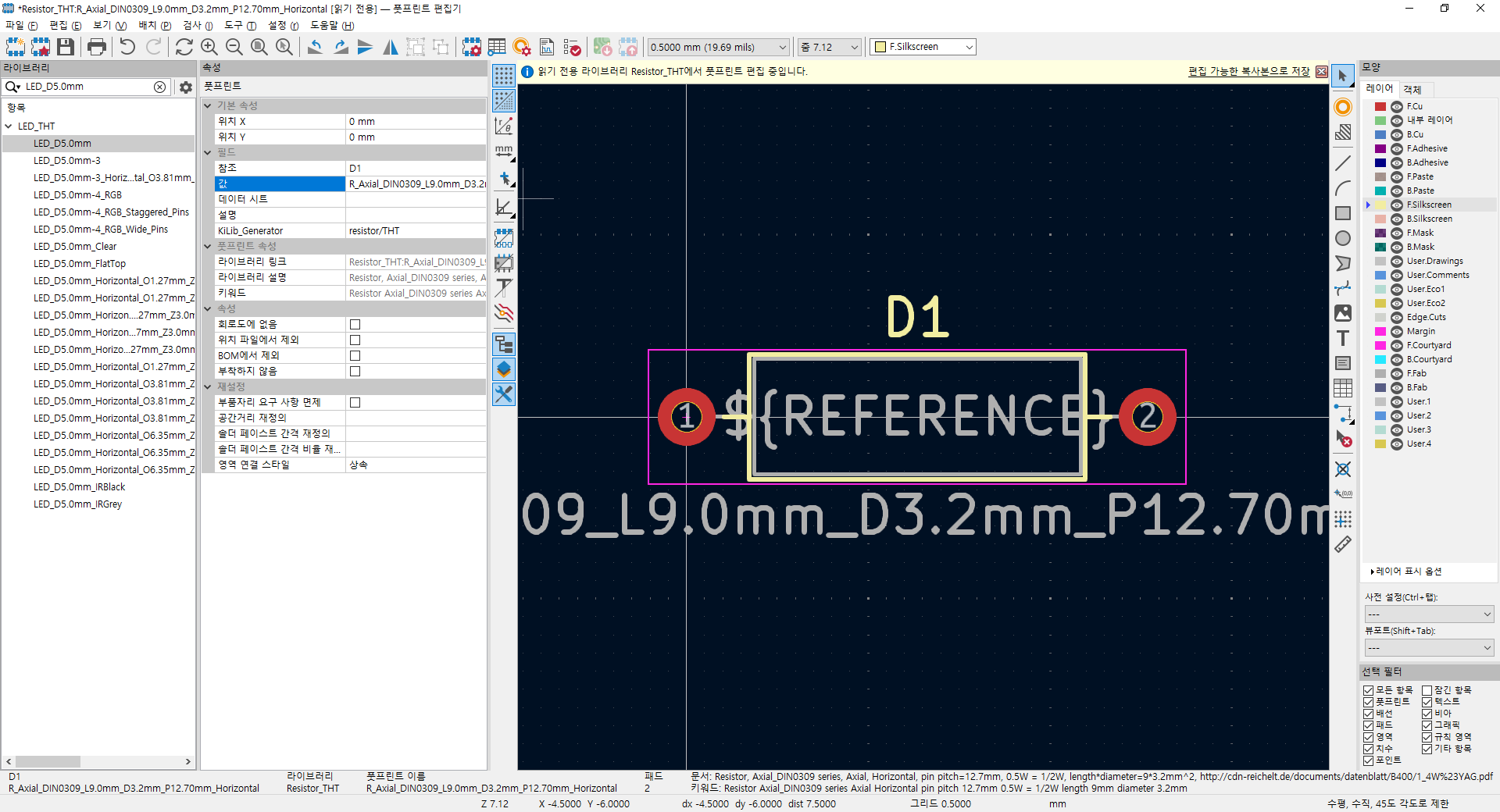
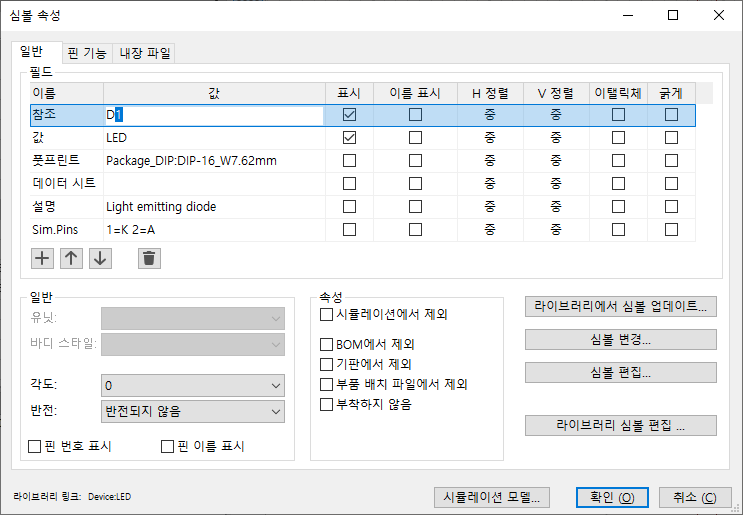
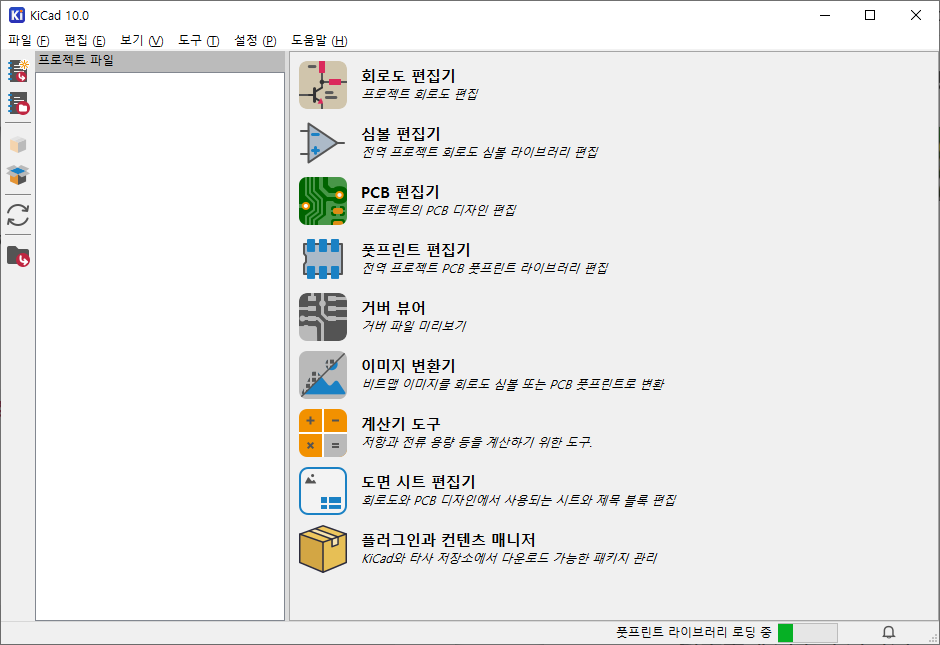
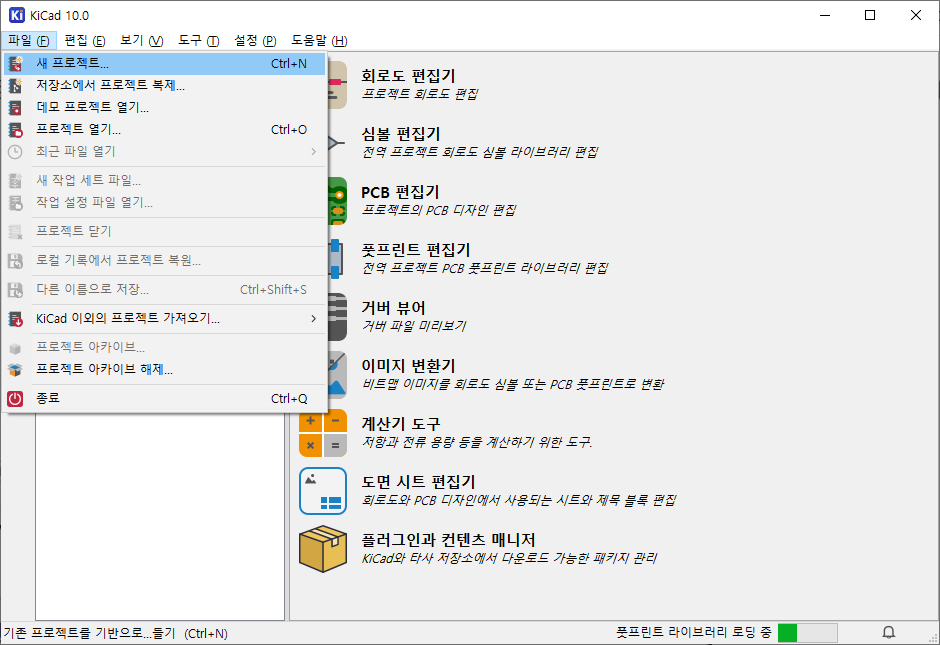
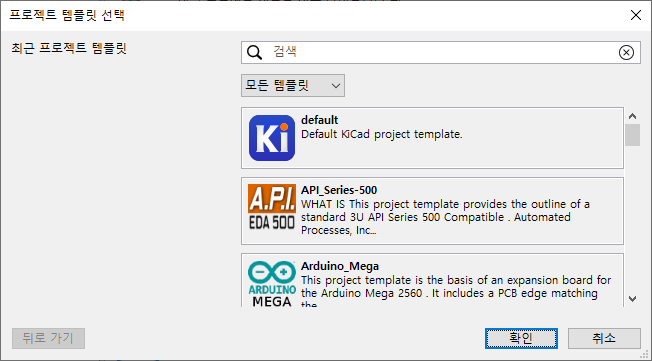
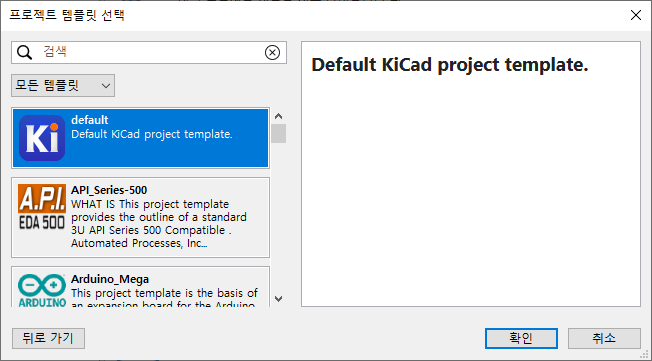
  2. 2026.08.14 kicad 사용법
  3. 2026.08.13 wireshark 주고 받은 데이터 보기
  4. 2026.08.12 스팀 스트리밍 + 게임 전송
  5. 2026.08.12 qt for windows
  6. 2026.08.11 lambda.ai gpu 클라우드
  7. 2026.08.11 elice cloud - gpu / npu 클라우드
  8. 2026.08.11 mediapipe / mmpose
  9. 2026.08.11 runpod.. 재조사
  10. 2026.08.10 입추 그리고 시원해짐 2
프로그램 사용/udev2026. 8. 14. 14:47

udev는 user space device 라고 해야하나.. 아무튼 좋은거(!)

아래 경로에 설정 파일들이 있고

 /etc/udev/rules.d/


이전에 추가되었던것들 열어보면 아래와 같은 내용들이 있어서

해당되는 VID나 PID가 존재하면 옵션에 따라 장치를 생성해준다.

$ cat 90-kinect2.rules 
# this file belongs in /etc/udev/rules.d/
# ATTR{product}=="Kinect2"
SUBSYSTEM=="usb", ATTR{idVendor}=="045e", ATTR{idProduct}=="02c4", MODE="0666"
SUBSYSTEM=="usb", ATTR{idVendor}=="045e", ATTR{idProduct}=="02d8", MODE="0666"
SUBSYSTEM=="usb", ATTR{idVendor}=="045e", ATTR{idProduct}=="02d9", MODE="0666"


아래는 digilient analog discovery 꺼. 이건.. RUN 이라는게 보이네

$ cat 52-digilent-usb.rules
ATTR{idVendor}=="1443", MODE:="666"
ACTION=="add", ATTR{idVendor}=="0403", ATTR{manufacturer}=="Digilent", MODE:="666", RUN+="/usr/sbin/dftdrvdtch %s{busnum} %s{devnum}"


요건 stlink. 어떤 장치명으로 붙게 하려고 이렇게 하나본데..

$ cat 49-stlinkv1.rules
# stm32 discovery boards, with onboard st/linkv1
# ie, STM32VL.

SUBSYSTEMS=="usb", ATTRS{idVendor}=="0483", ATTRS{idProduct}=="3744", \
    MODE="660", GROUP="plugdev", TAG+="uaccess", ENV{ID_MM_DEVICE_IGNORE}="1", \
    SYMLINK+="stlinkv1_%n"

$ cat 49-stlinkv2.rules 
# stm32 discovery boards, with onboard st/linkv2
# ie, STM32L, STM32F4.

SUBSYSTEMS=="usb", ATTRS{idVendor}=="0483", ATTRS{idProduct}=="3748", \
    MODE:="0666", \
    SYMLINK+="stlinkv2_%n"

$ cat 49-stlinkv2-1.rules 
# stm32 nucleo boards, with onboard st/linkv2-1
# ie, STM32F0, STM32F4.

SUBSYSTEMS=="usb", ATTRS{idVendor}=="0483", ATTRS{idProduct}=="374b", \
    MODE:="0666", \
    SYMLINK+="stlinkv2-1_%n"

SUBSYSTEMS=="usb", ATTRS{idVendor}=="0483", ATTRS{idProduct}=="3752", \
    MODE:="0666", \
    SYMLINK+="stlinkv2-1_%n"


stlinkv2 규칙에 의해서 붙었나 보다.

$ ls -al /dev/stlinkv2_2 
lrwxrwxrwx 1 root root 15  8월 14 14:55 /dev/stlinkv2_2 -> bus/usb/001/021


udev 관리용 유틸리티 옵션

$ udevadm --help
udevadm [--help] [--version] [--debug] COMMAND [COMMAND OPTIONS]

Send control commands or test the device manager.

Commands:
  info          Query sysfs or the udev database
  trigger       Request events from the kernel
  settle        Wait for pending udev events
  control       Control the udev daemon
  monitor       Listen to kernel and udev events
  test          Test an event run
  test-builtin  Test a built-in command

See the udevadm(8) man page for details.


$ udevadm info  --help
udevadm info [OPTIONS] [DEVPATH|FILE]

Query sysfs or the udev database.

  -h --help                   Print this message
  -V --version                Print version of the program
  -q --query=TYPE             Query device information:
       name                     Name of device node
       symlink                  Pointing to node
       path                     sysfs device path
       property                 The device properties
       all                      All values
  -p --path=SYSPATH           sysfs device path used for query or attribute walk
  -n --name=NAME              Node or symlink name used for query or attribute walk
  -r --root                   Prepend dev directory to path names
  -a --attribute-walk         Print all key matches walking along the chain of parent devices
  -d --device-id-of-file=FILE Print major:minor of device containing this file
  -x --export                 Export key/value pairs
  -P --export-prefix          Export the key name with a prefix
  -e --export-db              Export the content of the udev database
  -c --cleanup-db             Clean up the udev database
  -w --wait-for-initialization[=SECONDS]
                              Wait for device to be initialized


$ udevadm trigger --help
udevadm trigger [OPTIONS] DEVPATH

Request events from the kernel.

  -h --help                         Show this help
  -V --version                      Show package version
  -v --verbose                      Print the list of devices while running
  -n --dry-run                      Do not actually trigger the events
  -q --quiet                        Suppress error logging in triggering events
  -t --type=                        Type of events to trigger
          devices                     sysfs devices (default)
          subsystems                  sysfs subsystems and drivers
  -c --action=ACTION|help           Event action value, default is "change"
  -s --subsystem-match=SUBSYSTEM    Trigger devices from a matching subsystem
  -S --subsystem-nomatch=SUBSYSTEM  Exclude devices from a matching subsystem
  -a --attr-match=FILE[=VALUE]      Trigger devices with a matching attribute
  -A --attr-nomatch=FILE[=VALUE]    Exclude devices with a matching attribute
  -p --property-match=KEY=VALUE     Trigger devices with a matching property
  -g --tag-match=TAG                Trigger devices with a matching tag
  -y --sysname-match=NAME           Trigger devices with this /sys path
     --name-match=NAME              Trigger devices with this /dev name
  -b --parent-match=NAME            Trigger devices with that parent device
  -w --settle                       Wait for the triggered events to complete
     --wait-daemon[=SECONDS]        Wait for udevd daemon to be initialized before triggering uevents
     --uuid                         Print synthetic uevent UUID


$ udevadm settle --help
udevadm settle [OPTIONS]

Wait for pending udev events.

  -h --help                 Show this help
  -V --version              Show package version
  -t --timeout=SEC          Maximum time to wait for events
  -E --exit-if-exists=FILE  Stop waiting if file exists


$ udevadm settle --help
udevadm settle [OPTIONS]

Wait for pending udev events.

  -h --help                 Show this help
  -V --version              Show package version
  -t --timeout=SEC          Maximum time to wait for events
  -E --exit-if-exists=FILE  Stop waiting if file exists


$ udevadm control --help
udevadm control OPTION

Control the udev daemon.

  -h --help                Show this help
  -V --version             Show package version
  -e --exit                Instruct the daemon to cleanup and exit
  -l --log-level=LEVEL     Set the udev log level for the daemon
  -s --stop-exec-queue     Do not execute events, queue only
  -S --start-exec-queue    Execute events, flush queue
  -R --reload              Reload rules and databases
  -p --property=KEY=VALUE  Set a global property for all events
  -m --children-max=N      Maximum number of children
     --ping                Wait for udev to respond to a ping message
  -t --timeout=SECONDS     Maximum time to block for a reply


$ udevadm monitor --help
udevadm monitor [OPTIONS]

Listen to kernel and udev events.

  -h --help                                Show this help
  -V --version                             Show package version
  -p --property                            Print the event properties
  -k --kernel                              Print kernel uevents
  -u --udev                                Print udev events
  -s --subsystem-match=SUBSYSTEM[/DEVTYPE] Filter events by subsystem
  -t --tag-match=TAG                       Filter events by tag


$ udevadm test --help
udevadm test [OPTIONS] DEVPATH

Test an event run.

  -h --help                            Show this help
  -V --version                         Show package version
  -a --action=ACTION|help              Set action string
  -N --resolve-names=early|late|never  When to resolve names


$ udevadm test-builtin --help
udevadm test-builtin [OPTIONS] COMMAND DEVPATH

Test a built-in command.

  -h --help     Print this message
  -V --version  Print version of the program

Commands:
  blkid           Filesystem and partition probing
  btrfs           btrfs volume management
  hwdb            Hardware database
  input_id        Input device properties
  keyboard        Keyboard scan code to key mapping
  kmod            Kernel module loader
  net_id          Network device properties
  net_setup_link  Configure network link
  path_id         Compose persistent device path
  usb_id          USB device properties
  uaccess         Manage device node user ACL


/etc/rules.d/에 넣고 룰 갱신후 꽂혀있는 애들 중에 안된애들을 트리거 강제로 붙이기(뽑았다 꼽기 귀찮을때)

sudo udevadm control --reload-rules
sudo udevadm trigger

[링크 : https://chatgpt.com/share/6a7ea79e-3c80-83e8-b6f3-37cfcce74b1a]


아래는 명령어별 출력 포맷

info는 자기 자신과 부모들이 보는 정보를 출력해준다.

$ udevadm info -a /dev/ttyUSB0

Udevadm info starts with the device specified by the devpath and then
walks up the chain of parent devices. It prints for every device
found, all possible attributes in the udev rules key format.
A rule to match, can be composed by the attributes of the device
and the attributes from one single parent device.

  looking at device '/devices/pci0000:00/0000:00:14.0/usb1/1-2/1-2:1.0/ttyUSB0/tty/ttyUSB0':
    KERNEL=="ttyUSB0"
    SUBSYSTEM=="tty"
    DRIVER==""
    ATTR{power/async}=="disabled"
    ATTR{power/control}=="auto"
    ATTR{power/runtime_active_kids}=="0"
    ATTR{power/runtime_active_time}=="0"
    ATTR{power/runtime_enabled}=="disabled"
    ATTR{power/runtime_status}=="unsupported"
    ATTR{power/runtime_suspended_time}=="0"
    ATTR{power/runtime_usage}=="0"

  looking at parent device '/devices/pci0000:00/0000:00:14.0/usb1/1-2/1-2:1.0/ttyUSB0':
    KERNELS=="ttyUSB0"
    SUBSYSTEMS=="usb-serial"
    DRIVERS=="cp210x"
    ATTRS{port_number}=="0"
    ATTRS{power/async}=="enabled"
    ATTRS{power/control}=="auto"
    ATTRS{power/runtime_active_kids}=="0"
    ATTRS{power/runtime_active_time}=="0"
    ATTRS{power/runtime_enabled}=="disabled"
    ATTRS{power/runtime_status}=="unsupported"
    ATTRS{power/runtime_suspended_time}=="0"
    ATTRS{power/runtime_usage}=="0"

  looking at parent device '/devices/pci0000:00/0000:00:14.0/usb1/1-2/1-2:1.0':
    KERNELS=="1-2:1.0"
    SUBSYSTEMS=="usb"
    DRIVERS=="cp210x"
    ATTRS{authorized}=="1"
    ATTRS{bAlternateSetting}==" 0"
    ATTRS{bInterfaceClass}=="ff"
    ATTRS{bInterfaceNumber}=="00"
    ATTRS{bInterfaceProtocol}=="00"
    ATTRS{bInterfaceSubClass}=="00"
    ATTRS{bNumEndpoints}=="02"
    ATTRS{interface}=="CP2102 USB to UART Bridge Controller"
    ATTRS{physical_location/dock}=="no"
    ATTRS{physical_location/horizontal_position}=="center"
    ATTRS{physical_location/lid}=="no"
    ATTRS{physical_location/panel}=="unknown"
    ATTRS{physical_location/vertical_position}=="center"
    ATTRS{power/async}=="enabled"
    ATTRS{power/runtime_active_kids}=="0"
    ATTRS{power/runtime_enabled}=="enabled"
    ATTRS{power/runtime_status}=="suspended"
    ATTRS{power/runtime_usage}=="0"
    ATTRS{supports_autosuspend}=="1"

  looking at parent device '/devices/pci0000:00/0000:00:14.0/usb1/1-2':
    KERNELS=="1-2"
    SUBSYSTEMS=="usb"
    DRIVERS=="usb"
    ATTRS{authorized}=="1"
    ATTRS{avoid_reset_quirk}=="0"
    ATTRS{bConfigurationValue}=="1"
    ATTRS{bDeviceClass}=="00"
    ATTRS{bDeviceProtocol}=="00"
    ATTRS{bDeviceSubClass}=="00"
    ATTRS{bMaxPacketSize0}=="64"
    ATTRS{bMaxPower}=="100mA"
    ATTRS{bNumConfigurations}=="1"
    ATTRS{bNumInterfaces}==" 1"
    ATTRS{bcdDevice}=="0100"
    ATTRS{bmAttributes}=="80"
    ATTRS{busnum}=="1"
    ATTRS{configuration}==""
    ATTRS{devnum}=="20"
    ATTRS{devpath}=="2"
    ATTRS{idProduct}=="ea60"
    ATTRS{idVendor}=="10c4"
    ATTRS{ltm_capable}=="no"
    ATTRS{manufacturer}=="Silicon Labs"
    ATTRS{maxchild}=="0"
    ATTRS{physical_location/dock}=="no"
    ATTRS{physical_location/horizontal_position}=="center"
    ATTRS{physical_location/lid}=="no"
    ATTRS{physical_location/panel}=="unknown"
    ATTRS{physical_location/vertical_position}=="center"
    ATTRS{power/active_duration}=="833919"
    ATTRS{power/async}=="enabled"
    ATTRS{power/autosuspend}=="2"
    ATTRS{power/autosuspend_delay_ms}=="2000"
    ATTRS{power/connected_duration}=="833919"
    ATTRS{power/control}=="on"
    ATTRS{power/level}=="on"
    ATTRS{power/persist}=="1"
    ATTRS{power/runtime_active_kids}=="0"
    ATTRS{power/runtime_active_time}=="833679"
    ATTRS{power/runtime_enabled}=="forbidden"
    ATTRS{power/runtime_status}=="active"
    ATTRS{power/runtime_suspended_time}=="0"
    ATTRS{power/runtime_usage}=="1"
    ATTRS{product}=="CP2102 USB to UART Bridge Controller"
    ATTRS{quirks}=="0x0"
    ATTRS{removable}=="removable"
    ATTRS{rx_lanes}=="1"
    ATTRS{serial}=="0001"
    ATTRS{speed}=="12"
    ATTRS{tx_lanes}=="1"
    ATTRS{urbnum}=="12"
    ATTRS{version}==" 1.10"

  looking at parent device '/devices/pci0000:00/0000:00:14.0/usb1':
    KERNELS=="usb1"
    SUBSYSTEMS=="usb"
    DRIVERS=="usb"
    ATTRS{authorized}=="1"
    ATTRS{authorized_default}=="1"
    ATTRS{avoid_reset_quirk}=="0"
    ATTRS{bConfigurationValue}=="1"
    ATTRS{bDeviceClass}=="09"
    ATTRS{bDeviceProtocol}=="01"
    ATTRS{bDeviceSubClass}=="00"
    ATTRS{bMaxPacketSize0}=="64"
    ATTRS{bMaxPower}=="0mA"
    ATTRS{bNumConfigurations}=="1"
    ATTRS{bNumInterfaces}==" 1"
    ATTRS{bcdDevice}=="0608"
    ATTRS{bmAttributes}=="e0"
    ATTRS{busnum}=="1"
    ATTRS{configuration}==""
    ATTRS{devnum}=="1"
    ATTRS{devpath}=="0"
    ATTRS{idProduct}=="0002"
    ATTRS{idVendor}=="1d6b"
    ATTRS{interface_authorized_default}=="1"
    ATTRS{ltm_capable}=="no"
    ATTRS{manufacturer}=="Linux 6.8.0-136-generic xhci-hcd"
    ATTRS{maxchild}=="12"
    ATTRS{power/active_duration}=="703559455"
    ATTRS{power/async}=="enabled"
    ATTRS{power/autosuspend}=="0"
    ATTRS{power/autosuspend_delay_ms}=="0"
    ATTRS{power/connected_duration}=="703559986"
    ATTRS{power/control}=="auto"
    ATTRS{power/level}=="auto"
    ATTRS{power/runtime_active_kids}=="3"
    ATTRS{power/runtime_active_time}=="703559815"
    ATTRS{power/runtime_enabled}=="enabled"
    ATTRS{power/runtime_status}=="active"
    ATTRS{power/runtime_suspended_time}=="0"
    ATTRS{power/runtime_usage}=="0"
    ATTRS{power/wakeup}=="disabled"
    ATTRS{power/wakeup_abort_count}==""
    ATTRS{power/wakeup_active}==""
    ATTRS{power/wakeup_active_count}==""
    ATTRS{power/wakeup_count}==""
    ATTRS{power/wakeup_expire_count}==""
    ATTRS{power/wakeup_last_time_ms}==""
    ATTRS{power/wakeup_max_time_ms}==""
    ATTRS{power/wakeup_total_time_ms}==""
    ATTRS{product}=="xHCI Host Controller"
    ATTRS{quirks}=="0x0"
    ATTRS{removable}=="unknown"
    ATTRS{rx_lanes}=="1"
    ATTRS{serial}=="0000:00:14.0"
    ATTRS{speed}=="480"
    ATTRS{tx_lanes}=="1"
    ATTRS{urbnum}=="1823"
    ATTRS{version}==" 2.00"

  looking at parent device '/devices/pci0000:00/0000:00:14.0':
    KERNELS=="0000:00:14.0"
    SUBSYSTEMS=="pci"
    DRIVERS=="xhci_hcd"
    ATTRS{ari_enabled}=="0"
    ATTRS{broken_parity_status}=="0"
    ATTRS{class}=="0x0c0330"
    ATTRS{consistent_dma_mask_bits}=="64"
    ATTRS{d3cold_allowed}=="1"
    ATTRS{dbc}=="disabled"
    ATTRS{dbc_bInterfaceProtocol}=="01"
    ATTRS{dbc_bcdDevice}=="0010"
    ATTRS{dbc_idProduct}=="0010"
    ATTRS{dbc_idVendor}=="1d6b"
    ATTRS{dbc_poll_interval_ms}=="64"
    ATTRS{device}=="0x02ed"
    ATTRS{dma_mask_bits}=="64"
    ATTRS{driver_override}=="(null)"
    ATTRS{enable}=="1"
    ATTRS{index}=="5"
    ATTRS{irq}=="123"
    ATTRS{label}=="Onboard - Other"
    ATTRS{local_cpulist}=="0-7"
    ATTRS{local_cpus}=="ff"
    ATTRS{msi_bus}=="1"
    ATTRS{msi_irqs/123}=="msi"
    ATTRS{msi_irqs/124}=="msi"
    ATTRS{msi_irqs/125}=="msi"
    ATTRS{msi_irqs/126}=="msi"
    ATTRS{msi_irqs/127}=="msi"
    ATTRS{msi_irqs/128}=="msi"
    ATTRS{msi_irqs/129}=="msi"
    ATTRS{msi_irqs/130}=="msi"
    ATTRS{numa_node}=="-1"
    ATTRS{power/async}=="enabled"
    ATTRS{power/control}=="auto"
    ATTRS{power/runtime_active_kids}=="2"
    ATTRS{power/runtime_active_time}=="703560520"
    ATTRS{power/runtime_enabled}=="enabled"
    ATTRS{power/runtime_status}=="active"
    ATTRS{power/runtime_suspended_time}=="0"
    ATTRS{power/runtime_usage}=="0"
    ATTRS{power/wakeup}=="enabled"
    ATTRS{power/wakeup_abort_count}=="0"
    ATTRS{power/wakeup_active}=="0"
    ATTRS{power/wakeup_active_count}=="0"
    ATTRS{power/wakeup_count}=="0"
    ATTRS{power/wakeup_expire_count}=="0"
    ATTRS{power/wakeup_last_time_ms}=="0"
    ATTRS{power/wakeup_max_time_ms}=="0"
    ATTRS{power/wakeup_total_time_ms}=="0"
    ATTRS{power_state}=="D0"
    ATTRS{revision}=="0x00"
    ATTRS{subsystem_device}=="0xc832"
    ATTRS{subsystem_vendor}=="0x144d"
    ATTRS{vendor}=="0x8086"

  looking at parent device '/devices/pci0000:00':
    KERNELS=="pci0000:00"
    SUBSYSTEMS==""
    DRIVERS==""
    ATTRS{power/async}=="enabled"
    ATTRS{power/control}=="auto"
    ATTRS{power/runtime_active_kids}=="10"
    ATTRS{power/runtime_active_time}=="0"
    ATTRS{power/runtime_enabled}=="disabled"
    ATTRS{power/runtime_status}=="unsupported"
    ATTRS{power/runtime_suspended_time}=="0"
    ATTRS{power/runtime_usage}=="0"
    ATTRS{waiting_for_supplier}=="0"


먼가 이거 udev 디버깅 메시지 같은 느낌?

앞에 보면 P N L S E가 나오는데 manpage에는 아래와 같이 정의 되어있다.

P - Path

N : Name

L : ??? (symLink Priority)

S : Symlink

E : propErty ?

$ udevadm info -q all /dev/ttyUSB0
P: /devices/pci0000:00/0000:00:14.0/usb1/1-2/1-2:1.0/ttyUSB0/tty/ttyUSB0
N: ttyUSB0
L: 0
S: serial/by-id/usb-Silicon_Labs_CP2102_USB_to_UART_Bridge_Controller_0001-if00-port0
S: serial/by-path/pci-0000:00:14.0-usb-0:2:1.0-port0
E: DEVPATH=/devices/pci0000:00/0000:00:14.0/usb1/1-2/1-2:1.0/ttyUSB0/tty/ttyUSB0
E: DEVNAME=/dev/ttyUSB0
E: MAJOR=188
E: MINOR=0
E: SUBSYSTEM=tty
E: USEC_INITIALIZED=702727509637
E: ID_BUS=usb
E: ID_VENDOR_ID=10c4
E: ID_MODEL_ID=ea60
E: ID_PCI_CLASS_FROM_DATABASE=Serial bus controller
E: ID_PCI_SUBCLASS_FROM_DATABASE=USB controller
E: ID_PCI_INTERFACE_FROM_DATABASE=XHCI
E: ID_VENDOR_FROM_DATABASE=Silicon Labs
E: ID_AUTOSUSPEND=1
E: ID_MODEL_FROM_DATABASE=CP210x UART Bridge
E: ID_VENDOR=Silicon_Labs
E: ID_VENDOR_ENC=Silicon\x20Labs
E: ID_MODEL=CP2102_USB_to_UART_Bridge_Controller
E: ID_MODEL_ENC=CP2102\x20USB\x20to\x20UART\x20Bridge\x20Controller
E: ID_REVISION=0100
E: ID_SERIAL=Silicon_Labs_CP2102_USB_to_UART_Bridge_Controller_0001
E: ID_SERIAL_SHORT=0001
E: ID_TYPE=generic
E: ID_USB_INTERFACES=:ff0000:
E: ID_USB_INTERFACE_NUM=00
E: ID_USB_DRIVER=cp210x
E: ID_PATH=pci-0000:00:14.0-usb-0:2:1.0
E: ID_PATH_TAG=pci-0000_00_14_0-usb-0_2_1_0
E: ID_MM_CANDIDATE=1
E: ID_FOR_SEAT=tty-pci-0000_00_14_0-usb-0_2_1_0
E: DEVLINKS=/dev/serial/by-id/usb-Silicon_Labs_CP2102_USB_to_UART_Bridge_Controller_0001-if00-port0 /dev/serial/by-path/pci-0000:00:14.0-usb-0:2:1.0-port0
E: TAGS=:snap_cups_ippeveprinter:systemd:snap_cups_cupsd:seat:uaccess:
E: CURRENT_TAGS=:snap_cups_ippeveprinter:systemd:snap_cups_cupsd:seat:uaccess:


$ udevadm info -q name /dev/ttyUSB0
ttyUSB0


$ udevadm info -q symlink /dev/ttyUSB0
serial/by-path/pci-0000:00:14.0-usb-0:2:1.0-port0 serial/by-id/usb-Silicon_Labs_CP2102_USB_to_UART_Bridge_Controller_0001-if00-port0


$ udevadm info -q path /dev/ttyUSB0
/devices/pci0000:00/0000:00:14.0/usb1/1-2/1-2:1.0/ttyUSB0/tty/ttyUSB0


$ udevadm info -q property /dev/ttyUSB0
DEVPATH=/devices/pci0000:00/0000:00:14.0/usb1/1-2/1-2:1.0/ttyUSB0/tty/ttyUSB0
DEVNAME=/dev/ttyUSB0
MAJOR=188
MINOR=0
SUBSYSTEM=tty
USEC_INITIALIZED=702727509637
ID_BUS=usb
ID_VENDOR_ID=10c4
ID_MODEL_ID=ea60
ID_PCI_CLASS_FROM_DATABASE=Serial bus controller
ID_PCI_SUBCLASS_FROM_DATABASE=USB controller
ID_PCI_INTERFACE_FROM_DATABASE=XHCI
ID_VENDOR_FROM_DATABASE=Silicon Labs
ID_AUTOSUSPEND=1
ID_MODEL_FROM_DATABASE=CP210x UART Bridge
ID_VENDOR=Silicon_Labs
ID_VENDOR_ENC=Silicon\x20Labs
ID_MODEL=CP2102_USB_to_UART_Bridge_Controller
ID_MODEL_ENC=CP2102\x20USB\x20to\x20UART\x20Bridge\x20Controller
ID_REVISION=0100
ID_SERIAL=Silicon_Labs_CP2102_USB_to_UART_Bridge_Controller_0001
ID_SERIAL_SHORT=0001
ID_TYPE=generic
ID_USB_INTERFACES=:ff0000:
ID_USB_INTERFACE_NUM=00
ID_USB_DRIVER=cp210x
ID_PATH=pci-0000:00:14.0-usb-0:2:1.0
ID_PATH_TAG=pci-0000_00_14_0-usb-0_2_1_0
ID_MM_CANDIDATE=1
ID_FOR_SEAT=tty-pci-0000_00_14_0-usb-0_2_1_0
DEVLINKS=/dev/serial/by-id/usb-Silicon_Labs_CP2102_USB_to_UART_Bridge_Controller_0001-if00-port0 /dev/serial/by-path/pci-0000:00:14.0-usb-0:2:1.0-port0
TAGS=:seat:systemd:uaccess:snap_cups_ippeveprinter:snap_cups_cupsd:
CURRENT_TAGS=:seat:systemd:uaccess:snap_cups_ippeveprinter:snap_cups_cupsd:


'프로그램 사용 > udev' 카테고리의 다른 글

udev  (0) 2021.01.05
udev rule  (0) 2014.12.18
udevinfo -> udevadm  (0) 2010.05.03
Posted by 구차니
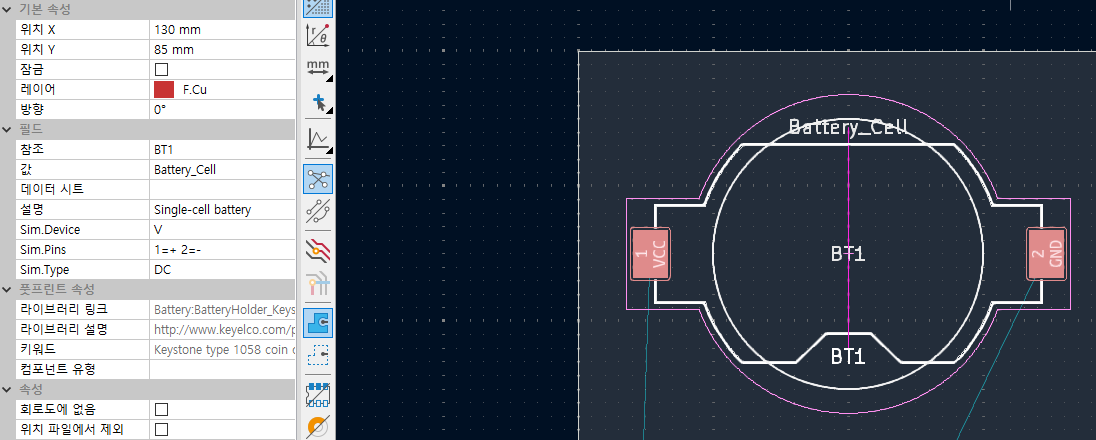
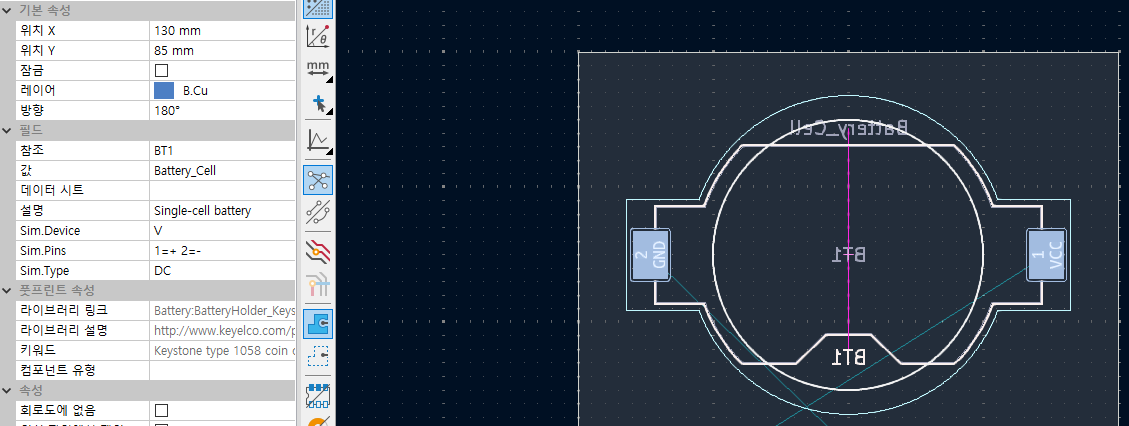
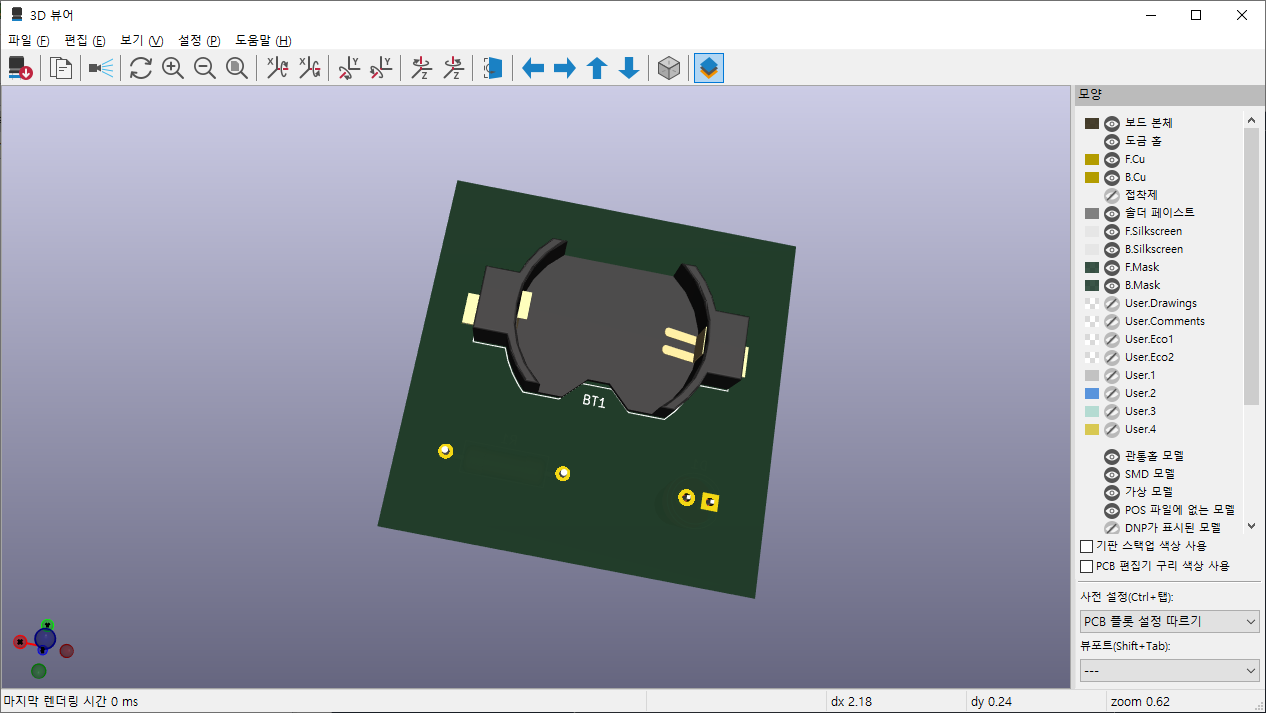
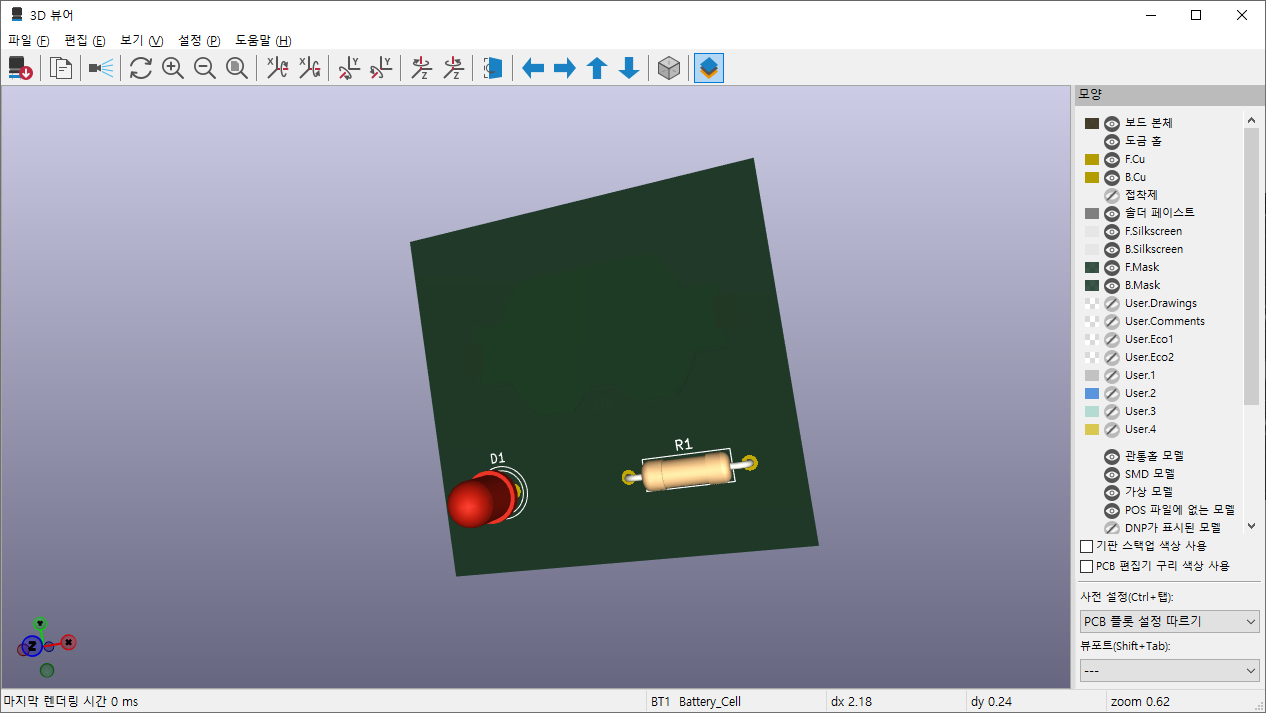
프로그램 사용/kicad2026. 8. 14. 14:01

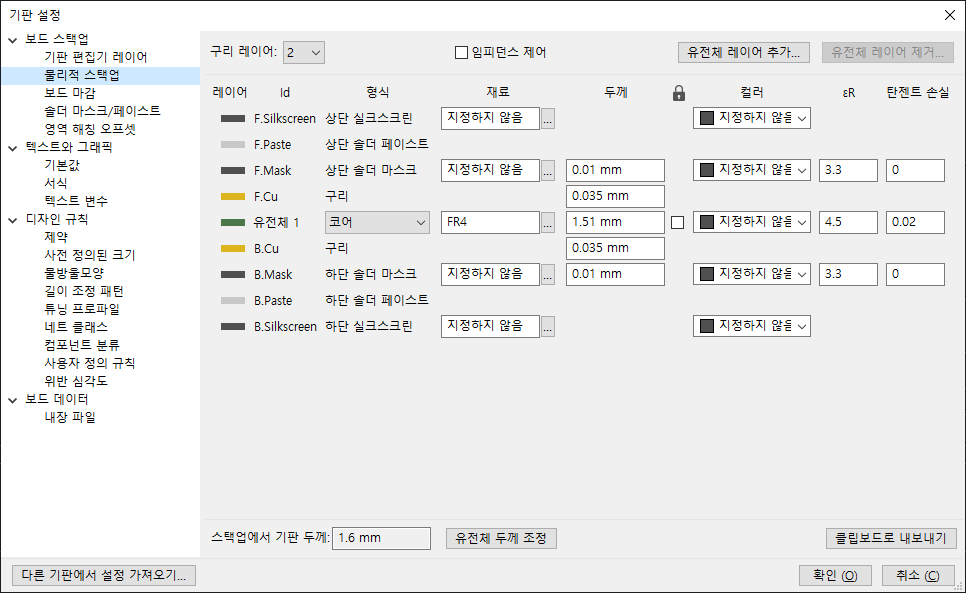
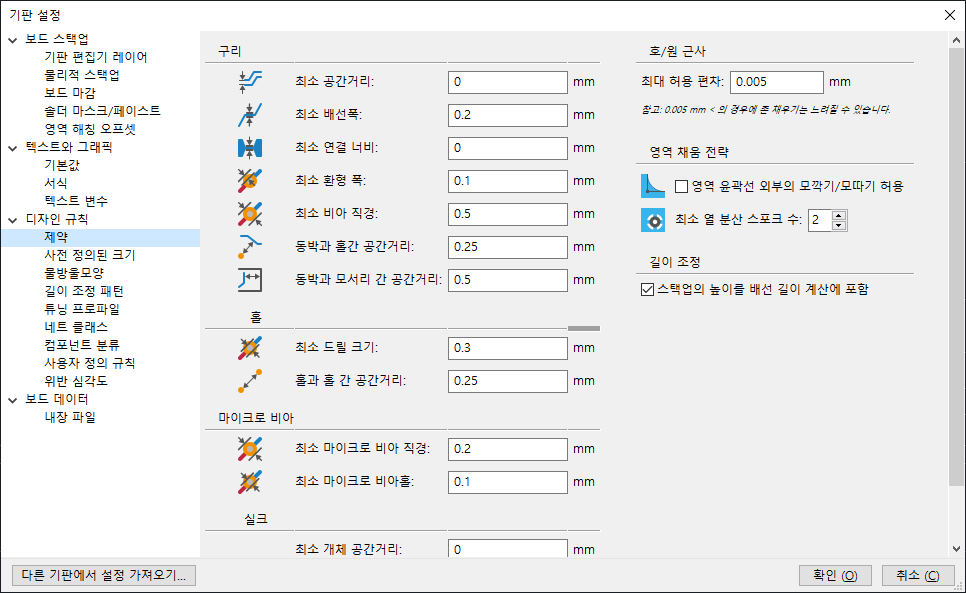
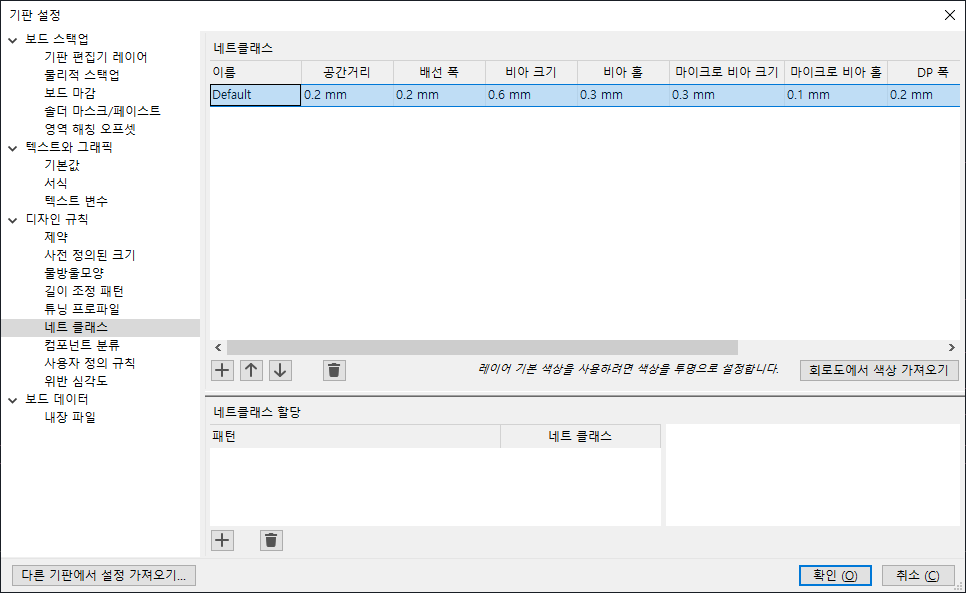
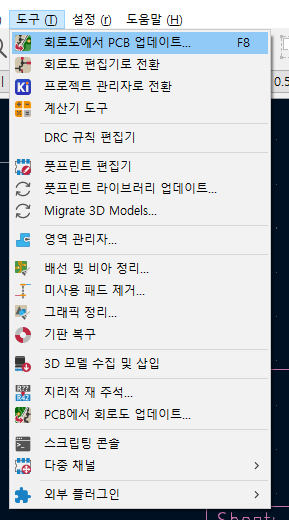
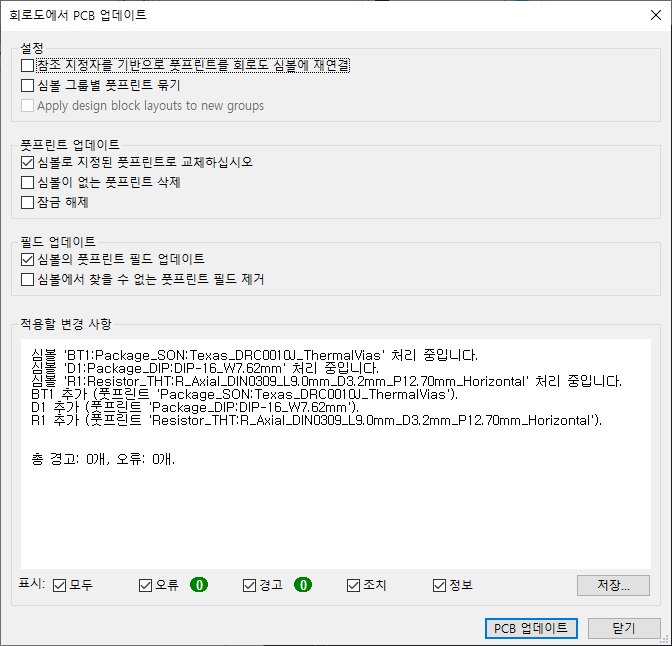
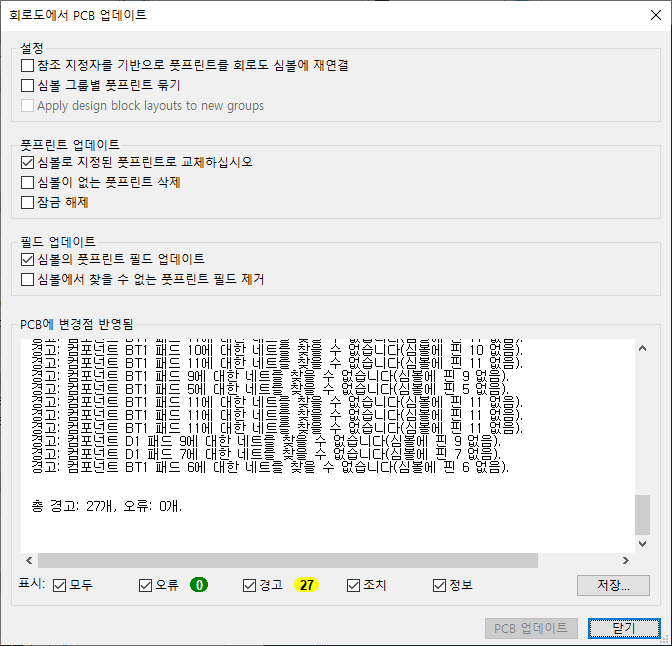
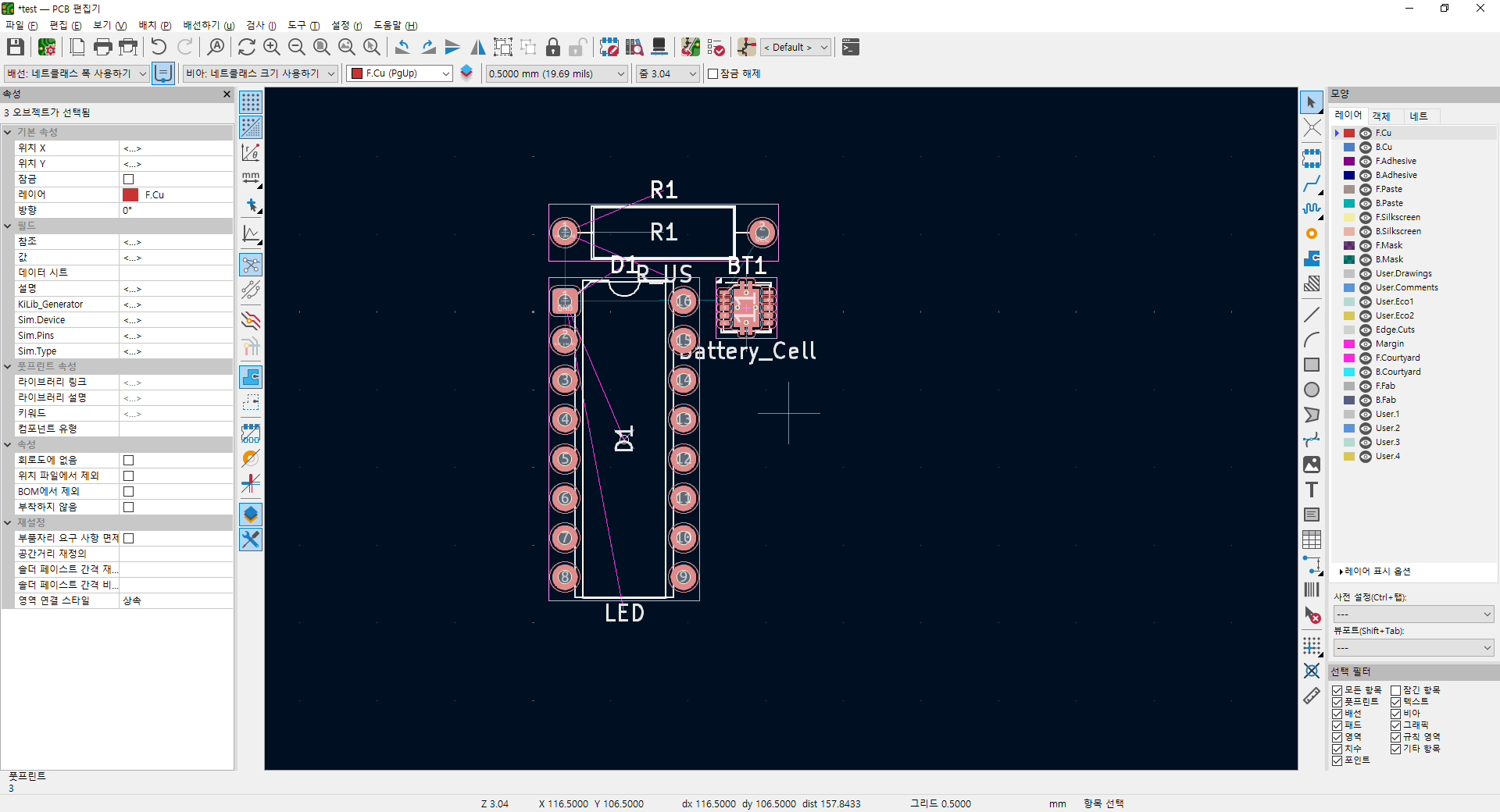
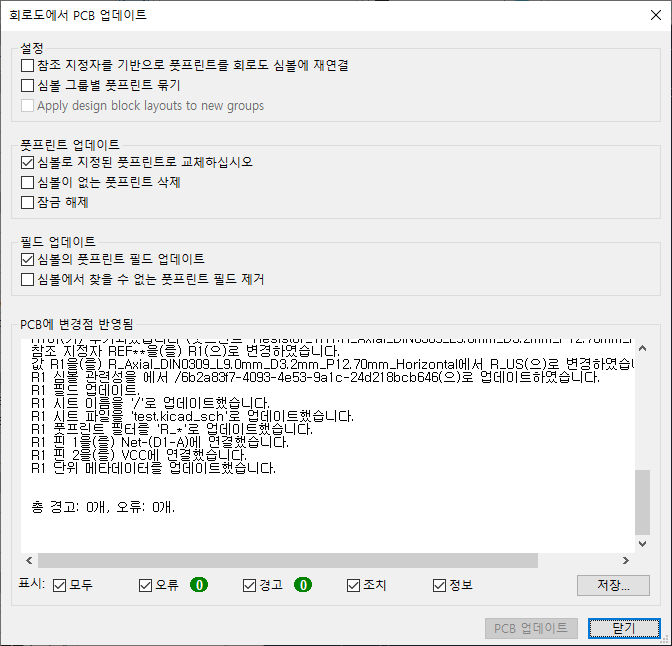
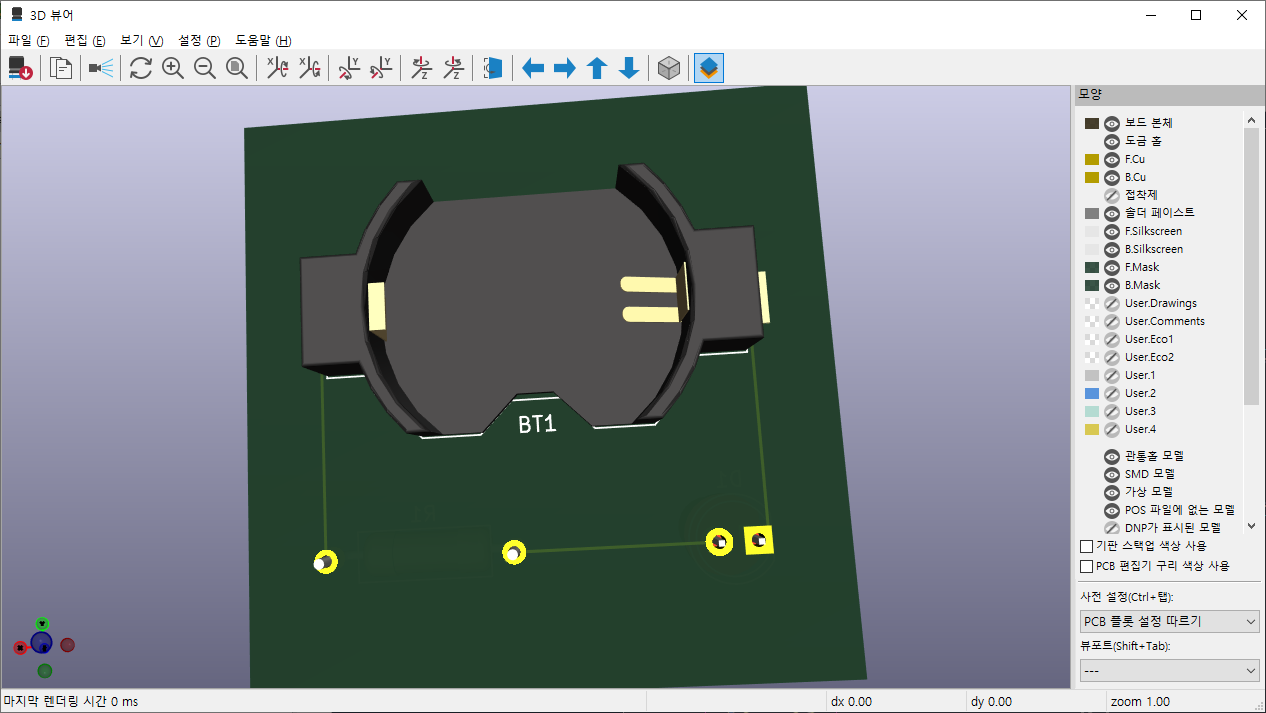
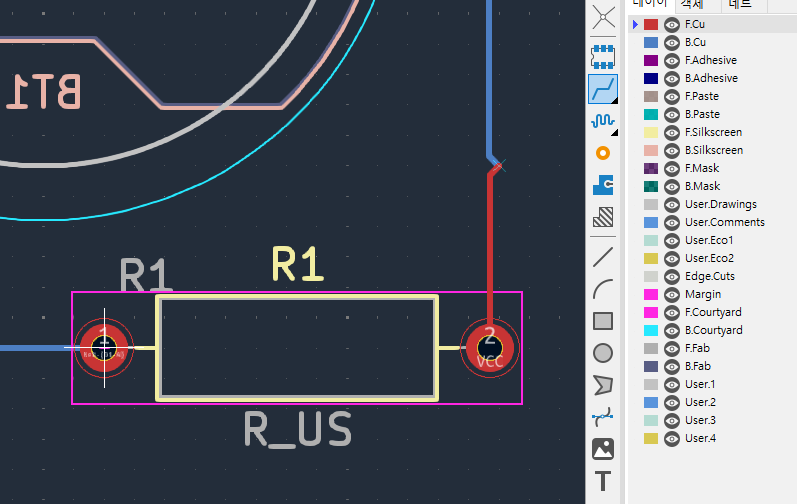
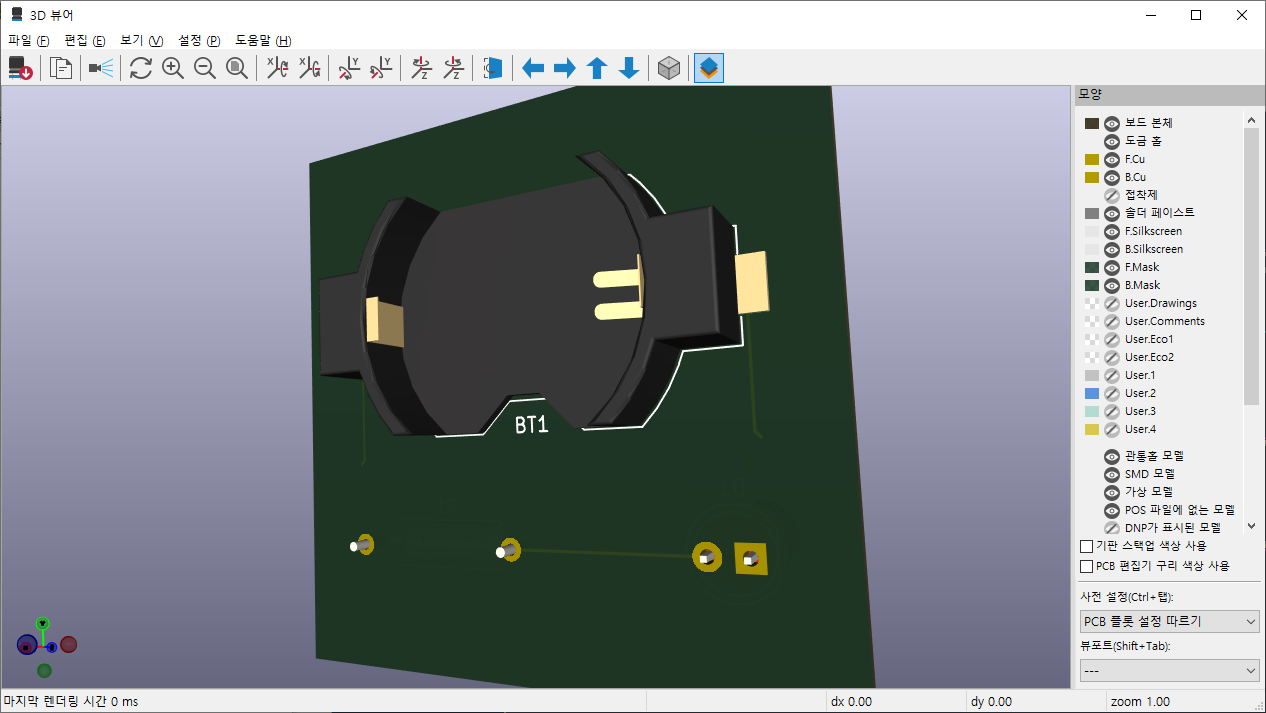
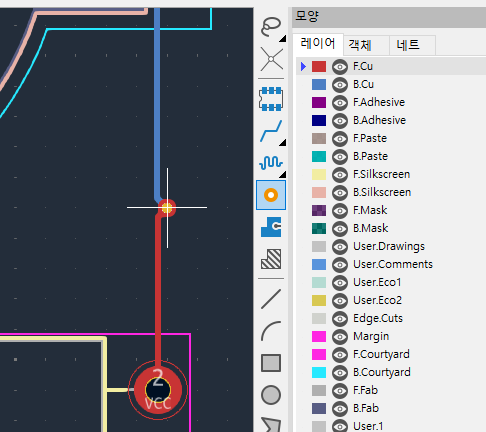
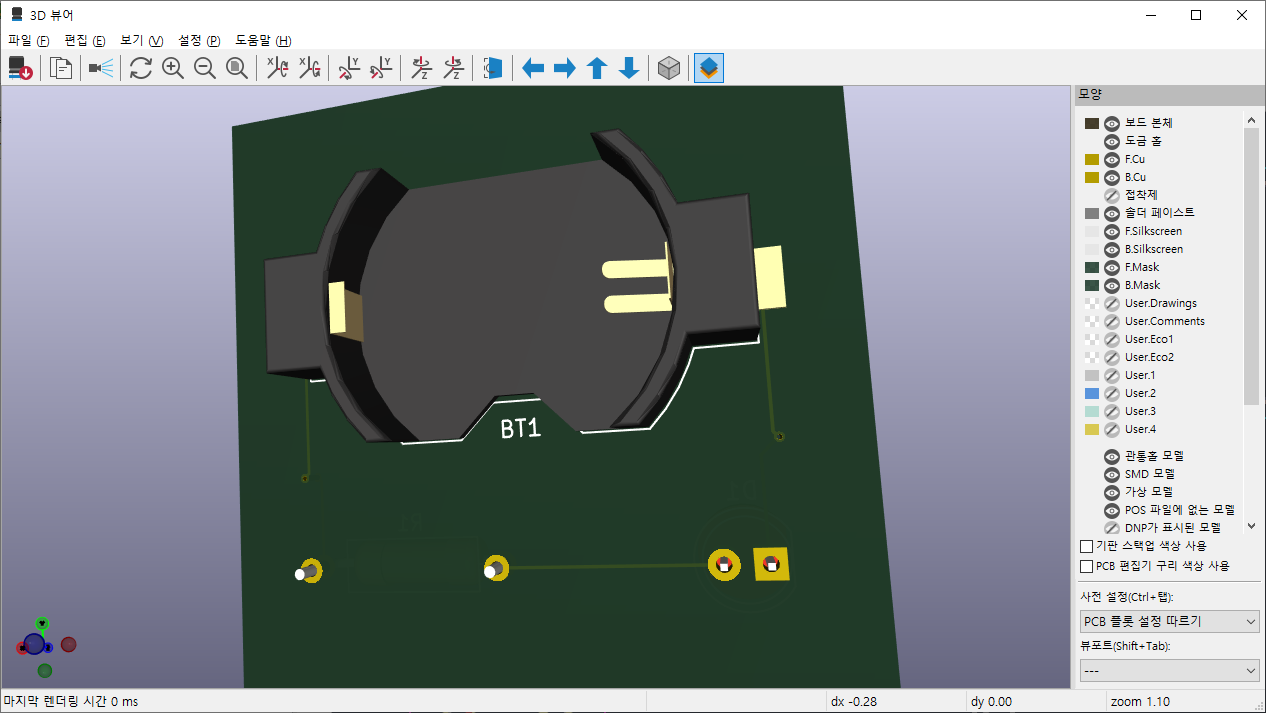
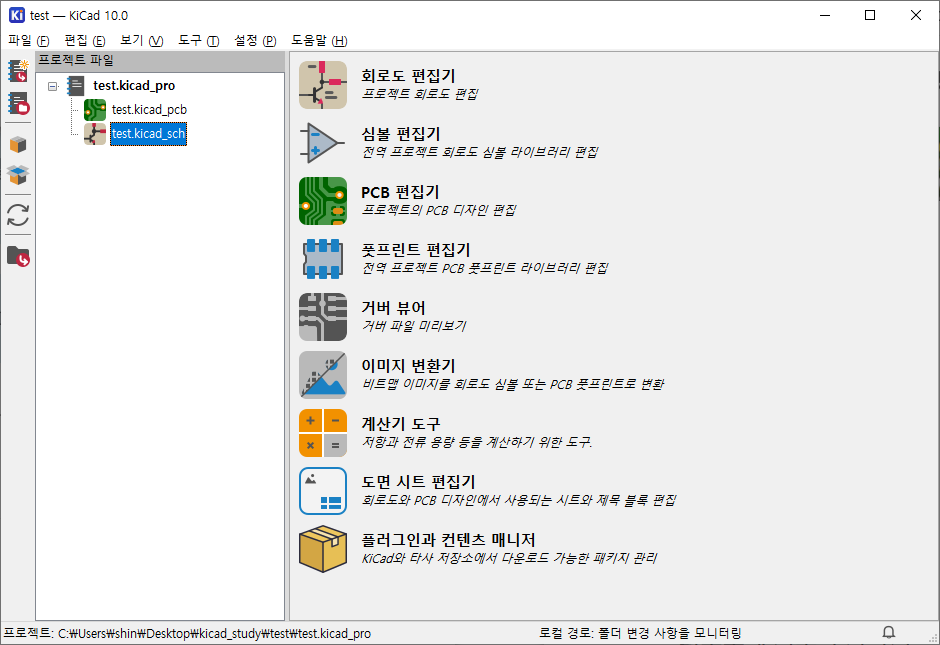
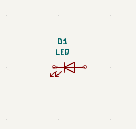
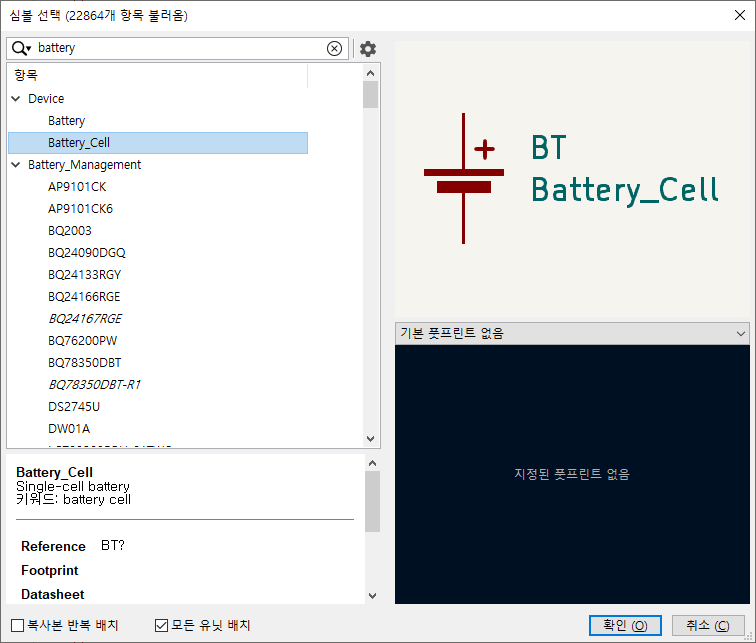
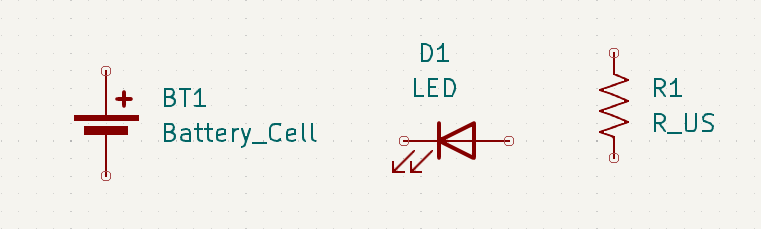
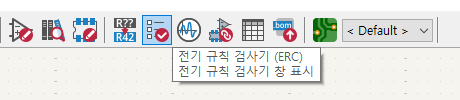
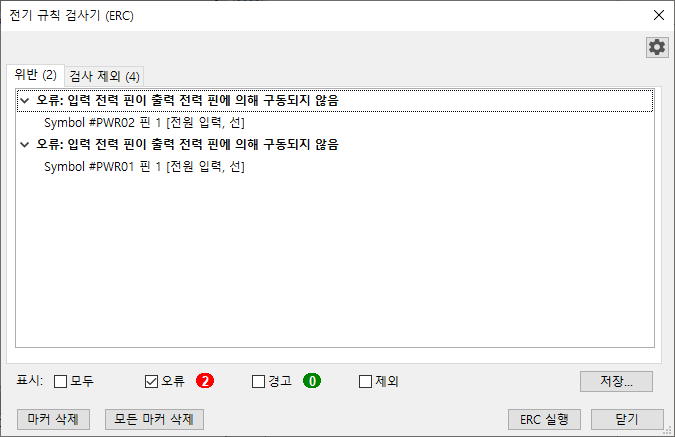
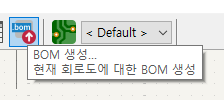
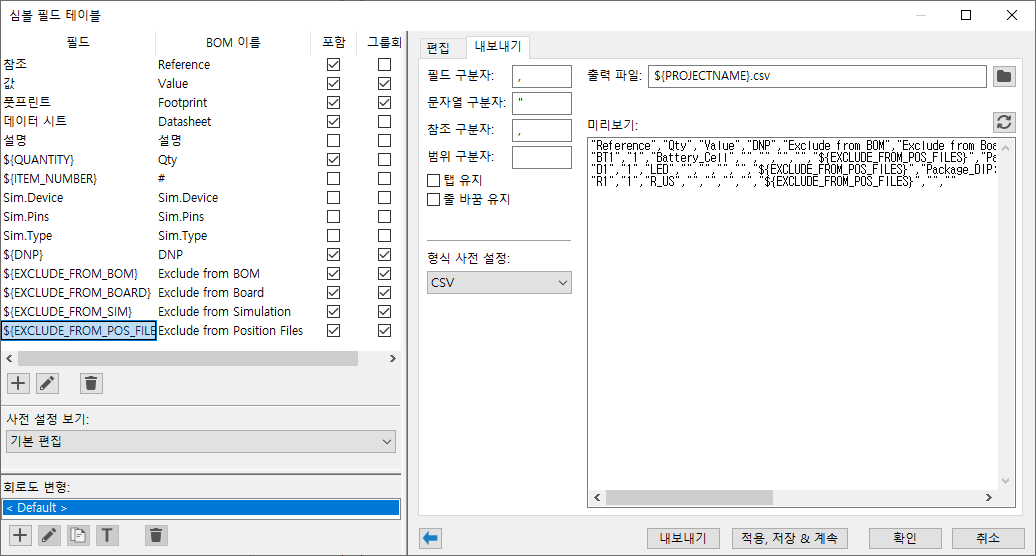
흐음.. 한번 써볼까

[링크 : https://wowon.tistory.com/350]

[링크 : https://wowon.tistory.com/352]

'프로그램 사용 > kicad' 카테고리의 다른 글

kicad mcp, flux.ai  (0) 2026.01.09
Kicad - open source PCB / circuit program  (11) 2010.07.08
Posted by 구차니

클로드님 경배합니다!!!

우클릭 - Follow - TCP Stream


아이씨 엑셀로 고생하고 있었는데 이런 좋은 기능이 ㅋㅋㅋ

Posted by 구차니

데스크 탑에 설치된 게임이 없는데

쭈욱 내려보다 보니 어..? 하면서 눌러보니 바로 먼가 게임할수 있는 것 처럼 나온다.


저거.. 노트북에 받아는 두었는데 머지 ? 하면서 이 기기 누르면

아래처럼 설치로 바뀐다.


아놔 해보려고 하니 EA 앱 설치중.. 대략 빡치네 -_-

그래서 속 편하게(?)

다른 게임으로 시도 ㅋㅋ


해보니 정말 그냥 원격에서 하는거 스트리밍으로 한다는 느낌(!)

노트북에서는 게임 그냥 실행되고

그걸 데스크 탑에서 전송받아서 보고 하는데

로컬이긴 하지만 어떻게 된 게(!) USB HDMI 캡쳐 30ms 설정하고 할 떄 보다 딜레이가 적다!

그리고 게임에서 F12 눌러 스팀 캡쳐 누르면 당연히(?) 원격화면을 끌어와서 하는것이기 때문에

로컬(데스크탑)이 아닌 리모트(노트북)에 저장이 된다.


그리고 현재 기기를 선택하지 말고 상대 기기를 선택하고(데스크 탑에서 노트북을 선택)

파란색으로 설치를 누르면 내부 로컬 네트워크를 통해 전송 받아서 설치된다.

오.. 네트워크 공유해서 복사해서 해봐야 하나 고민하고 있었는데 이렇게 개꾸르가?

그 와중에 노트북은 nvme인데 데스크 탑은 SATA라서 500MB 리밋에 걸리는 상황 ㅋㅋ


1060 6GB 인데도 추천설정으로 4k에 ( 네?) v-sync triple / anti MSAA 걸리고 난리라서 좀 낮추고 하는데

안티 끄니 너무 도트가 두드려져 보이고

프레임 때문에  V-sync 끄면 너무 심하게 찢어지고

1080 ti 끌고 와야하나...

'게임 > 오리진&스팀&유플레이' 카테고리의 다른 글

epic 무료게임  (0) 2026.01.16
에픽 유출은 역시 구라였군  (0) 2025.12.20
오랫만에 지르기  (0) 2025.11.29
에픽 무료게임  (0) 2025.11.14
윈도우 11에서 JASF 실행 실패  (0) 2025.11.02
Posted by 구차니
Programming/qt2026. 8. 12. 12:40

음.. 머지? 무슨일이 있었던 걸까?


5.14 대의 가장 마지막 버전 5.14.2

[링크 : https://download.qt.io/archive/qt/5.14/5.14.2/]


5.15 대의 첫 버전 5.15.0

[링크 : https://download.qt.io/archive/qt/5.15/5.15.0/]


+

읭? 5.14 까진 주던데 이건또 먼소리야

Qt 5.12 LTS was the last Qt version to offer an offline installer.

[링크 : https://wiki.qt.io/Qt_version_history]

Posted by 구차니

 price / gpu / hr 라고 되어있어서 이거 뻥튀기 되는거 아냐?

다만 8개 까지 쓸수 있어서 6.4$/1hour 하면 1500원/1달러 환율로 계산하면 9600원/1시간 이니

써볼만 할지도?

[링크 : https://lambda.ai/pricing]

'프로그램 사용 > ai 프로그램' 카테고리의 다른 글

claude code with local LLM  (0) 2026.08.24
Qwen3.8-27B-UD-IQ2_XXS / 1080ti 11GB  (0) 2026.08.19
elice cloud - gpu / npu 클라우드  (0) 2026.08.11
mediapipe / mmpose  (0) 2026.08.11
runpod.. 재조사  (0) 2026.08.11
Posted by 구차니

먼가 달러로 적은 금액을 보다가 만 단위로 보이니 비싸 보이는 마법 -_-

H100 * 4 해보면 2.42만 태우고 1시간 동안 행복해질수 있는건가?!

640GB 라서 내가 돌리던 모델로는 성능 끌어내는것도 힘들어 보이는데...?


특이하게도 리벨리온 / 퓨리오사 쪽 NPU 도 임대한다. 오호

[링크 : https://elice.io/ko/cloud/pricing/ai-cloud]

'프로그램 사용 > ai 프로그램' 카테고리의 다른 글

Qwen3.8-27B-UD-IQ2_XXS / 1080ti 11GB  (0) 2026.08.19
lambda.ai gpu 클라우드  (0) 2026.08.11
mediapipe / mmpose  (0) 2026.08.11
runpod.. 재조사  (0) 2026.08.11
llama-swap v247, load test  (0) 2026.08.07
Posted by 구차니

yolo pose 가 있는지도 몰랐는데

그것보다 더 가볍게 작동한다니 끌리네

[링크 : https://swmakerjun.tistory.com/87]

[링크 : https://learnopencv.com/yolov7-pose-vs-mediapipe-in-human-pose-estimation/]


그나저나 눈과 입 관절들은 거의 다 잡는데

손 가락 까지는 못 잡는듯. 이건 또 따로 돌려야 하나?

[링크 : https://developers.google.com/edge/mediapipe/solutions/vision/pose_landmarker]

[링크 : https://github.com/google-ai-edge/mediapipe/blob/master/docs/solutions/pose.md]


+

위에도 이것도 gpt가 추천해준건데

얼굴과 손까지 하려면 이걸 추천. 그런데 중국껀가?

[링크 : https://mmpose.readthedocs.io/en/latest]

'프로그램 사용 > ai 프로그램' 카테고리의 다른 글

lambda.ai gpu 클라우드  (0) 2026.08.11
elice cloud - gpu / npu 클라우드  (0) 2026.08.11
runpod.. 재조사  (0) 2026.08.11
llama-swap v247, load test  (0) 2026.08.07
llama.cpp -ts 옵션  (0) 2026.07.30
Posted by 구차니

esc 누르면 가입안하고 볼 수 있고

상단에 GPU / CPU로 나누어져 있다.

지금 시점에서는 구버전으로 V100이 미국에만 있는데 SXM2 로 복수를 사요해볼수 있나 한번 찾아보는 중

그런데 저 Low는 머지?


일단~~~은 2vCPUs 로 0.08$/hr 로 해서 외부 스토리지 달고 한두시간 해서 다운로드 열심히 받아두고

GPU로 붙여서 바로 테스트 해보면 가격을 좀 더 저렴하게 해볼수 있을 듯?


CPU 호스팅에서 보는데 특정 종류에만 네트워크 볼륨을 붙일수 있고

그 와중에 secure cloud만 되고 public cloud에는 못 붙이는 것 같다.


이건 public 쪽. 메뉴내에 생성가능하지도 않아 보인다.


요건 secure


cpu 호스팅에서 network volume 생성시 뜨는 가능한 종류의 GPU 목록

low는 아마도 가용성으로 사용가능한 갯수라던가 여유분을 의미하는 듯?


v100 에서 하려면 비싸도 그냥 돈 내면서 받고 해보는 수 밖에 없겠는데

그 와중에 아쉽게도(?) SXM2 라고 해서 2~4개 막 달아볼수 있나 하는게 그건 또 아니고


하단에 GPU reservation request 라고  instance pricing 쪽에서 클릭하면 뜨는데

V100은 없고, 8개 이상 선택 / 12개월 이상 선택이라 가격이 후덜덜 할 듯.

'프로그램 사용 > ai 프로그램' 카테고리의 다른 글

elice cloud - gpu / npu 클라우드  (0) 2026.08.11
mediapipe / mmpose  (0) 2026.08.11
llama-swap v247, load test  (0) 2026.08.07
llama.cpp -ts 옵션  (0) 2026.07.30
llama.cpp / 1080 ti 11GB * 2 / Qwen3.6-35B Q2, MXFP4  (0) 2026.07.30
Posted by 구차니

40도 하다가 30도 하니 시원해진 느낌

역시 인간은 적응의 동물이 맞어..

'개소리 왈왈 > 육아관련 주저리' 카테고리의 다른 글

와.. 설마 에어컨 고장?  (2) 2026.08.24
멍빨  (0) 2026.08.09
놀다옴  (0) 2026.08.08
연차 3일차  (0) 2026.08.05
연차 2일차  (0) 2026.08.04
Posted by 구차니