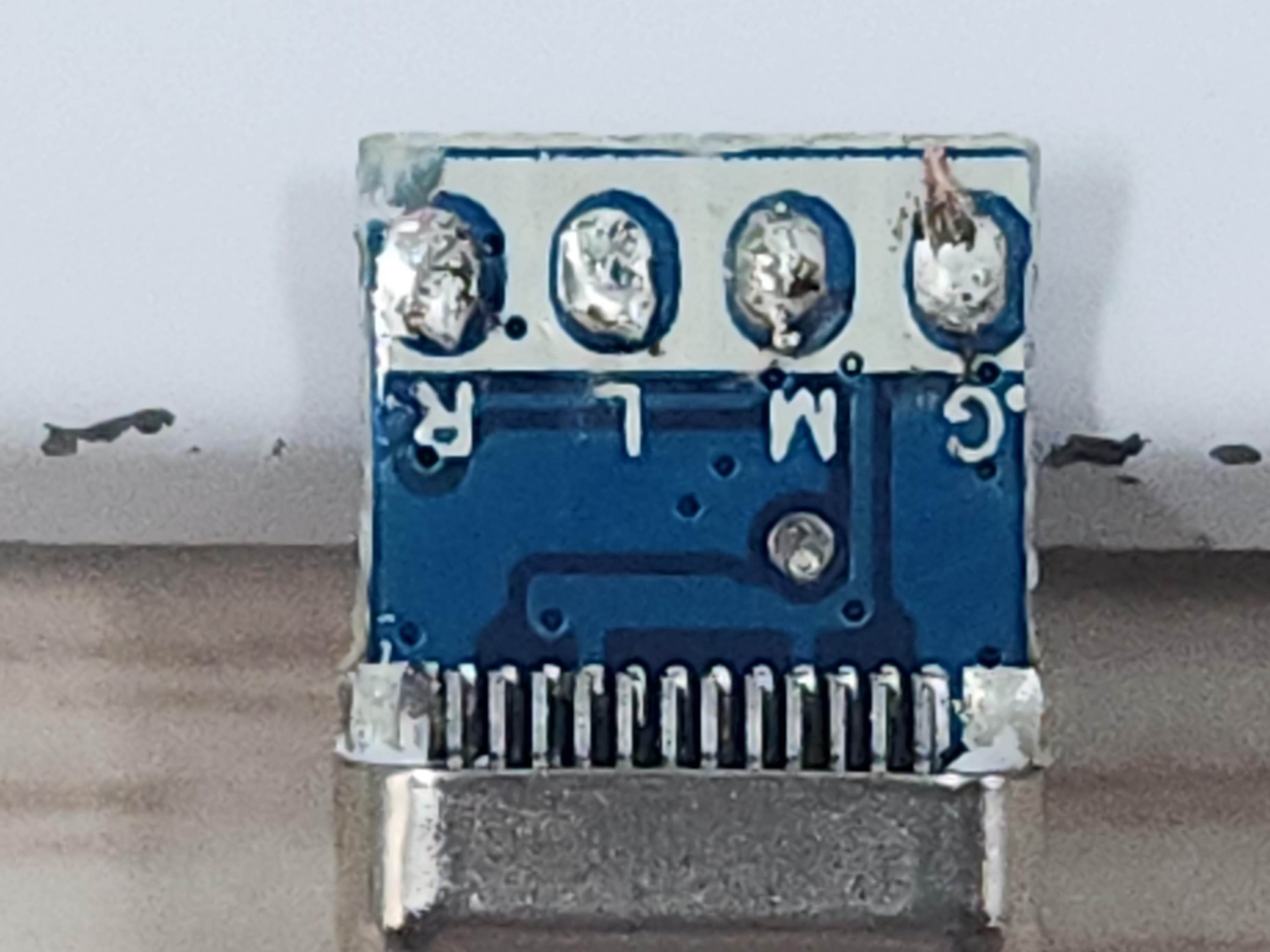
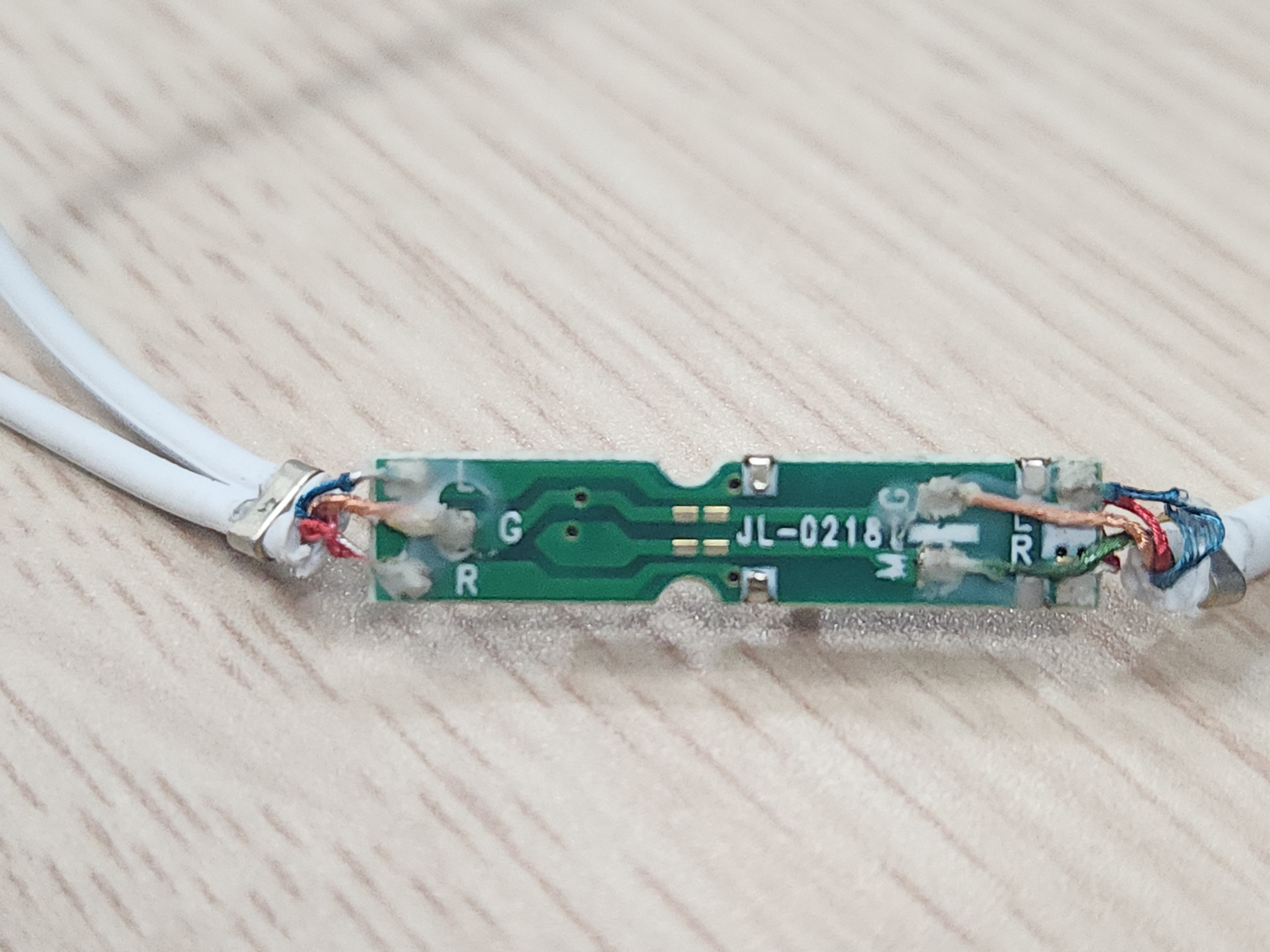
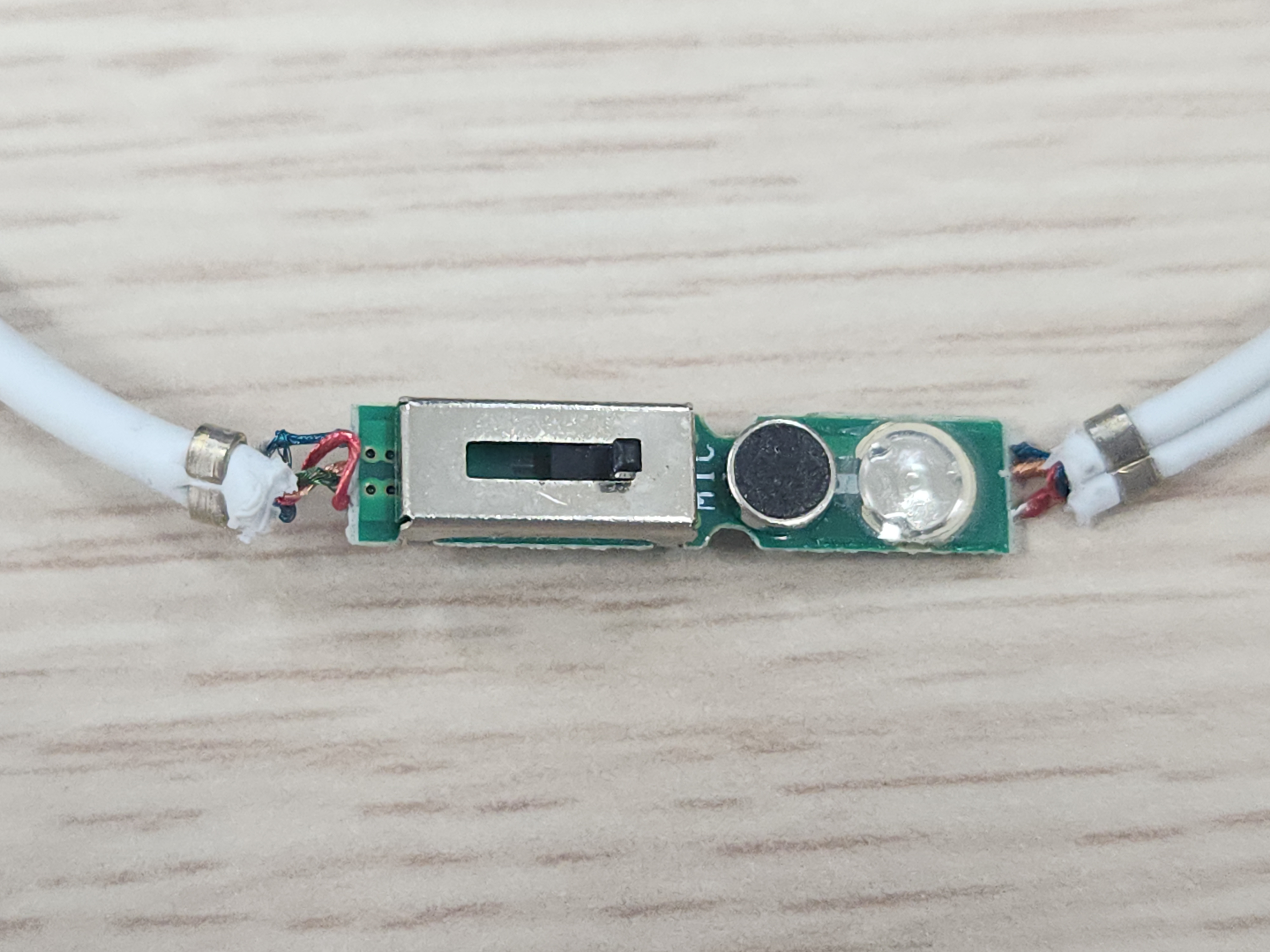
당근에서 3만원에 업어온 nvidia 3d vision kit.

예전 글 찾아보니 200$정도 했었고, 그래픽 카드도 나쁜걸 써서 엄두도 못내던 녀석.

15년 만에 가져보게 되었구나..

2011.03.19 - [하드웨어/3D Stereoscopic] - NVIDIA 3D vision kit


에미터는 머리가 잘린 피라미드 같다.

드라이버 설치해야지 nvidia 로고가 녹색으로 들어온다.


nvidia 3d vision 이라는 심플한 모델명.


안경에도 nvidia 3d vision model : P854 라고 써있다.


드라이버 버전이 높아서 그런가 ir emitter 드라이버 설치되지 않는다.

머 본다고 큰 도움이 되진 않는 VID와 PID


판매자분의 조언으로 425.31이 마지막 버전이라고 하셔서 일단 설치!

Please note: Effective April 12, 2018, Game Ready Driver upgrades, including performance enhancements, new features, and bug fixes, will be available only for desktop Kepler, Maxwell, Pascal, Volta, and Turing-series GPUs, as well as for systems utilizing mobile Maxwell, Pascal, and Turing-series GPUs for notebooks.

Following the posting of the final driver from Release 418 on April 11, 2019 GeForce Game Ready Drivers will no longer support NVIDIA 3D Vision or systems utilizing mobile Kepler-series GPUs. Critical security updates will be available for these products through April 2020. A complete list of Kepler-series GeForce GPUs can be found here.

Those looking to utilize 3D Vision can remain on a Release 418 driver. Our software that enables the use of 3D gaming with 3D TVs, 3DTV Play, is now included for free in Release 418.  It is no longer available as a standalone download.  Our 3D Vision Video Player will continue to be offered as a standalone download, for free, until the end of 2019.

Exceptions:
  1. Notebooks supporting Hybrid Power technology are not supported (NVIDIA Optimus technology is supported).
  2. The following Sony VAIO notebooks are included in the Verde notebook program: Sony VAIO F Series with NVIDIA GeForce 310M, GeForce GT 330M, GeForce GT 425M, GeForce GT 520M or GeForce GT 540M. Other Sony VAIO notebooks are not included (please contact Sony for driver support).
  3. Fujitsu notebooks are not included (Fujitsu Siemens notebooks are included).

[링크 : https://www.nvidia.com/ko-kr/drivers/details/145988/]


555.85 에서 425.31로 다운드레이드!


그 와중에 phys 도 중단되었는지 버전 차이가 별로 없다.


NVIDIA Stereo controller 에서

NVIDIA Stereoscopic 3D USB controller로 이름이 바뀐다.


2017년 11월 28일자.


심심해서 리눅스에서 연결해보니 Vendor specific class 라.. 이건 또 머래

[   52.022936] usb 1-1.2: new high-speed USB device number 4 using ehci-pci
[   52.123750] usb 1-1.2: New USB device found, idVendor=0955, idProduct=0007, bcdDevice= 3.00
[   52.123772] usb 1-1.2: New USB device strings: Mfr=1, Product=2, SerialNumber=0
[   52.123781] usb 1-1.2: Product: NVIDIA stereo controller
[   52.123787] usb 1-1.2: Manufacturer: Copyright (c) 2008 NVIDIA Corporation
/:  Bus 01.Port 1: Dev 1, Class=root_hub, Driver=ehci-pci/3p, 480M
    ID 1d6b:0002 Linux Foundation 2.0 root hub
    |__ Port 1: Dev 2, If 0, Class=Hub, Driver=hub/8p, 480M
        ID 8087:0024 Intel Corp. Integrated Rate Matching Hub
        |__ Port 2: Dev 4, If 0, Class=Vendor Specific Class, Driver=, 480M
            ID 0955:0007 NVIDIA Corp. 
Bus 001 Device 004: ID 0955:0007 NVIDIA Corp. NVIDIA stereo controller
Couldn't open device, some information will be missing
Device Descriptor:
  bLength                18
  bDescriptorType         1
  bcdUSB               2.00
  bDeviceClass            0 
  bDeviceSubClass         0 
  bDeviceProtocol         0 
  bMaxPacketSize0        64
  idVendor           0x0955 NVIDIA Corp.
  idProduct          0x0007 
  bcdDevice            3.00
  iManufacturer           1 Copyright (c) 2008 NVIDIA Corporation
  iProduct                2 NVIDIA stereo controller
  iSerial                 0 
  bNumConfigurations      1
  Configuration Descriptor:
    bLength                 9
    bDescriptorType         2
    wTotalLength       0x0012
    bNumInterfaces          1
    bConfigurationValue     1
    iConfiguration          0 
    bmAttributes         0x80
      (Bus Powered)
    MaxPower              400mA
    Interface Descriptor:
      bLength                 9
      bDescriptorType         4
      bInterfaceNumber        0
      bAlternateSetting       0
      bNumEndpoints           0
      bInterfaceClass       255 Vendor Specific Class
      bInterfaceSubClass      0 
      bInterfaceProtocol      0 
      iInterface              0 


참 오랫만에 보는 그리고 단 한번 lg 3d tv로 성공했던 그 페이지


먼가 오작동하는지 번쩍번쩍 하길래 슈퍼슬로우로 해서 프레임넘기며 보니

우 -> 좌 순서로 점멸을 하나 싶기도 하고?


참 오랫만에 보는구만


4k 60hz에서 하려니 안되네.. 결국은 빔프로젝터 출동! 해야하나?

The kit is specially designed for 120 Hz LCD monitors, but is also compatible with CRT monitors (some of which may work at 1024×768×120 Hz and even higher refresh rates), DLP-projectors, 3LCD projectors and others. It requires a compatible graphics card from Nvidia (GeForce 200 series or later).

[링크 : https://en.wikipedia.org/wiki/Nvidia_3D_Vision]

[링크 : https://blog.naver.com/sptjjang/140124866226]


+

2026.02.07


드라이버 버전 낮추고, 해상도를 빔프로젝터 120Hz를 지원하는 1024x768로 변경.


빔 프로젝터 HDMI로 연결해서 시도. 3D vision 에 정상적으로 사용가능하다고 나온다.


그나저나 "내 디스플레이는 3D Ready  이지만 3D Ready로 감지되지 않습니다" 라는 문구가 나온다.

120Hz만 지원하면 무조건 지원한다는데.. 흐음.. 머지?

Posted by 구차니

nvidia 3d vision 구매할 기회가 생겨서 혹시 dlp ready랑 호환되나 궁금해져서 검색

[링크 : https://www.mtbs3d.com/forum/viewtopic.php?t=22730]

[링크 : https://github.com/lukis101/3DVisionAVR]


[링크 : https://goughlui.com/2014/01/17/active-shutter-3d-glasses-teardown-kogan-compatibility/]


[링크 : https://cmst.curtin.edu.au/wp-content/uploads/sites/4/2016/05/2011-17-woods-helliwell-3D-Sync-IR.pdf]


DLP ready는 3dtv쪽에서 되는게 없는 듯. 완전 프로토콜이 다른가?

[링크 : http://www.3dmovielist.com/3dglasses.html]


+

2026.02.07

DLP Link는 아무래도 흰색을 통해서 하는것 같고

nvidia는 ir 로 하는것 같아서 수광부의 부품이 완전 달라 안될 것 같다.

Posted by 구차니
embeded/Cortex-M4 STM2026. 2. 6. 11:15

ART ON/OFF가 보이는데 정작 끄는법이나 켜는 법 혹은 클럭 트리에서 설정법이 안보여서 찾는데..

G4는 아닌 F4 쪽에서는 아래의 명령을 이용해서 켜고 끈다고 한다.

FLASH->ACR = FLASH_ACR_ICEN |FLASH_ACR_DCEN |FLASH_ACR_LATENCY_5WS;

[링크 : https://community.st.com/t5/stm32-mcus-products/enable-disable-art-accelerator/td-p/551007]


[링크 : https://www.st.com/resource/en/product_training/STM32G4-Memory-Flash_FLASH.pdf]


3.1 Firmware tips and tricks
3.1.1 Common firmware configuration
ART configuration
The ART Accelerator™ is a memory accelerator which is optimized for STM32 ARM® Cortex™-Mx processors. It balances the inherent performance advantage of the ARM Cortex-Mx over Flash memory technologies, which normally requires the processor to wait for the Flash memory at higher operating frequencies. Thanks to the ART Accelerator™, the CPU can operate up to 120 MHz without wait states, thereby increasing the overall system speed and efficiency.
To release the full processor 150 DMIPS performance at this frequency, the accelerator implements an instruction prefetch queue and instruction/data, which enables program execution from Flash memory at up to 120 MHz without wait states.

To avoid extra power consumption it is recommended to configure the ART as follows:
/* Disable prefetch buffer */
 FLASH->ACR & = ~FLASH_ACR_PRFTEN;
/* Enable flash instruction cache */
 FLASH->ACR |= FLASH_ACR_ICEN;
/* Enable flash data cache */
 FLASH->ACR |= FLASH_ACR_DCEN;

The system performance can be adjusted to the current needs. This can be done either from start, according to performance estimations, or on-the-fly on a running system to adjust the performance to the current condition. In this way the prefetch can be enabled or disabled on-the-fly depending on user needs.
Disabling the prefetch buffer avoids extra Flash access that consumes 20 mA for 128-bit line fetching.

[링크 : https://www.st.com/resource/en/application_note/dm00033348.pdf]


I read in that document: STMicroelectronics: AN3430 - Application Note of How to achieve the lowest current consumption with STM32F2xx

On page 17 (3.1.1) they say that enabling the buffer prefetch will consume additional 20mA (for 128-bit-line fetching). Maybe at 168 MHz you power supply gets unstable?? Maybe you can try it with lower clock speed (120MHz), where the cpu is very power efficient.

[링크 : https://stackoverflow.com/questions/11358547/how-to-enable-art-accelerator-stm32f407vgt6]


그래서 프로젝트에서 검색해보니 이렇게 걸려 나오는데

HAL_StatusTypeDef HAL_FLASHEx_Erase(FLASH_EraseInitTypeDef *pEraseInit, uint32_t *PageError)
HAL_StatusTypeDef HAL_FLASHEx_Erase_IT(FLASH_EraseInitTypeDef *pEraseInit)

__RAM_FUNC HAL_StatusTypeDef HAL_FLASHEx_OB_DBankConfig(uint32_t DBankConfig)

HAL_StatusTypeDef HAL_FLASH_Program(uint32_t TypeProgram, uint32_t Address, uint64_t Data)
HAL_StatusTypeDef HAL_FLASH_Program_IT(uint32_t TypeProgram, uint32_t Address, uint64_t Data)


ICEN은 Program 쪽에서는 빠진다. 아무래도 데이터 쪽이라 그런가?

HAL_StatusTypeDef HAL_FLASHEx_Erase(FLASH_EraseInitTypeDef *pEraseInit, uint32_t *PageError)
HAL_StatusTypeDef HAL_FLASHEx_Erase_IT(FLASH_EraseInitTypeDef *pEraseInit)

__RAM_FUNC HAL_StatusTypeDef HAL_FLASHEx_OB_DBankConfig(uint32_t DBankConfig)

'embeded > Cortex-M4 STM' 카테고리의 다른 글

stm32g473 flash doubleword  (0) 2026.02.04
STM32G47x dual bank flash  (0) 2026.02.03
STM32F429I-DISC1 with lvgl  (0) 2026.02.03
32F469IDISCOVERY with lvgl  (0) 2026.02.02
UM2195 audio streaming Expansion Package for STM32Cube  (0) 2026.01.05
Posted by 구차니
embeded/ARM2026. 2. 6. 07:43

ARM의 NPU IP

[링크 : https://www.thelec.kr/news/articleView.html?idxno=51835]


[링크 : https://www.arm.com/products/silicon-ip-cpu/ethos/ethos-u85]


이걸 직접 채택한데는 르네사스 외에는 딱히 언급이 안되는 느낌.

그 와중에 구형이다. 신형은 없나..

RA8P1
1GHz Arm Cortex-M85 and Ethos-U55 NPU Based AI Microcontroller

[링크 : https://www.renesas.com/en/products/ra8p1?utm_campaign=mcu_ra8p1-empr&utm_source=businesswire&utm_medium=pr&utm_creative=link&utm_content=pp&utm_term=&utm_type=feat]

[링크 : https://www.edge-ai-vision.com/2025/07/renesas-sets-new-mcu-performance-bar-with-1-ghz-ra8p1-devices-with-ai-acceleration/]


M85 계열이면 얘를 탑재했을지도?

 Ethos-U85와 최신의 마이크로컴퓨터용 프로세서 코어 「Cortex-M85」등을 조합한 「Arm Corstone-320」도 발표

[링크 : https://coolenjoy.net/bbs/38/5519658]


조금 더 찾아보니 MCU은 아니고 SoC 계열로 i.mx93에 ethos-u65 탑재, i.mx93은 cortex-a55 * 2 + cortex-m33 조합이다.

[링크 : https://www.nxp.com/docs/en/application-note/AN13854.pdf]

'embeded > ARM' 카테고리의 다른 글

SVE(Scalable Vector Extension)  (0) 2025.08.28
emmc 파티션 정렬  (0) 2024.02.07
arm asm rev  (0) 2023.09.14
cortex-a53  (0) 2023.08.31
aarch64 vector register  (0) 2023.08.23
Posted by 구차니
embeded/esp322026. 2. 5. 09:59

윈도우용 인스톨러 보려는데 5.x 만 지원하고, 6.x 를 쓰려면 다른 gui 인스톨러 써보라고 한다. -_-

[링크 : https://dl.espressif.com/dl/esp-idf/?idf=4.3]


내가 필요로 하는건 4.3인데 vscode 에서 깔아 보라고 한다. 흐음..

[링크 : https://e8ch.tistory.com/21]


5.x 아니면 윈도우는 포기하는게 나을지도?

'embeded > esp32' 카테고리의 다른 글

idf.py help  (0) 2026.02.10
idf 프로젝트 생성하기  (0) 2026.02.08
esp32 와 ili9341 direction  (0) 2026.01.23
esp32-wroom-32 보드 / arduino 개발툴  (0) 2026.01.23
esp32-2432S028 데모 빌드  (0) 2026.01.21
Posted by 구차니
파일방2026. 2. 4. 21:57

어짜다 우연히(?)

EXAONE-3.5-7.8B-Instruct-AWQ

라는 키워드로 검색.


Quickstart
We recommend to use transformers>=4.43 and autoawq>=0.2.7.post3.

Here is the code snippet to run conversational inference with the model:

import torch
from transformers import AutoModelForCausalLM, AutoTokenizer

model_name = "LGAI-EXAONE/EXAONE-3.5-7.8B-Instruct-AWQ"

model = AutoModelForCausalLM.from_pretrained(
    model_name,
    torch_dtype=torch.bfloat16,
    trust_remote_code=True,
    device_map="auto"
)
tokenizer = AutoTokenizer.from_pretrained(model_name)

# Choose your prompt
prompt = "Explain how wonderful you are"  # English example
prompt = "스스로를 자랑해 봐"       # Korean example

messages = [
    {"role": "system", 
     "content": "You are EXAONE model from LG AI Research, a helpful assistant."},
    {"role": "user", "content": prompt}
]
input_ids = tokenizer.apply_chat_template(
    messages,
    tokenize=True,
    add_generation_prompt=True,
    return_tensors="pt"
)

output = model.generate(
    input_ids.to("cuda"),
    eos_token_id=tokenizer.eos_token_id,
    max_new_tokens=128,
    do_sample=False,
)
print(tokenizer.decode(output[0]))

[링크 : https://huggingface.co/LGAI-EXAONE/EXAONE-3.5-7.8B-Instruct-AWQ]

[링크 : https://github.com/LG-AI-EXAONE/EXAONE-3.5]

[링크 : https://www.lgresearch.ai/blog/view?seq=506]

[링크 : https://wikidocs.net/274703]

'파일방' 카테고리의 다른 글

podman  (0) 2026.01.25
elinks  (0) 2026.01.20
platformio  (0) 2026.01.17
directFB2  (0) 2026.01.09
nanoVG  (0) 2026.01.09
Posted by 구차니
embeded/Cortex-M4 STM2026. 2. 4. 17:12

일단 코드 상으로는 FAST는 안 먹어서 찾아봐야겠고, doubleword 로만 써진다.


일단은 DBANK는 체크되어 있는게 기본값이고


bank1에 0802000에 쓰니 쓰여지긴 한데 64bit wide라서 의도한대로 딱딱 붙어있지 않고 4byte씩 띄엄띄엄 써진다.


해당 페이지 삭제하려고 했는데 0x0802 0000이 아닌 0x0804 0000 이고

체크하고 삭제하면 삭제되었다고 메시지는 뜨지만


정작 해당 위치를 다시 가면 내용이 남아있다.

그 와중에 0x0804 0000 위치로 가면 비어있는걸로 나온다.


먼가 이상한데.. 머가 이상한거라고 딱찝어 말하기 힘드네..


CubeProgrammer를 버전업해봐야하나? 2.21 버전이 최신이었던것 같은데..


2.21.0 흐음... 

[링크 : https://www.st.com/en/development-tools/stm32cubeprog.html]


+

웃긴게 sdk 문제인지

bank 2에 page 0 대신

bank 1 에 page 64로 하면 잘된다. 머냐?

'embeded > Cortex-M4 STM' 카테고리의 다른 글

stm32g473 ART accelerator on/off ?  (0) 2026.02.06
STM32G47x dual bank flash  (0) 2026.02.03
STM32F429I-DISC1 with lvgl  (0) 2026.02.03
32F469IDISCOVERY with lvgl  (0) 2026.02.02
UM2195 audio streaming Expansion Package for STM32Cube  (0) 2026.01.05
Posted by 구차니
카테고리 없음2026. 2. 4. 12:06

자꾸 접속했다가 팅겨서 머가 문제인가 하고 보는데

먼가.. 무시무시한 오류가 난다?

$ sudo dmesg -w
[ 4951.341720] traps: RemmRDP:[38815] general protection fault ip:76a9265d58cb sp:76a8fabf3490 error:0 in libwinpr2.so.2.6.1[76a9265b1000+6f000]
[ 5112.540997] RemmRDP:[41287]: segfault at fffffffffffffff7 ip 000073aa12ca5795 sp 000073a9c6ff14a0 error 5 in libc.so.6[73aa12c28000+195000] likely on CPU 1 (core 1, socket 0)
[ 5112.541014] Code: 85 ed 0f 85 05 02 00 00 48 83 c4 28 4c 89 e7 5b 5d 41 5c 41 5d 41 5e 41 5f e9 17 f9 ff ff 0f 1f 80 00 00 00 00 48 85 ed 74 de <48> 8b 45 f8 4c 8d 6d f0 31 db 49 89 c7 49 83 e7 f8 a8 02 75 43 48


GPT 에게 물어보니 GPF(general protection fault) 라고 해서 segmentation fault  상위 에러라고 하는데.. 머지?

[링크 : https://en.wikipedia.org/wiki/General_protection_fault]


실험적으로는 자동 (32bpp) 대신 GFX RFX가 아닌 설정을 따라가면 된다(트루컬러나 하이컬러, 256색상 등)

다만 GFX RFX 로 하면 죽는건 마찬가지인데, GFX RFX가 멀까?


+

RemoteFX, H.264/AVC444, and GFX

[링크 : https://learn.microsoft.com/en-us/answers/questions/2278962/is-it-possible-to-use-gfxredir-extension-for-rdp-s]


Microsoft RemoteFX is a Microsoft brand name that covers a set of technologies that enhance visual experience of the Microsoft-developed remote display protocol Remote Desktop Protocol (RDP).[1] RemoteFX was first introduced in Windows Server 2008 R2 SP1 and is based on intellectual property that Microsoft acquired and continued to develop since acquiring Calista Technologies.[2] It is a part of the overall Remote Desktop Services workload.

[링크 : https://en.wikipedia.org/wiki/RemoteFX]


읭.. 그냥 graphics를 GFX로 표기했을 뿐?

GFX pl (plural only)
  1. (computing, informal) Abbreviation of graphics.

[링크 : https://en.wiktionary.org/wiki/GFX]


이번에 발표된 RemoteFX라는 기술은 서버쪽의 GPU (Graphic Processing Unit)을 이용하여 그래픽 관련 연산을 수행해서 클라이언트에도 동영상등의 서비스도 제공한다는 겁니다.
"쉽게 말해서, 가상 데스크탑환경에서도 동영상 안끊기고 본다."

[링크 : https://bcho.tistory.com/472]


RemoteFX vGPU는 단일 물리적 GPU를 여러 가상 머신 간에 공유할 수 있는 그래픽 가상화 기술입니다.

[링크 : https://blackcon.tistory.com/358]


RemoteFX는 화면을 캡쳐하고 스트리밍을 할 때, GPU를 이용한 하드웨어 가속을 지원하고, 미디어 스트리밍을 위하여 H.264를 지원하여 적은 트래픽으로도 고품질로 스트리밍이 가능하도록 지원하는 소프트웨어입니다.RemoteFX를 활성화하면, 네트워크가 느린 곳에서도 GPU를 이용한 하드웨어 가속H.264를 통하여 조금 더 깨끗하고 끊김없는 화면을 제공받을 수 있습니다.

[링크 : https://hbesthee.tistory.com/1831]


RemoteFX vGPU를 사용하면 여러 가상 머신이 실제 GPU를 공유할 수 있습니다. 이 기능은 Windows 7에 도입되어 Windows Server 2019의 사용자에 대한 옵션으로 제거되었습니다.  이제 RemoteFX vGPU의 현재 구현이 보안 취약성에 취약한 것으로 나타납니다(CVE세부 정보의 FAQ 섹션 참조). 새로 식별된 이러한 취약성은 아키텍처로, 기능은 이미 최신 버전의 Windows에서 제거되어 있기 때문에 2021년 4월 13일 Windows 보안 업데이트 및 모든 Windows 업데이트에는 RemoteFX vGPU 기능이 더 이상 포함되지 않습니다

[링크 : https://support.microsoft.com/ko-kr/topic/kb4570006-windows에서-remotefx-vgpu-구성-요소를-사용하지-않도록-설정하고-제거하기-위한-업데이트-bbdf1531-7188-2bf4-0de6-641de79f09d2]

Posted by 구차니
프로그램 사용/lvgl2026. 2. 3. 23:50


요건 도움말을 보던가 문서를 봐야 알 듯.

아무튼 이미지를 추가하고 어떻게 하는것 같은데 감이 올 듯 안 올 듯.. 한다


[링크 : https://docs.squareline.io/docs/dev_env/animation/]

'프로그램 사용 > lvgl' 카테고리의 다른 글

squareline studio 보드설정  (0) 2026.02.10
lvgl simulator  (0) 2026.02.10
squareline studio / 화면전환  (0) 2026.02.03
nxp gui guider for lvgl  (0) 2026.02.03
lvgl perf mon  (0) 2026.02.03
Posted by 구차니
프로그램 사용/lvgl2026. 2. 3. 23:24

보이는 하나의 디자인을 screen 으로 부르고

스크린간 전환은 

trigger - clicked

action - change screen 으로 하여 구현이 된다.

그래서 메인화면에서 톱니바퀴를 누르면 설정으로 fade on 하여 가게 되는데


새로운 이벤트 목록은 아래와 같다.

일단 위의 경우 사용된건 change screen 인데

그 외에는 set opacity나 play animation 정도가 눈에 띈다.


fade on 대신 move left / move right 하고

duration 100 msec에서 1000 msec 으로 해주면 좀 슬라이드 되는 느낌이 들게 움직인다.

아래는 move left 전환효과를 순간 캡쳐 한 것.


---

스크린 변경이 아니라 일부 그룹에 대한 show / hide로 구현된 경우도 있는데

우측 하단의 3개를 누르면 속도는 뜨면서 내용이 변한다.


아무튼 설정을 보면

action - play 에서 group driving을 딜레이 없이 animation on 을 한다는데,

initial action 에 on으로 정의 된 건 없어서 모르겠다. on/off 의 on 같기도 한데?


그리고 BTN BG1 ADD / BTN BG2/3 REMOVE로

선택되었다는 밝은 주황색 배경을 on/off 해준다.


'프로그램 사용 > lvgl' 카테고리의 다른 글

lvgl simulator  (0) 2026.02.10
squareline studio / 애니메이션  (0) 2026.02.03
nxp gui guider for lvgl  (0) 2026.02.03
lvgl perf mon  (0) 2026.02.03
ebike demo ui 구조 분석 - 속도 슬라이더 및 텍스트  (0) 2026.02.02
Posted by 구차니