아두이노 예제밖에 안보이냐..
[링크 : https://mobilitykids.tistory.com/entry/MAX7219-LED-매트릭스-디스플레이Arduino-튜토리얼-포함]
[링크 : https://m.blog.naver.com/eduino/222651170585]
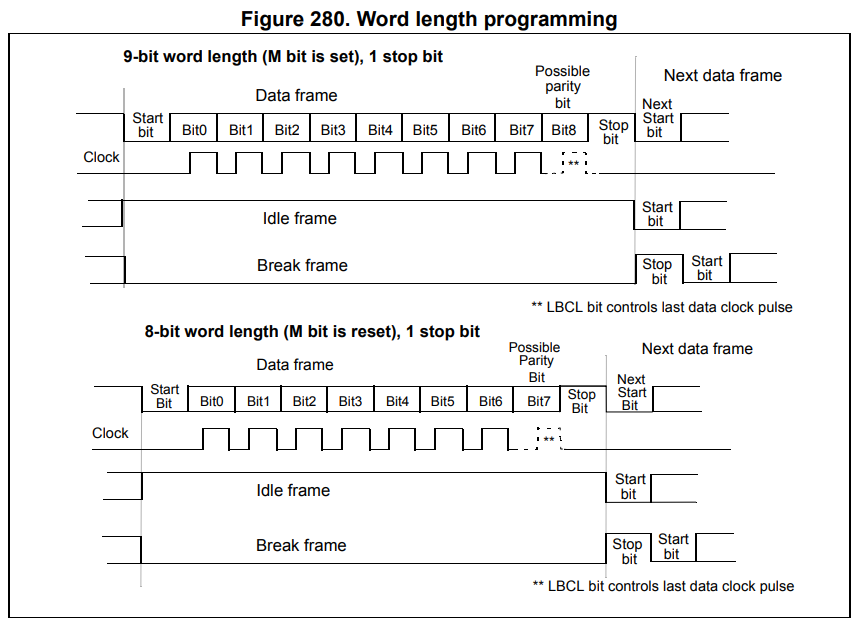
spi 같긴한데.. 원래는 7seg 용으로 개발되었으나 dot matrix에서도 쓰는건가?
| Features ● 10MHz Serial Interface ● Individual LED Segment Control ● Decode/No-Decode Digit Selection ● 150μA Low-Power Shutdown (Data Retained) ● Digital and Analog Brightness Control ● Display Blanked on Power-Up ● Drive Common-Cathode LED Display ● Slew-Rate Limited Segment Drivers for Lower EMI (MAX7221) ● SPI, QSPI, MICROWIRE Serial Interface (MAX7221) |

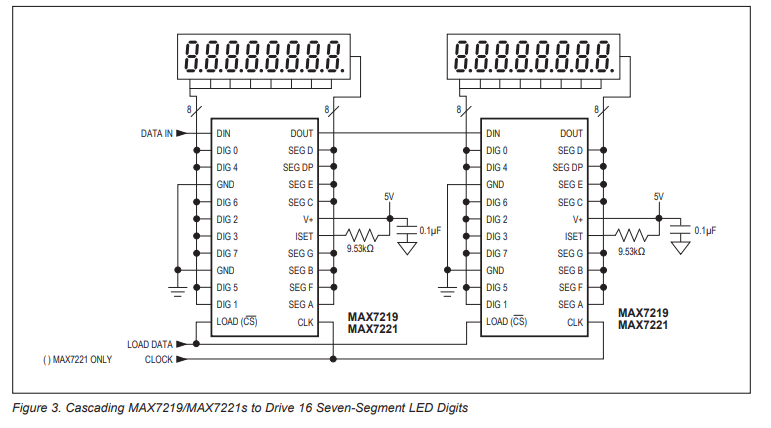
[링크 : https://www.analog.com/media/en/technical-documentation/data-sheets/max7219-max7221.pdf]
+
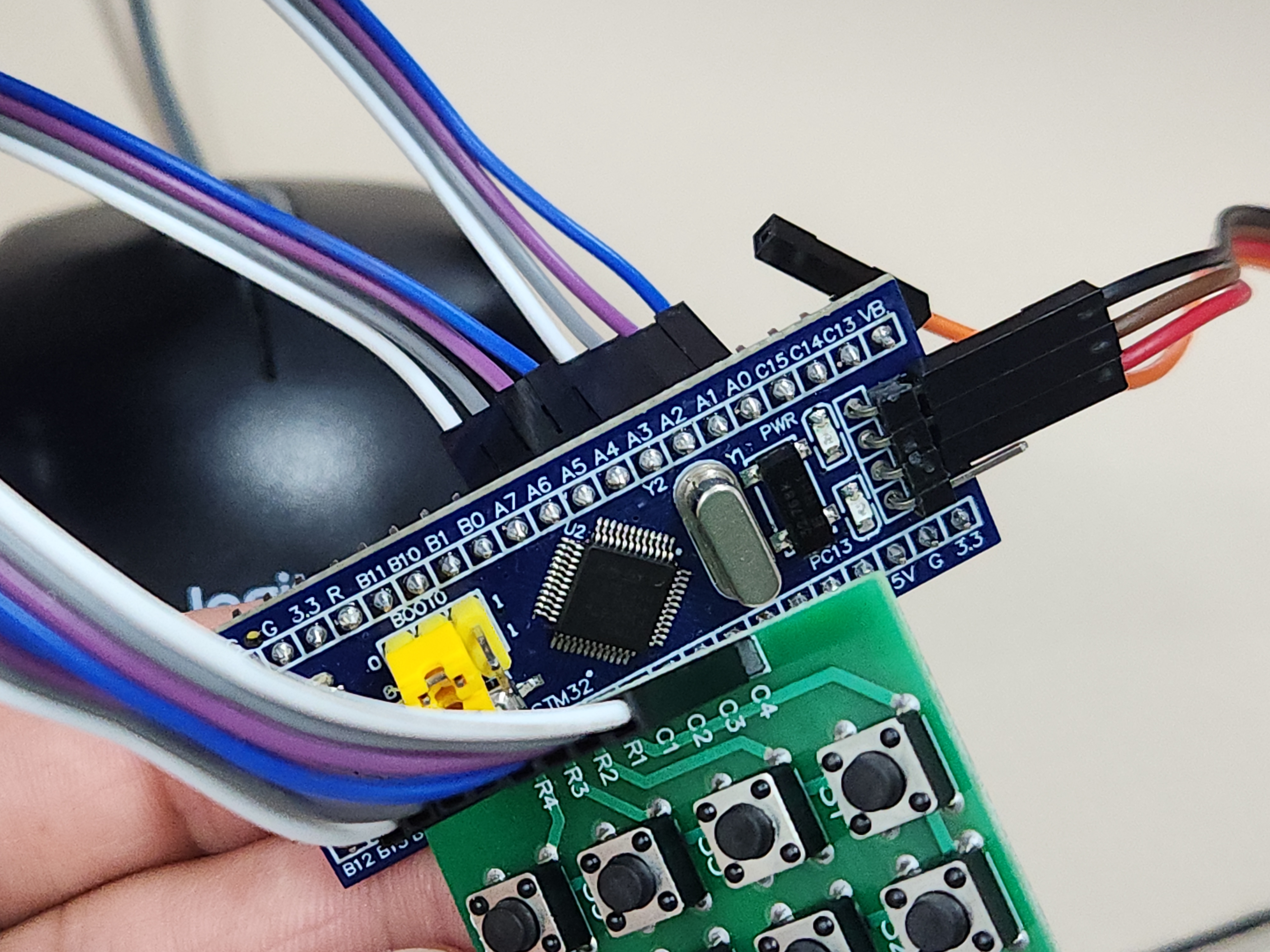
선도 연결방법 알려달라고 하고
어떻게 어떻게 해서 claude가 다 해줘버리네. 인간은 멀 취미로 해야하지?
ai가 해준걸 취미라고 해도 될까? 고민되네..
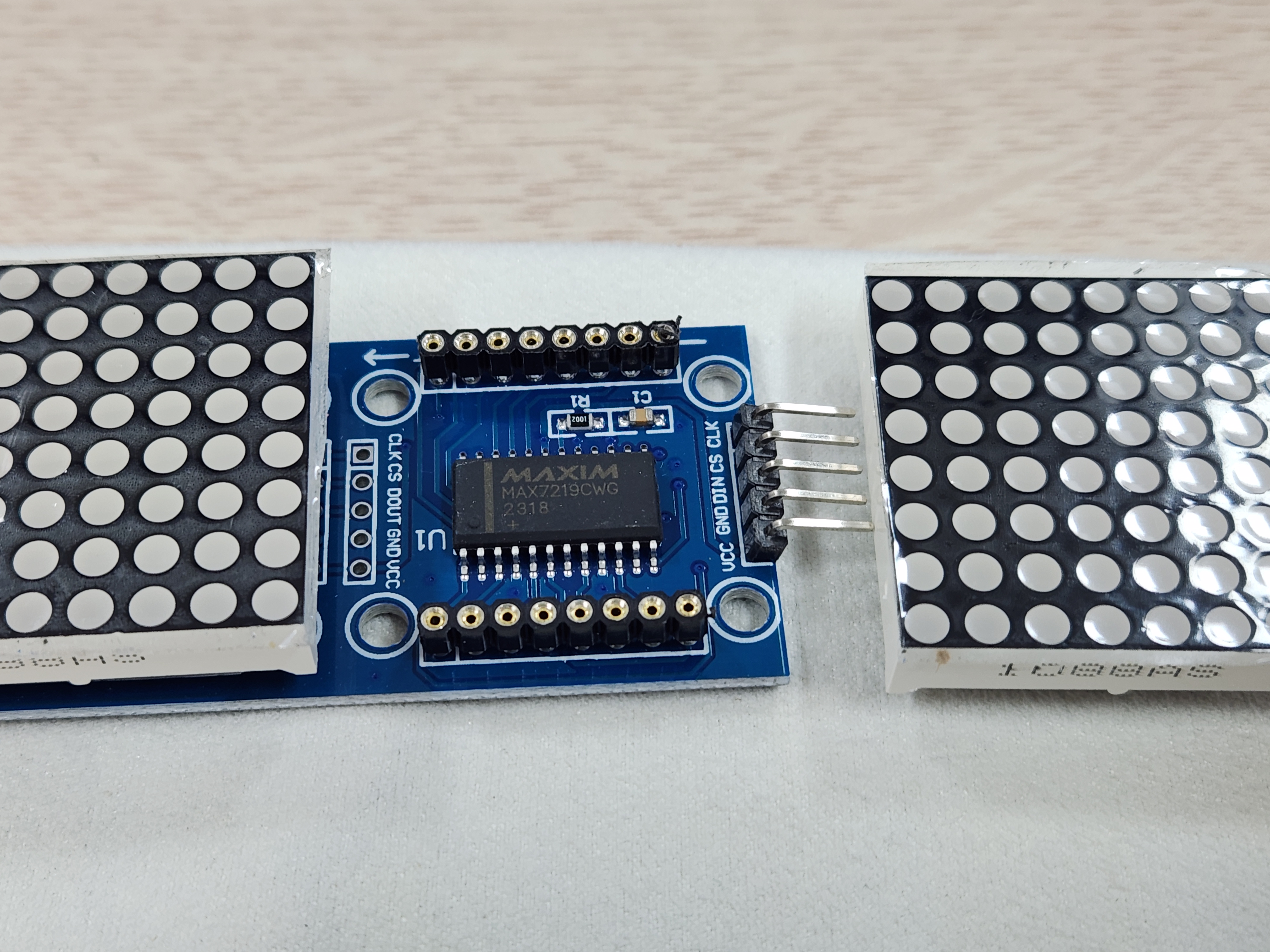
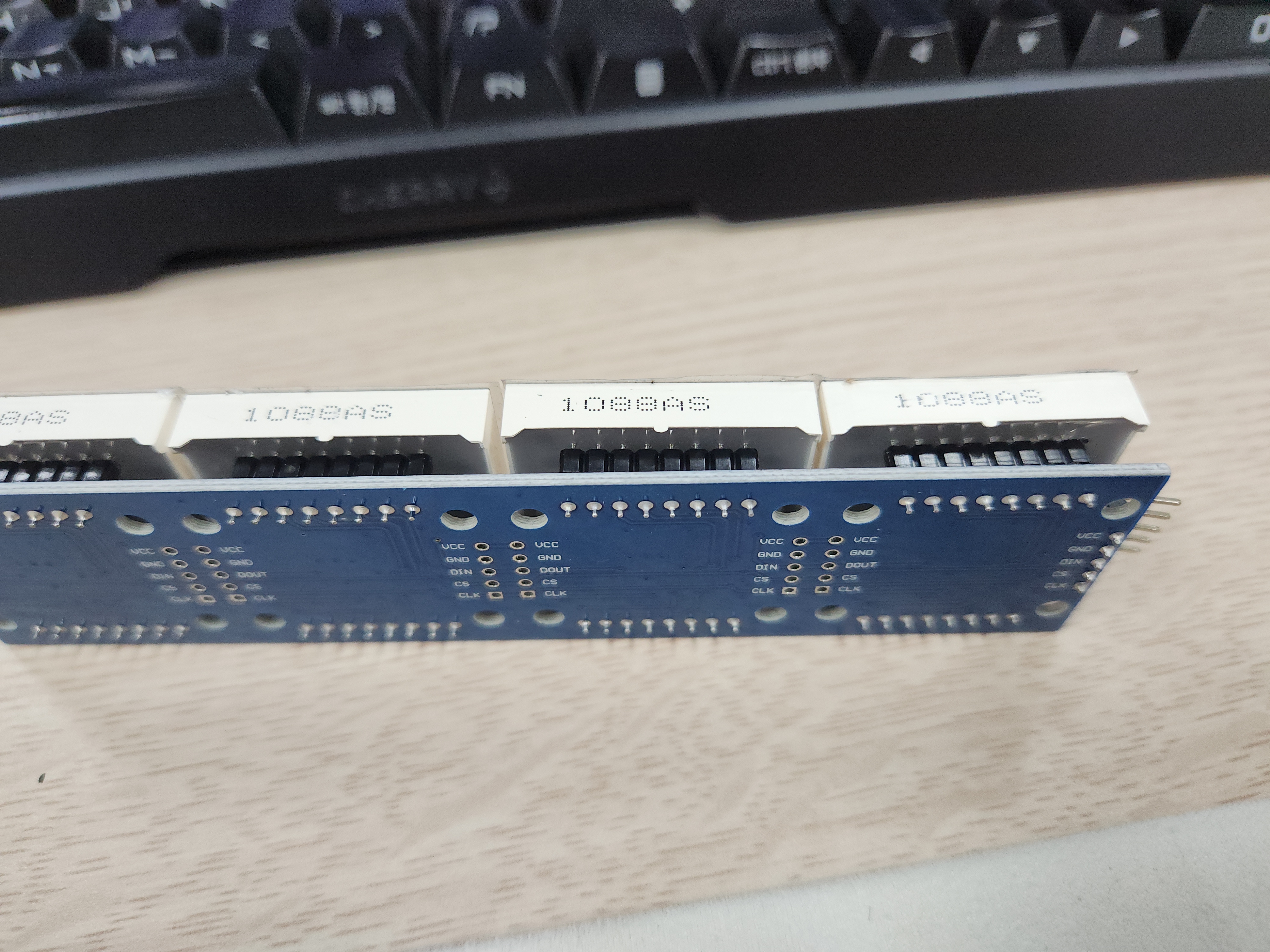
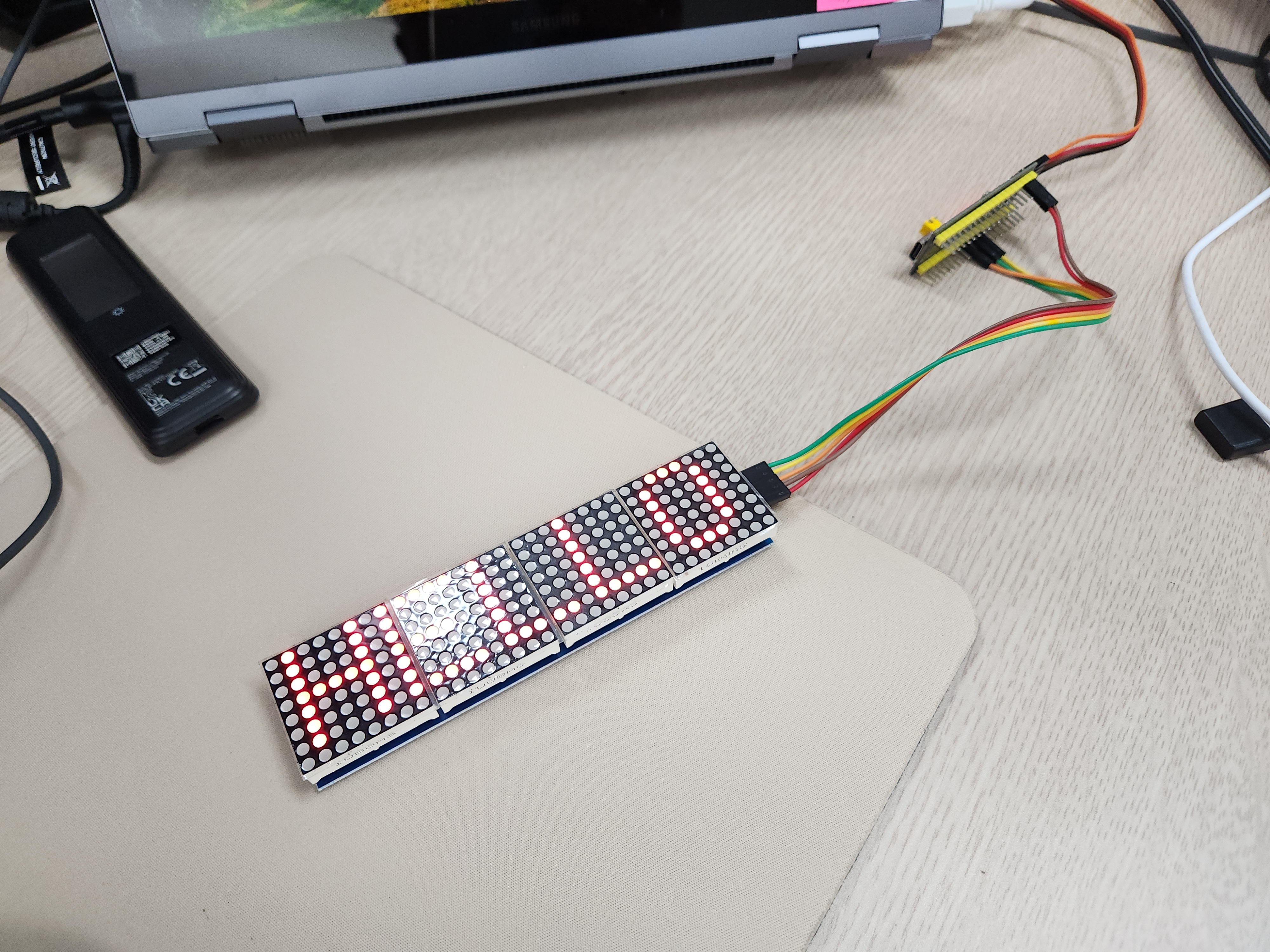
| /* * max7219.h * * MAX7219 8x8 도트매트릭스(데이지체인) 구동 + 텍스트 스크롤 드라이버. * SPI(하드웨어)로 DIN/CLK를 보내고, CS(LOAD)는 별도 GPIO로 직접 제어한다. */ #ifndef __MAX7219_H #define __MAX7219_H #ifdef __cplusplus extern "C" { #endif #include "stm32f1xx_hal.h" /* 체인에 연결된 8x8 모듈 개수. 모듈 1개만 있으면 1로 바꿀 것. */ #define MAX7219_NUM_DEVICES 4 /* 하드웨어 배선에 따라 좌우/모듈 순서가 반대로 보이면 아래 두 값을 바꿔서 조정 */ #define MAX7219_REVERSE_CHAIN 1 /* 텍스트가 모듈 순서상 반대로 표시되면 1 (실측: 4 3 2 1로 나와서 1로 설정) */ #define MAX7219_MIRROR_COLS 0 /* 글자가 좌우 반전되어 보이면 1 */ void MAX7219_Init(SPI_HandleTypeDef *hspi); void MAX7219_Clear(void); void MAX7219_SetIntensity(uint8_t level /* 0x0~0xF */); /* 표시할 문자열을 설정(내부 컬럼 버퍼에 렌더링해 둠). ASCII만 지원(공백,0-9,A-Z,.,!,-) */ void MAX7219_SetText(const char *text); /* 한 프레임(1컬럼) 스크롤 진행 + 출력. 텍스트가 한 바퀴 돌면 1을 반환(그 외 0). */ uint8_t MAX7219_ScrollStep(void); /* 진단용: 스크롤 없이 모듈(0번부터)마다 고정 숫자 1,2,3,4...를 동시에 정적으로 표시. * 다중 디바이스 주소 지정이 정상인지 확인할 때만 임시로 사용. */ void MAX7219_ShowDeviceIndexTest(void); #ifdef __cplusplus } #endif #endif /* __MAX7219_H */ |
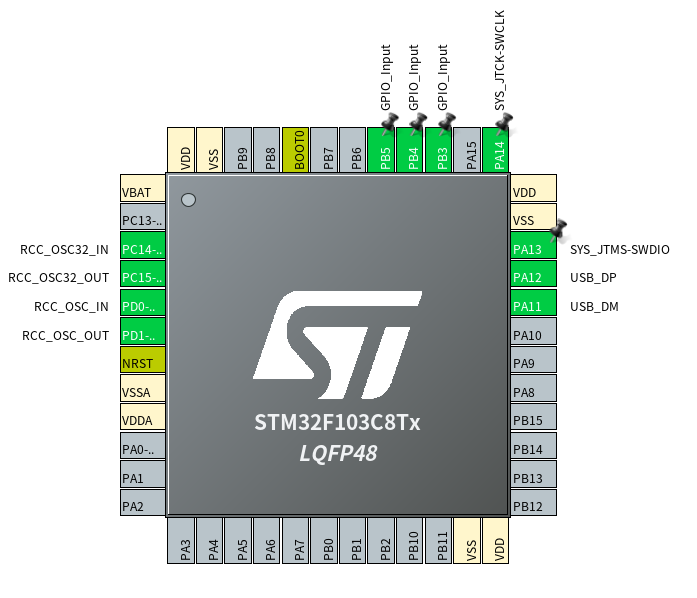
| /* * max7219.c * * MAX7219 8x8 도트매트릭스 체인 구동 + 좌->우 텍스트 스크롤. * * 배선(하드웨어 SPI1 사용): * MAX7219 DIN -> PA7 (SPI1_MOSI) * MAX7219 CLK -> PA5 (SPI1_SCK) * MAX7219 CS -> PA4 (일반 GPIO, 소프트웨어 제어) * MAX7219 VCC -> 5V, GND -> GND * * 레지스터 모델: MAX7219는 디코드모드 OFF 상태에서 DIGIT0~7 레지스터 각각이 * 매트릭스의 "행(row)"이며, 그 8bit가 그 행의 8개 열(column)을 나타낸다. * 따라서 프레임을 만들 때는 (행, 각 모듈별 8bit) 형태로 SPI에 실어야 한다. */ #include "main.h" #include "max7219.h" #include <string.h> #include <ctype.h> #define MAX7219_REG_NOOP 0x00 #define MAX7219_REG_DIGIT0 0x01 #define MAX7219_REG_DECODEMODE 0x09 #define MAX7219_REG_INTENSITY 0x0A #define MAX7219_REG_SCANLIMIT 0x0B #define MAX7219_REG_SHUTDOWN 0x0C #define MAX7219_REG_DISPLAYTEST 0x0F #define MAX7219_TOTAL_COLS (MAX7219_NUM_DEVICES * 8) /* 표시 가능한 최대 문자열 길이(글자당 6컬럼 = 5폭+1간격) + 앞뒤 여백 */ #define MAX7219_TEXT_MAX_CHARS 64 #define MAX7219_COLBUF_SIZE (MAX7219_TOTAL_COLS * 2 + MAX7219_TEXT_MAX_CHARS * 6) static SPI_HandleTypeDef *s_hspi; static uint8_t s_colbuf[MAX7219_COLBUF_SIZE]; static uint32_t s_colbuf_len; static uint32_t s_scroll_offset; /* ---- 5x7 폰트: 행(row) 단위 원본 표현. 각 바이트의 bit4..bit0 = 좌->우 5개 컬럼 ---- */ typedef struct { char ch; uint8_t rows[7]; } Glyph5x7; static const Glyph5x7 s_font[] = { {' ', {0b00000,0b00000,0b00000,0b00000,0b00000,0b00000,0b00000}}, {'0', {0b01110,0b10001,0b10011,0b10101,0b11001,0b10001,0b01110}}, {'1', {0b00100,0b01100,0b00100,0b00100,0b00100,0b00100,0b01110}}, {'2', {0b01110,0b10001,0b00001,0b00010,0b00100,0b01000,0b11111}}, {'3', {0b11111,0b00010,0b00100,0b00010,0b00001,0b10001,0b01110}}, {'4', {0b00010,0b00110,0b01010,0b10010,0b11111,0b00010,0b00010}}, {'5', {0b11111,0b10000,0b11110,0b00001,0b00001,0b10001,0b01110}}, {'6', {0b00110,0b01000,0b10000,0b11110,0b10001,0b10001,0b01110}}, {'7', {0b11111,0b00001,0b00010,0b00100,0b01000,0b01000,0b01000}}, {'8', {0b01110,0b10001,0b10001,0b01110,0b10001,0b10001,0b01110}}, {'9', {0b01110,0b10001,0b10001,0b01111,0b00001,0b00010,0b01100}}, {'A', {0b01110,0b10001,0b10001,0b11111,0b10001,0b10001,0b10001}}, {'B', {0b11110,0b10001,0b10001,0b11110,0b10001,0b10001,0b11110}}, {'C', {0b01111,0b10000,0b10000,0b10000,0b10000,0b10000,0b01111}}, {'D', {0b11110,0b10001,0b10001,0b10001,0b10001,0b10001,0b11110}}, {'E', {0b11111,0b10000,0b10000,0b11110,0b10000,0b10000,0b11111}}, {'F', {0b11111,0b10000,0b10000,0b11110,0b10000,0b10000,0b10000}}, {'G', {0b01111,0b10000,0b10000,0b10011,0b10001,0b10001,0b01111}}, {'H', {0b10001,0b10001,0b10001,0b11111,0b10001,0b10001,0b10001}}, {'I', {0b01110,0b00100,0b00100,0b00100,0b00100,0b00100,0b01110}}, {'J', {0b00111,0b00010,0b00010,0b00010,0b00010,0b10010,0b01100}}, {'K', {0b10001,0b10010,0b10100,0b11000,0b10100,0b10010,0b10001}}, {'L', {0b10000,0b10000,0b10000,0b10000,0b10000,0b10000,0b11111}}, {'M', {0b10001,0b11011,0b10101,0b10101,0b10001,0b10001,0b10001}}, {'N', {0b10001,0b11001,0b10101,0b10101,0b10011,0b10001,0b10001}}, {'O', {0b01110,0b10001,0b10001,0b10001,0b10001,0b10001,0b01110}}, {'P', {0b11110,0b10001,0b10001,0b11110,0b10000,0b10000,0b10000}}, {'Q', {0b01110,0b10001,0b10001,0b10001,0b10101,0b10010,0b01101}}, {'R', {0b11110,0b10001,0b10001,0b11110,0b10100,0b10010,0b10001}}, {'S', {0b01111,0b10000,0b10000,0b01110,0b00001,0b00001,0b11110}}, {'T', {0b11111,0b00100,0b00100,0b00100,0b00100,0b00100,0b00100}}, {'U', {0b10001,0b10001,0b10001,0b10001,0b10001,0b10001,0b01110}}, {'V', {0b10001,0b10001,0b10001,0b10001,0b10001,0b01010,0b00100}}, {'W', {0b10001,0b10001,0b10001,0b10101,0b10101,0b10101,0b01010}}, {'X', {0b10001,0b10001,0b01010,0b00100,0b01010,0b10001,0b10001}}, {'Y', {0b10001,0b10001,0b01010,0b00100,0b00100,0b00100,0b00100}}, {'Z', {0b11111,0b00001,0b00010,0b00100,0b01000,0b10000,0b11111}}, {'.', {0b00000,0b00000,0b00000,0b00000,0b00000,0b01100,0b01100}}, {'!', {0b00100,0b00100,0b00100,0b00100,0b00100,0b00000,0b00100}}, {'-', {0b00000,0b00000,0b00000,0b11111,0b00000,0b00000,0b00000}}, }; #define FONT_COUNT (sizeof(s_font) / sizeof(s_font[0])) static const Glyph5x7 *font_lookup(char c) { if (c >= 'a' && c <= 'z') c = (char)(c - 'a' + 'A'); /* 소문자 -> 대문자 */ for (uint32_t i = 0; i < FONT_COUNT; i++) { if (s_font[i].ch == c) return &s_font[i]; } return &s_font[0]; /* 지원 안 하는 문자는 공백으로 */ } /* row(0=top..6=bottom) 문자열 비트에서 col(0=left..4)에 해당하는 컬럼 바이트를 뽑아 * bit r 위치에 채운다 (bit0=top row ... bit6=bottom row). */ static uint8_t glyph_col_byte(const Glyph5x7 *g, uint8_t col) { uint8_t val = 0; for (uint8_t r = 0; r < 7; r++) { uint8_t bit = (g->rows[r] >> (4 - col)) & 0x01U; val |= (uint8_t)(bit << r); } return val; } /* ---- 저수준 SPI 전송 ---- */ static inline void cs_low(void) { HAL_GPIO_WritePin(MAX7219_CS_PORT, MAX7219_CS_PIN, GPIO_PIN_RESET); } static inline void cs_high(void) { HAL_GPIO_WritePin(MAX7219_CS_PORT, MAX7219_CS_PIN, GPIO_PIN_SET); } /* 체인의 모든 모듈에 동일한 (reg,data)를 전송 (초기화/공통 설정용) */ static void max7219_write_all(uint8_t reg, uint8_t data) { uint8_t buf[2] = { reg, data }; cs_low(); for (uint32_t i = 0; i < MAX7219_NUM_DEVICES; i++) { HAL_SPI_Transmit(s_hspi, buf, 2, HAL_MAX_DELAY); } cs_high(); } /* 한 행(row 0~7)에 대해 모듈별 8bit 데이터를 체인에 맞는 순서로 전송. * dev_data[0] = MCU와 가장 가까운(첫번째) 모듈. SPI 시프트 특성상 체인에서는 * 가장 먼 모듈 데이터부터 먼저 밀어넣어야 CS 상승 시 올바르게 래치된다. */ static void max7219_send_row(uint8_t row, const uint8_t *dev_data) { uint8_t reg = (uint8_t)(MAX7219_REG_DIGIT0 + row); cs_low(); #if MAX7219_REVERSE_CHAIN for (int32_t dev = 0; dev < MAX7219_NUM_DEVICES; dev++) #else for (int32_t dev = MAX7219_NUM_DEVICES - 1; dev >= 0; dev--) #endif { uint8_t buf[2] = { reg, dev_data[dev] }; HAL_SPI_Transmit(s_hspi, buf, 2, HAL_MAX_DELAY); } cs_high(); } void MAX7219_Init(SPI_HandleTypeDef *hspi) { s_hspi = hspi; max7219_write_all(MAX7219_REG_DISPLAYTEST, 0x00); max7219_write_all(MAX7219_REG_SCANLIMIT, 0x07); /* 8자리(행) 전부 사용 */ max7219_write_all(MAX7219_REG_DECODEMODE, 0x00); /* BCD 디코드 없음: 매트릭스 모드 */ max7219_write_all(MAX7219_REG_INTENSITY, 0x04); /* 밝기 0x0~0xF */ max7219_write_all(MAX7219_REG_SHUTDOWN, 0x01); /* 0=shutdown, 1=normal operation */ MAX7219_Clear(); } void MAX7219_SetIntensity(uint8_t level) { max7219_write_all(MAX7219_REG_INTENSITY, (uint8_t)(level & 0x0FU)); } void MAX7219_Clear(void) { uint8_t zeros[MAX7219_NUM_DEVICES]; memset(zeros, 0, sizeof(zeros)); for (uint8_t row = 0; row < 8; row++) { max7219_send_row(row, zeros); } } void MAX7219_SetText(const char *text) { uint32_t len = 0; /* 화면 밖에서 스크롤 들어오도록 앞쪽 여백(패널 폭만큼 공백) */ for (uint32_t i = 0; i < MAX7219_TOTAL_COLS && len < MAX7219_COLBUF_SIZE; i++) { s_colbuf[len++] = 0x00; } for (const char *p = text; *p != '\0' && len + 6 <= MAX7219_COLBUF_SIZE; p++) { const Glyph5x7 *g = font_lookup(*p); for (uint8_t c = 0; c < 5; c++) { s_colbuf[len++] = glyph_col_byte(g, c); } s_colbuf[len++] = 0x00; /* 글자 사이 1컬럼 간격 */ } /* 화면 밖으로 완전히 빠져나가도록 뒤쪽 여백 */ for (uint32_t i = 0; i < MAX7219_TOTAL_COLS && len < MAX7219_COLBUF_SIZE; i++) { s_colbuf[len++] = 0x00; } s_colbuf_len = len; s_scroll_offset = 0; } static void render_frame(void) { uint8_t dev_row[MAX7219_NUM_DEVICES]; if (s_colbuf_len == 0) return; for (uint8_t row = 0; row < 8; row++) { for (uint32_t dev = 0; dev < MAX7219_NUM_DEVICES; dev++) { uint8_t val = 0; for (uint8_t c = 0; c < 8; c++) { uint32_t col_index = (s_scroll_offset + dev * 8U + c) % s_colbuf_len; uint8_t bit = (s_colbuf[col_index] >> row) & 0x01U; #if MAX7219_MIRROR_COLS val |= (uint8_t)(bit << c); #else val |= (uint8_t)(bit << (7 - c)); #endif } dev_row[dev] = val; } max7219_send_row(row, dev_row); } } uint8_t MAX7219_ScrollStep(void) { render_frame(); if (s_colbuf_len == 0) return 1; s_scroll_offset++; if (s_scroll_offset >= s_colbuf_len) { s_scroll_offset = 0; return 1; } return 0; } /* 각 모듈에 스크롤 없이 고정 숫자를 동시에 정적으로 표시(디버그용). * dev=0 -> "1", dev=1 -> "2" ... 모듈이 서로 다른 내용을 "동시에" 보여주는지, * 그리고 계속 켜진 상태로 유지되는지(깜빡임/순차갱신 없는지) 확인하는 용도. */ void MAX7219_ShowDeviceIndexTest(void) { uint8_t dev_row[MAX7219_NUM_DEVICES]; const Glyph5x7 *glyphs[MAX7219_NUM_DEVICES]; for (uint32_t dev = 0; dev < MAX7219_NUM_DEVICES; dev++) { char digit = (char)('1' + (dev % 9)); glyphs[dev] = font_lookup(digit); } for (uint8_t row = 0; row < 8; row++) { for (uint32_t dev = 0; dev < MAX7219_NUM_DEVICES; dev++) { uint8_t val = 0; if (row < 7) /* 글꼴은 7행(0~6)까지만 있음, 8번째 행은 항상 빈 줄 */ { for (uint8_t c = 0; c < 5; c++) /* 글꼴 폭 5, 나머지 3컬럼은 여백(0) */ { uint8_t bit = (glyphs[dev]->rows[row] >> (4 - c)) & 0x01U; #if MAX7219_MIRROR_COLS val |= (uint8_t)(bit << (2 + c)); #else val |= (uint8_t)(bit << (7 - c)); #endif } } dev_row[dev] = val; } max7219_send_row(row, dev_row); } } |
'embeded > Cortex-M3 STM' 카테고리의 다른 글
| ws2812b vs hub75 (0) | 2026.09.23 |
|---|---|
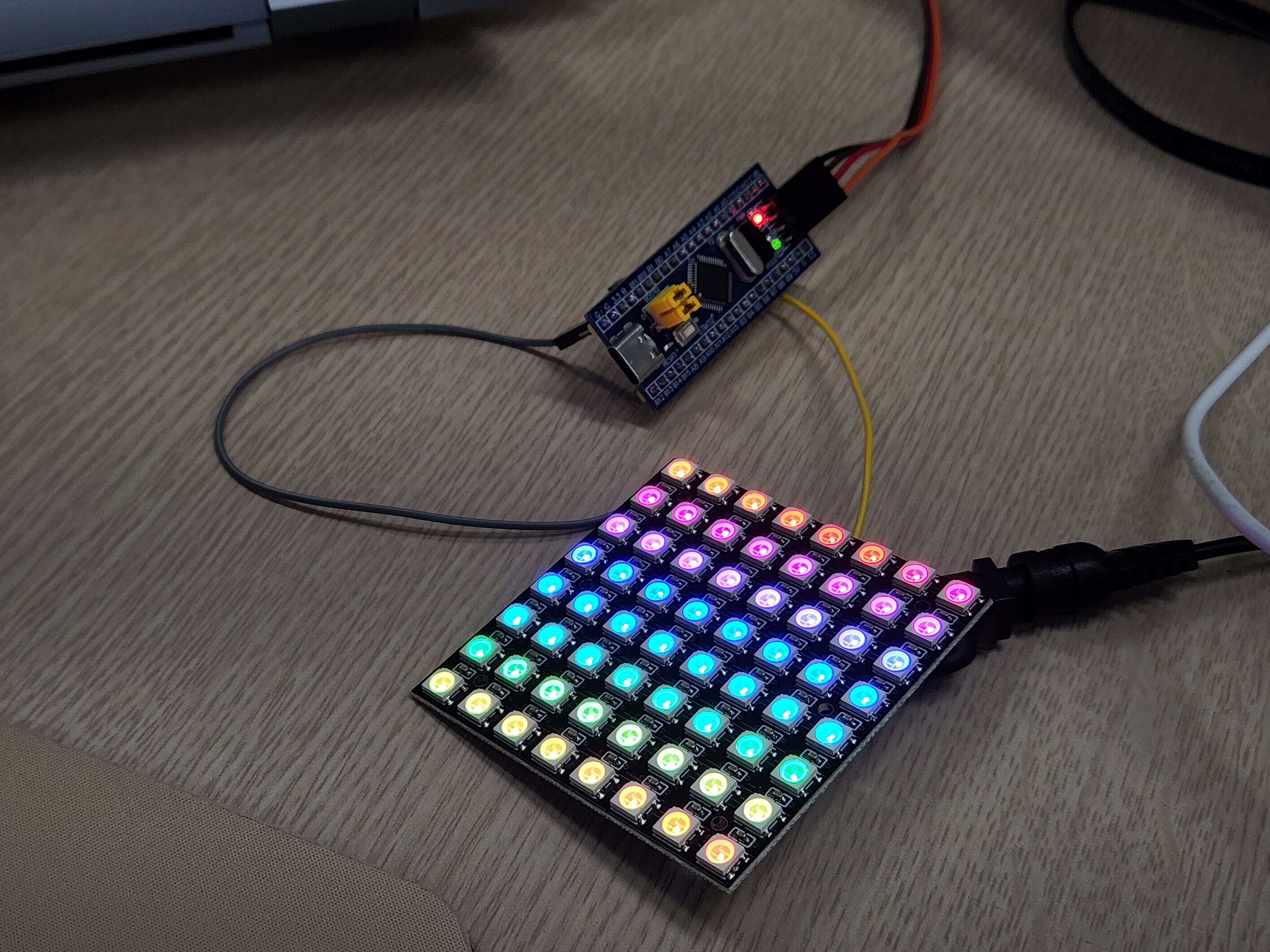
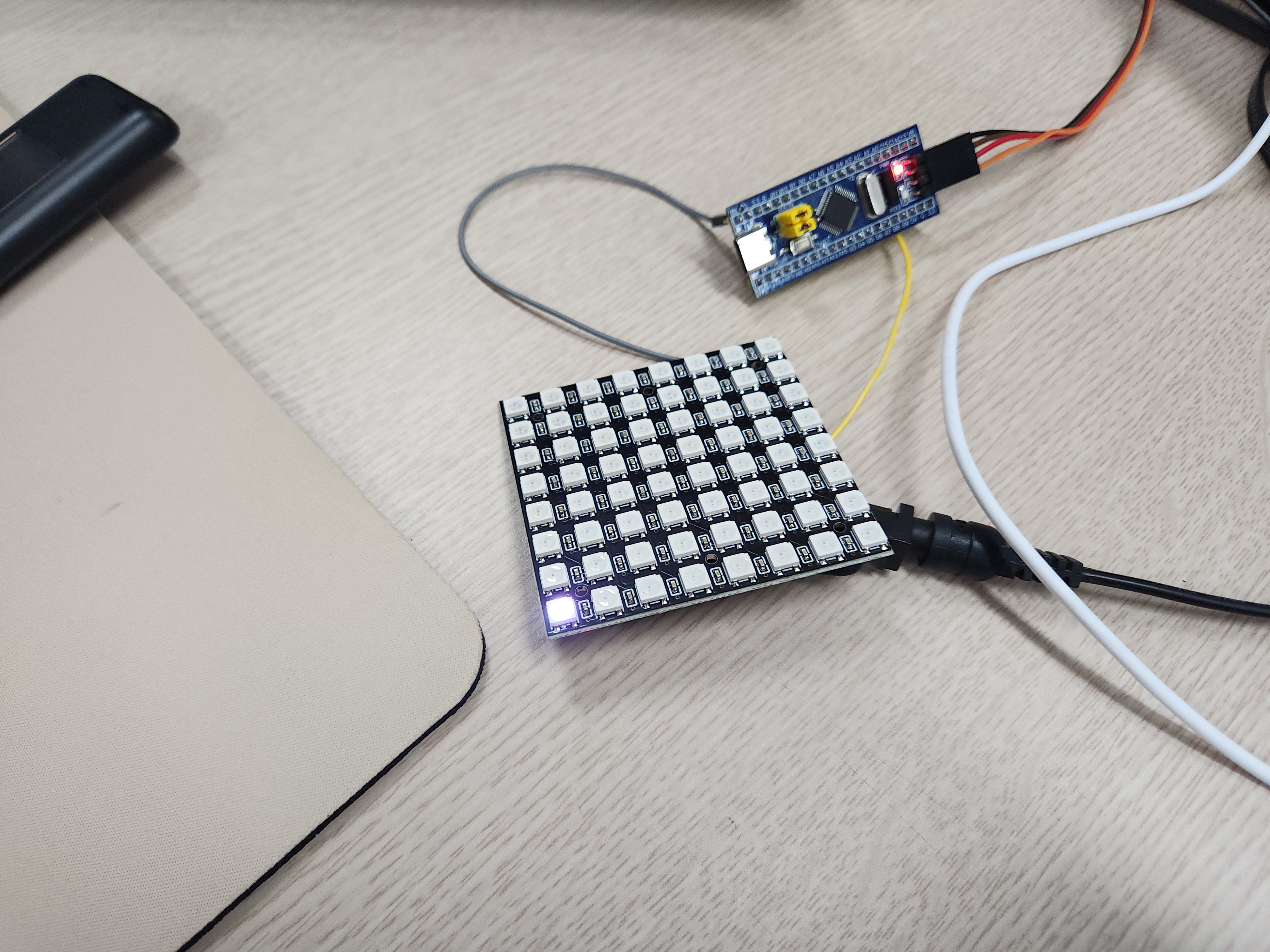
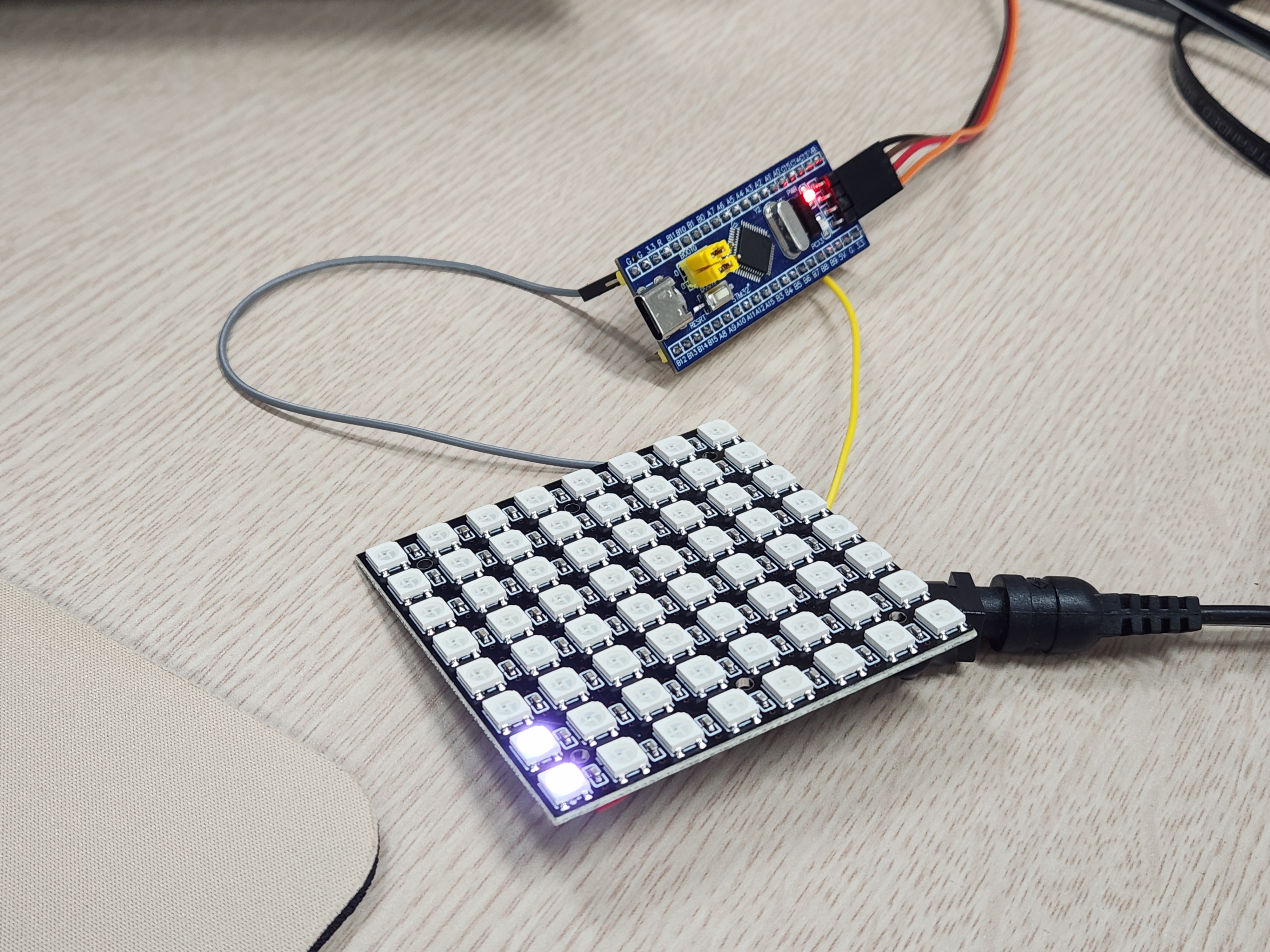
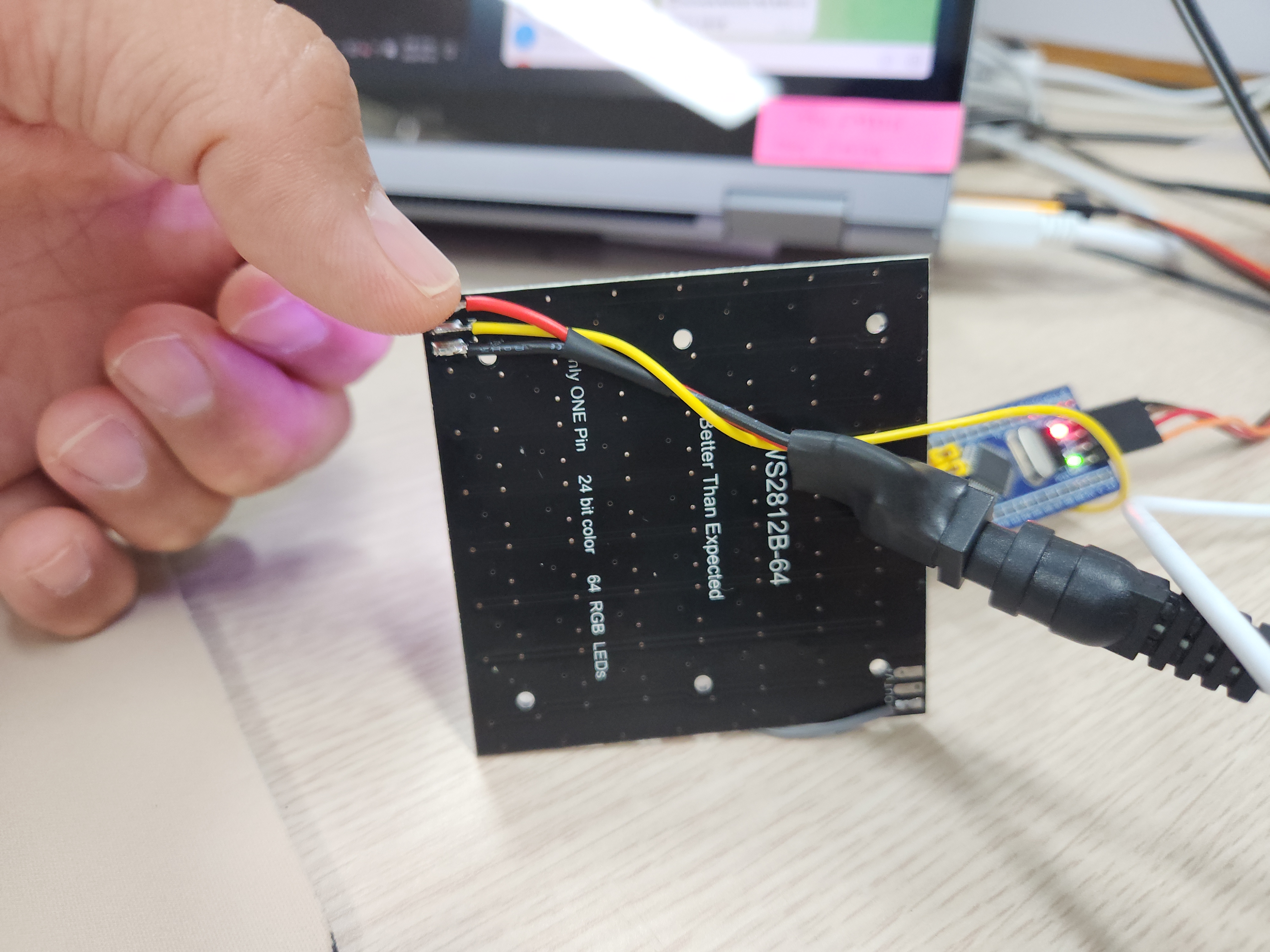
| 네오픽셀 ws2812b-64 작동 (0) | 2026.09.23 |
| stm32 gpio hi-z (0) | 2026.09.10 |
| stm32f103c9t6(bluepill) + keypad (0) | 2026.09.08 |
| stm32 usb composite / report id (0) | 2026.09.04 |