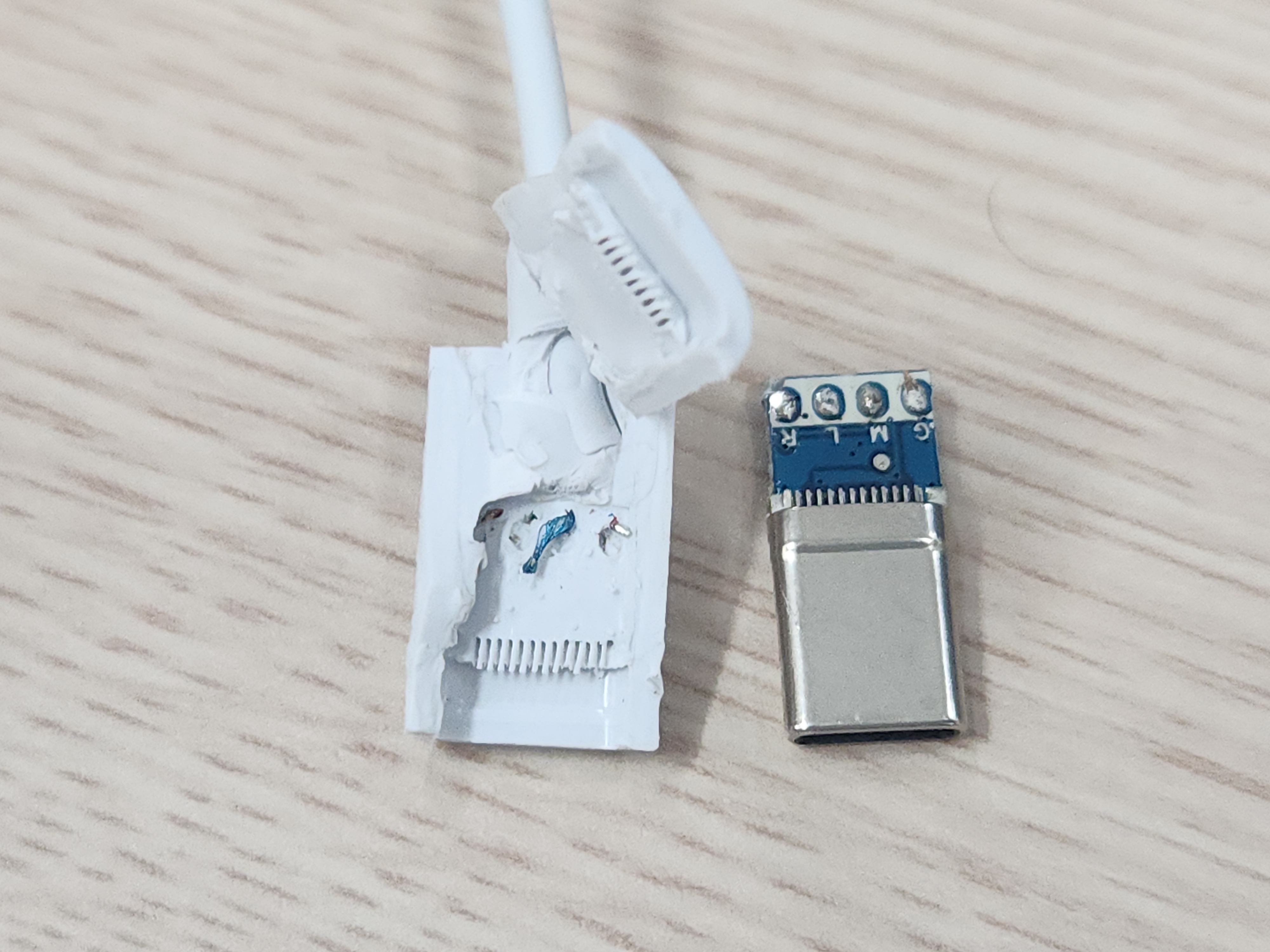
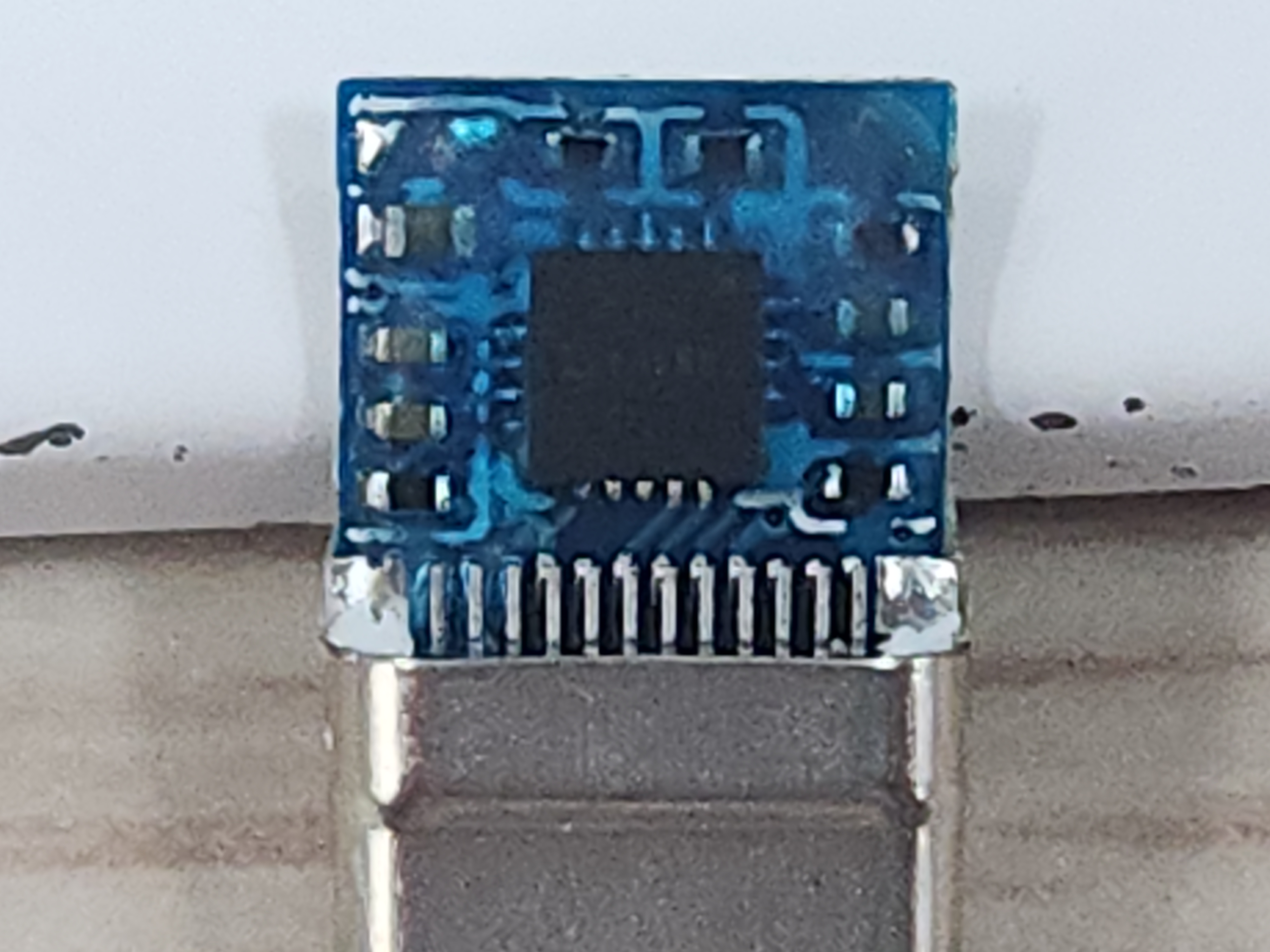
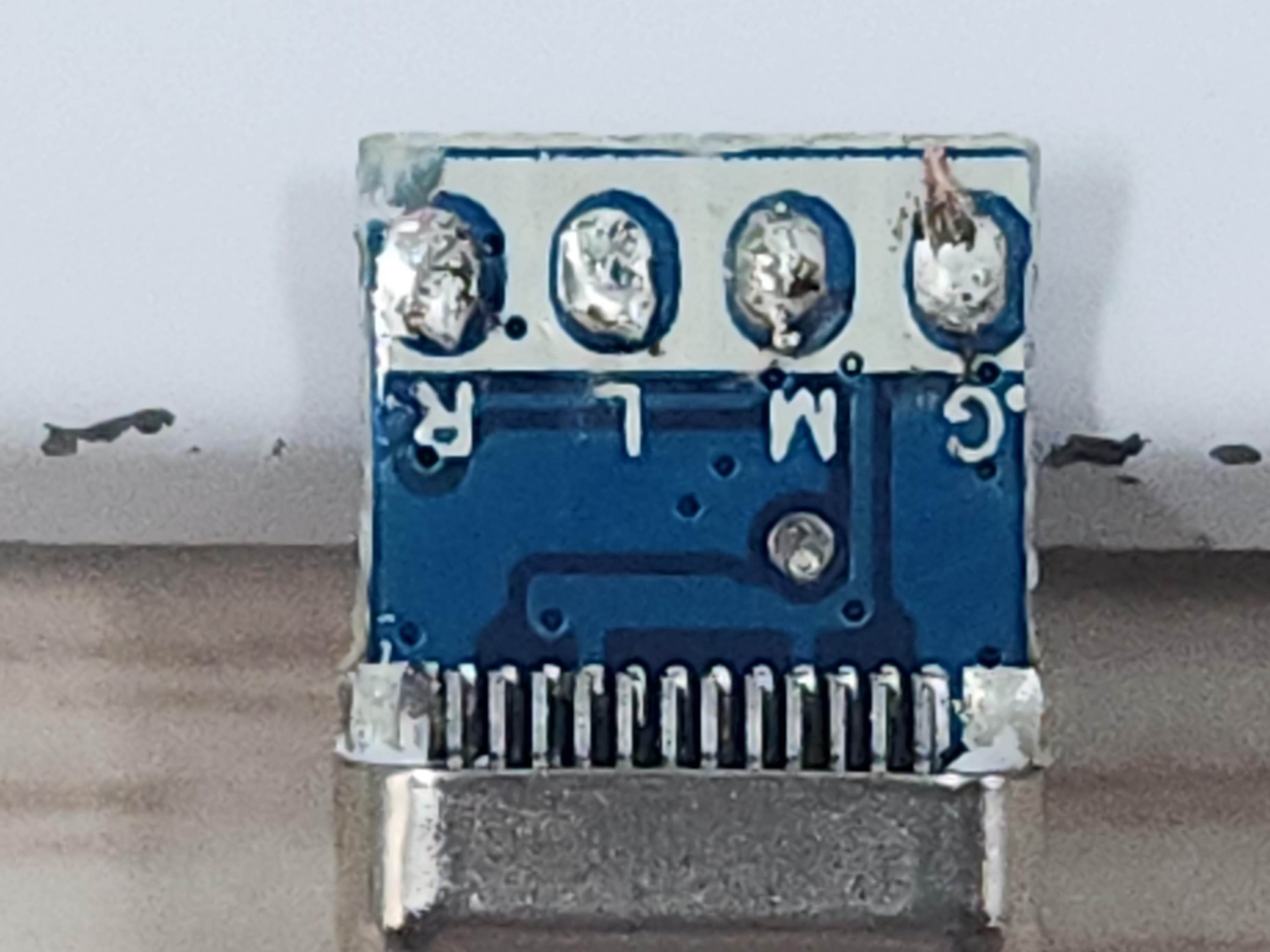
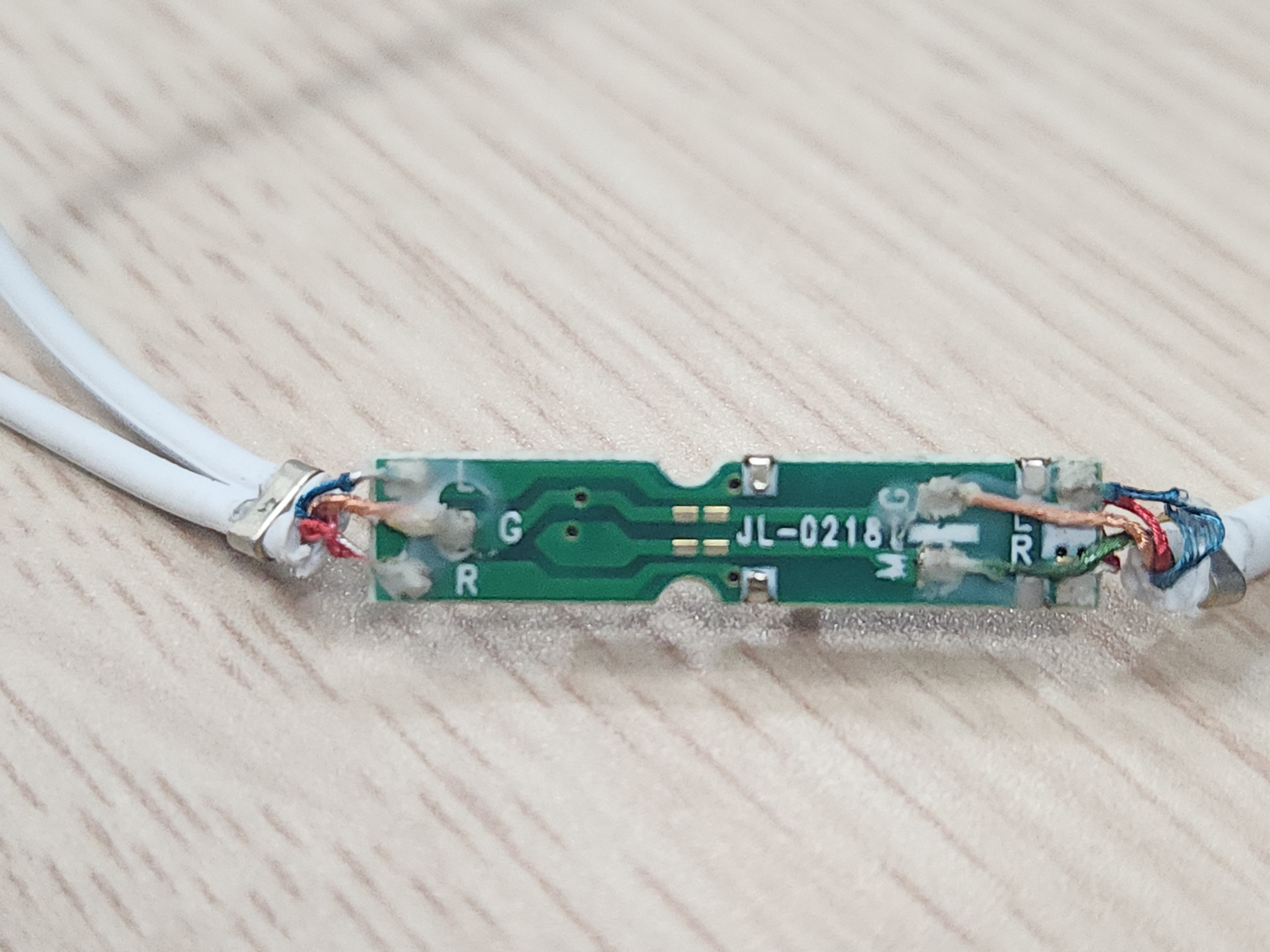
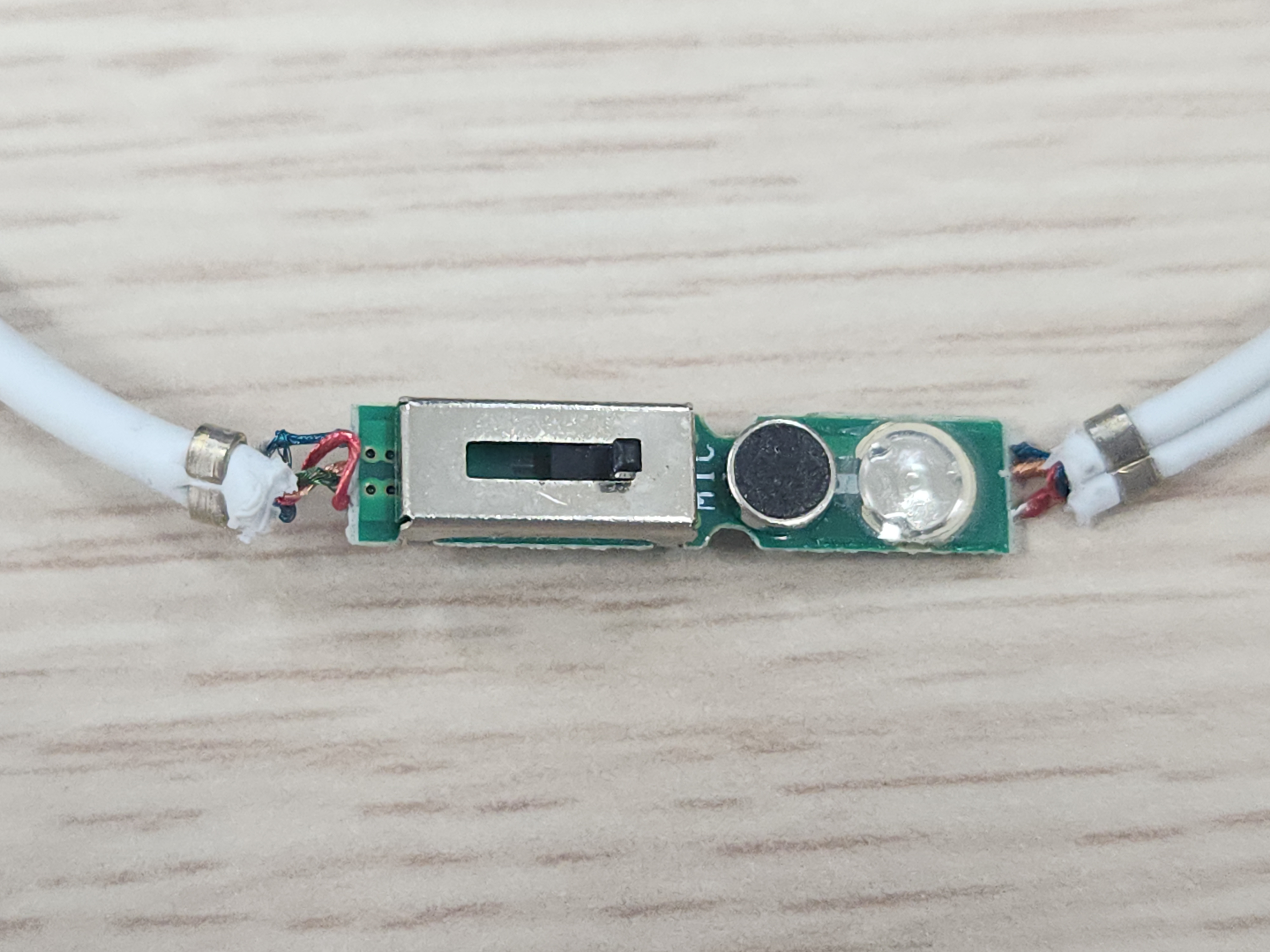
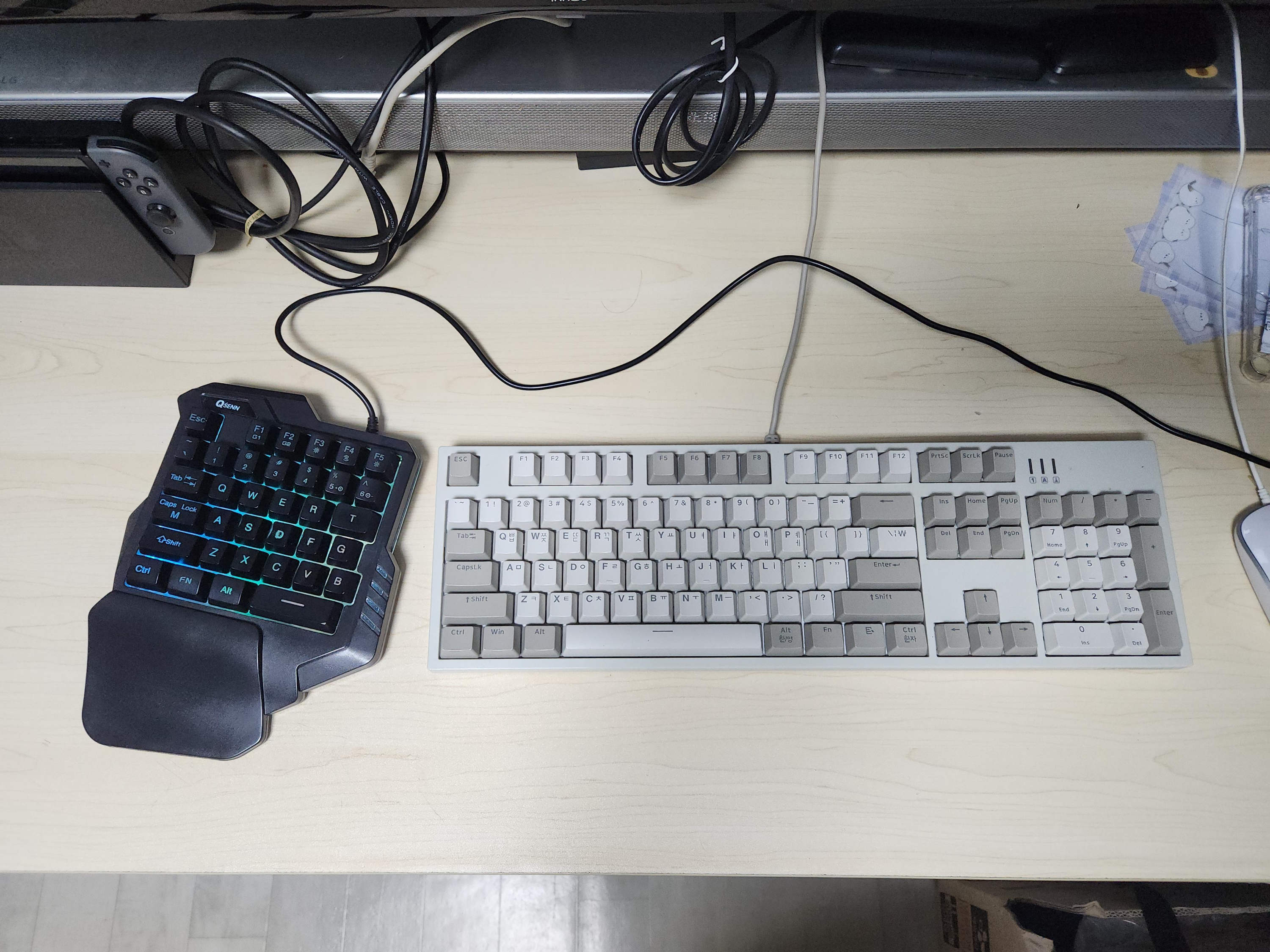
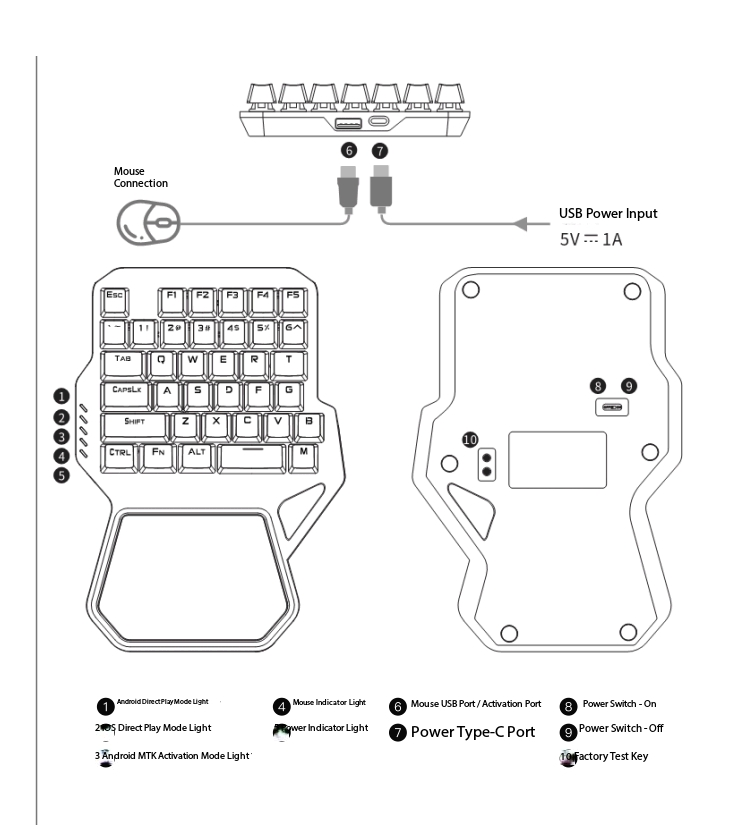
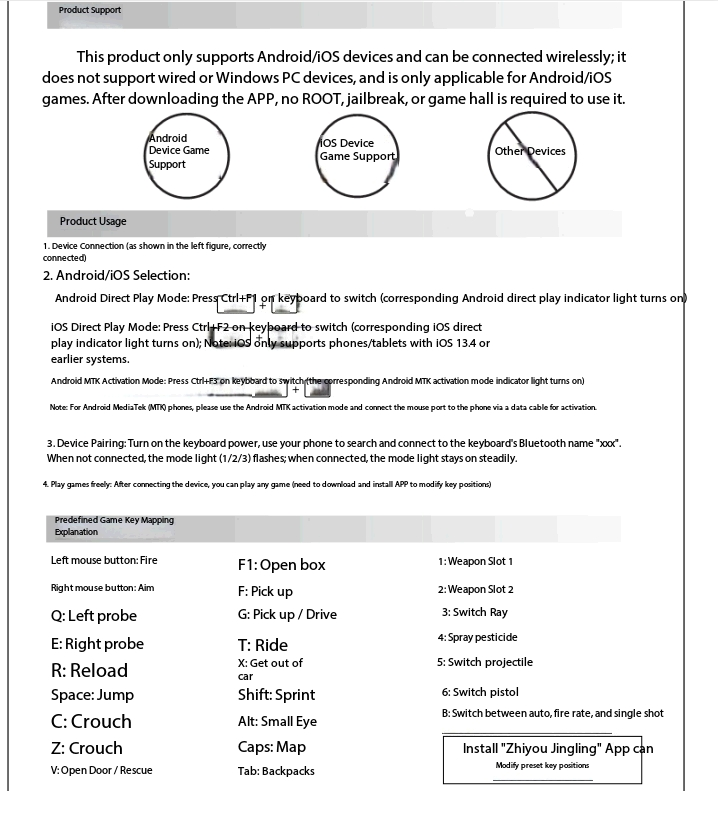
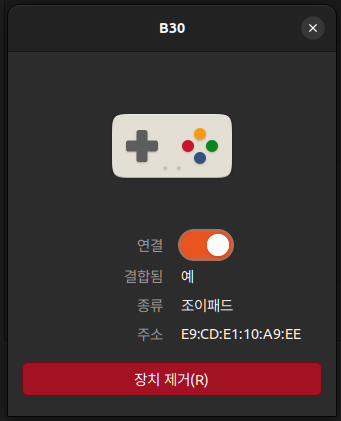
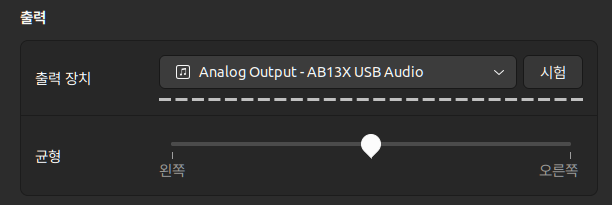
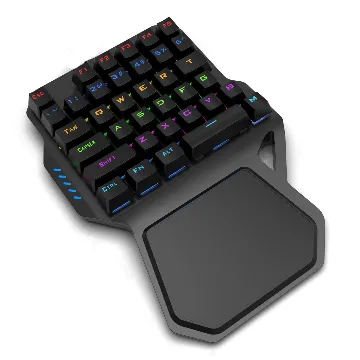
[418902.776178] usb 1-1: new full-speed USB device number 14 using xhci_hcd [418902.904536] usb 1-1: not running at top speed; connect to a high speed hub [418902.906304] usb 1-1: New USB device found, idVendor=001f, idProduct=0b21, bcdDevice= 1.00 [418902.906311] usb 1-1: New USB device strings: Mfr=1, Product=2, SerialNumber=3 [418902.906313] usb 1-1: Product: AB13X USB Audio [418902.906315] usb 1-1: Manufacturer: Generic [418902.906317] usb 1-1: SerialNumber: 20210926172016 [418902.916215] input: Generic AB13X USB Audio as /devices/pci0000:00/0000:00:14.0/usb1/1-1/1-1:1.3/0003:001F:0B21.000C/input/input34 [418902.968313] hid-generic 0003:001F:0B21.000C: input,hidraw5: USB HID v2.01 Device [Generic AB13X USB Audio] on usb-0000:00:14.0-1/input3
$ lsusb -t -v /: Bus 01.Port 1: Dev 1, Class=root_hub, Driver=xhci_hcd/12p, 480M ID 1d6b:0002 Linux Foundation 2.0 root hub |__ Port 1: Dev 14, If 3, Class=Human Interface Device, Driver=usbhid, 12M ID 001f:0b21 |__ Port 1: Dev 14, If 1, Class=Audio, Driver=snd-usb-audio, 12M ID 001f:0b21 |__ Port 1: Dev 14, If 2, Class=Audio, Driver=snd-usb-audio, 12M ID 001f:0b21 |__ Port 1: Dev 14, If 0, Class=Audio, Driver=snd-usb-audio, 12M ID 001f:0b21
Step 4: Clean up To avoid incurring unnecessary charges, clean up your Pod resources. Terminating a Pod permanently deletes all data that isn’t stored in a network volume. Be sure that you’ve saved any data you might need to access again.
nvme는 맞는데 속도 제한을 건걸까 아니면 SATA SSD를 쓰는걸까 싶은 생각이 든다.
아무튼, 얘는 그럼 대역폭을 더 넓게 쓸 수 있는 걸까?
Pricing High-performance storage is priced per-GB at a premium to standard storage. The console displays per-GB and total monthly cost as you configure a volume. Exact pricing varies by data center. Check the volume creation flow in the console for current rates.