Programming/qt2026. 4. 1. 14:56

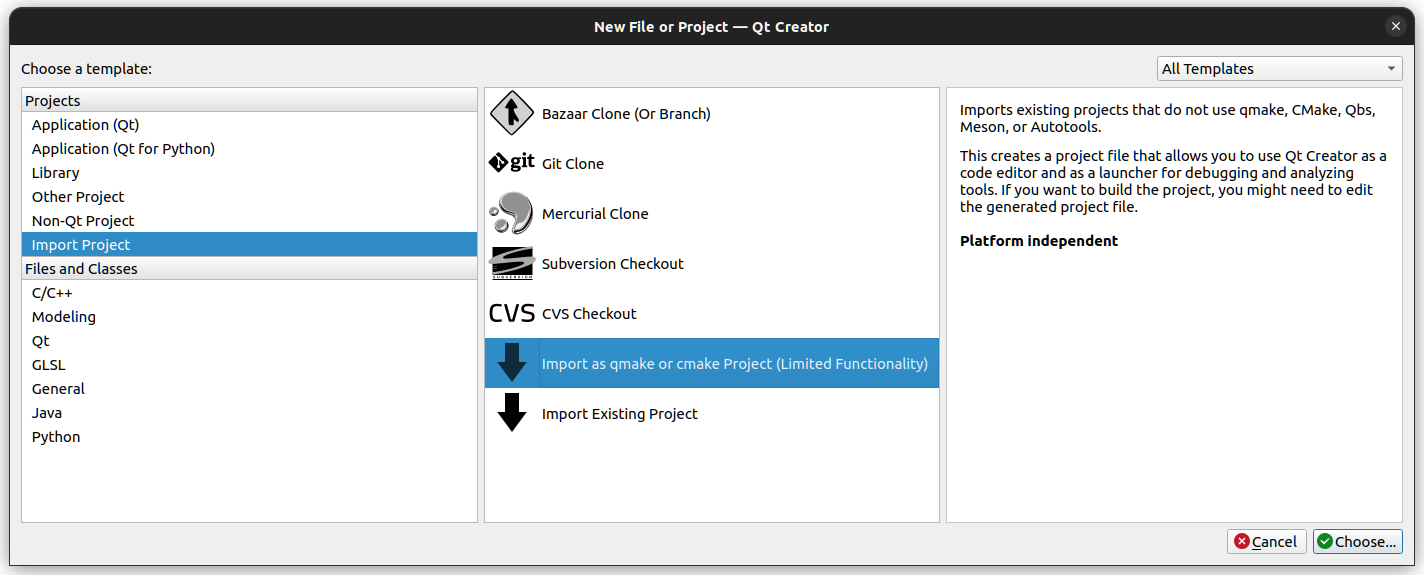
QT 에서 ui를 사용하는? 불러오는? 방법은 크게 두가지가 있는데

하나는 ui 파일을 "런타임"에 읽어와서 사용하는 것이고

다른 하나는 qic 를 통해 cpp/h 로 변환해서 사용하는 것이다.

[링크 : https://doc.qt.io/qt-6/ko/designer-using-a-ui-file.html]


QT Ui Loader 를 이용하여 런타임중에 불러와서 쓰는 것과 

Header: #include <QUiLoader>
CMake: find_package(Qt6 REQUIRED COMPONENTS UiTools)
target_link_libraries(mytarget PRIVATE Qt6::UiTools)
qmake: QT += uitools

[링크 : https://doc.qt.io/qt-6/quiloader.html]


qt designer로 디자인하고

[링크 : https://doc.qt.io/qt-6/ko/qtdesigner-manual.html]


qic를 통해 소스로 변환하는 것이 있다.

[링크 : https://doc.qt.io/qt-6/ko/uic.html]


어쩌면 python을 위해 동적 로드가 추가된거 아닐까 생각도?

[링크 : https://doc.qt.io/qt-6/ko/designer-using-a-ui-file-python.html]


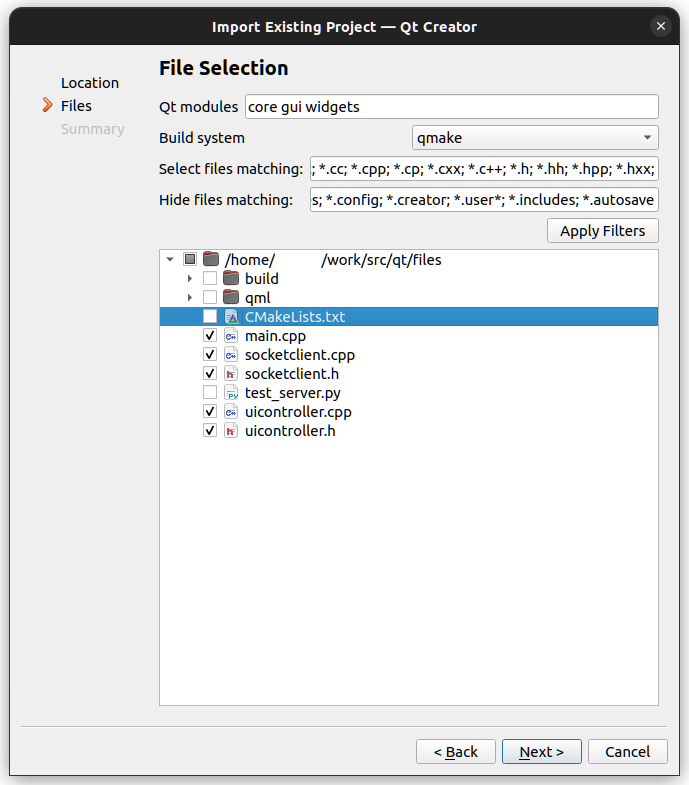
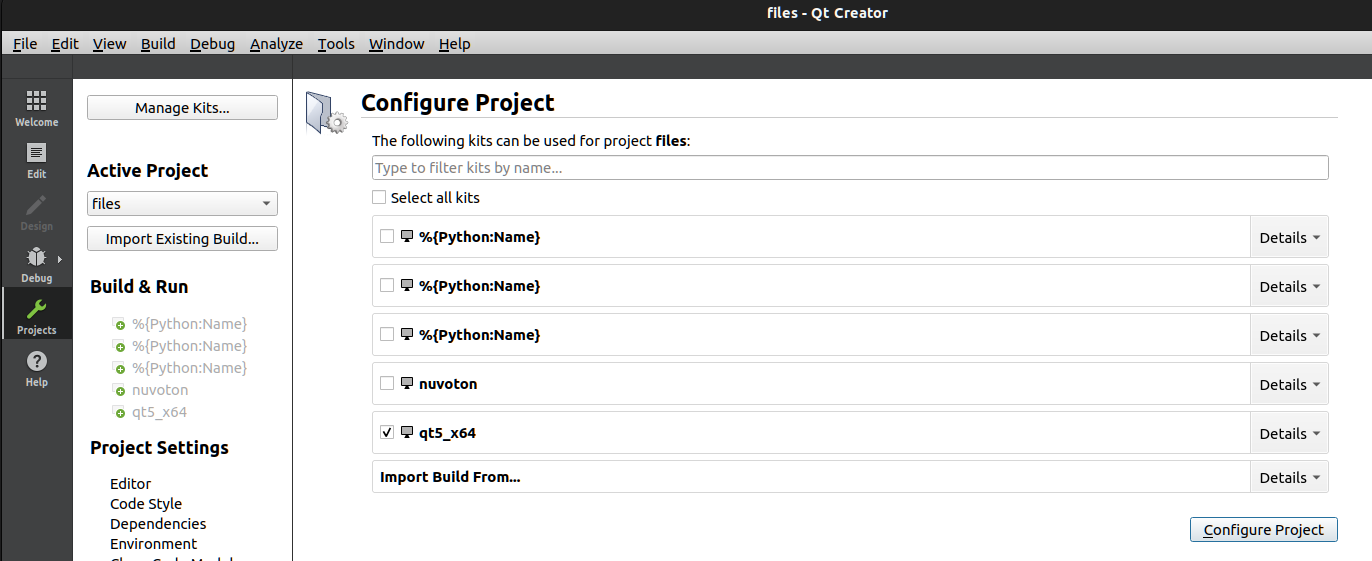
프로젝트 파일에 widgets가 들어가면 자동으로 변경되는것 처럼 이야기 하는데

6.x 면 기본으로 들어가게 되어있지만 그렇다고 자동으로 ui 파일 기반으로 변경하진 않는다.

QT       += core gui multimedia uitools

greaterThan(QT_MAJOR_VERSION, 4): QT += widgets

[링크 : https://www.qtcentre.org/threads/36215-qmake-not-invoking-uic]

[링크 : https://doc.qt.io/archives/qt-5.15/qtwidgets-index.html]

[링크 : https://stackoverflow.com/questions/38549747/qmake-doesnt-invoke-uic]


QMAKE_UIC_FLAGS += -a

[링크 : https://doc.qt.io/archives/qt-5.15/qmake-variable-reference.html#qmake-uic-flags]

[링크 : https://forum.qt.io/topic/129602/how-to-pass-option-to-uic-in-qmake-project-file/2]


In specific cases, such as the example below where the include directive uses a relative path, qt_add_ui can be used to generate the ui_calculatorform.h file instead of relying on AUTOUIC.
When to prefer qt_add_ui over AUTOUIC

[링크 : https://doc.qt.io/qt-6/designer-using-a-ui-file.html]

[링크 : https://cmake.org/cmake/help/latest/manual/cmake-qt.7.html#autouic]

[링크 : https://doc.qt.io/qt-6/qt-add-ui.html]


include 지시어가 상대 경로를 사용하는 아래 예제와 같은 특정 경우에는 AUTOUIC에 의존하는 대신 qt_add_ui를 사용하여 ui_calculatorform.h 파일을 생성할 수 있습니다.
AUTOUIC보다 qt_add_ui를 선호하는 경우

[링크 : https://doc.qt.io/qt-6/ko/designer-using-a-ui-file.html]

[링크 : https://doc.qt.io/qt-6/uic.html]


'Programming > qt' 카테고리의 다른 글

qt widget fullscreen  (0) 2026.03.31
qt media 재생하기  (0) 2026.03.31
qt concurrent / qt thread  (0) 2026.03.30
Qtimer를 이용한 반복/1회성 이벤트 생성  (0) 2026.03.30
qt6 시그널  (0) 2026.03.30
Posted by 구차니
Programming/qt2026. 3. 31. 16:13

qt designer 상에서 딸깍하면되는거 없나?


    MainWindow w;

    // w.setWindowState(w.windowState() ^ Qt::WindowFullScreen);
    // w.show();
    w.showFullScreen();

[링크 : https://doc.qt.io/qt-6/qwidget.html]

[링크 : https://m.blog.naver.com/lithium81/80143225704]

'Programming > qt' 카테고리의 다른 글

qt ui loader  (0) 2026.04.01
qt media 재생하기  (0) 2026.03.31
qt concurrent / qt thread  (0) 2026.03.30
Qtimer를 이용한 반복/1회성 이벤트 생성  (0) 2026.03.30
qt6 시그널  (0) 2026.03.30
Posted by 구차니
Programming/qt2026. 3. 31. 10:17

mainwindow.h

#include <QAudioOutput>
#include <QMediaPlayer>

class MainWindow : public QMainWindow
{
private:
    Ui::MainWindow *ui;
    QMediaPlayer *player;
    QAudioOutput *audioOutput;
};


mainwindow.cpp

QAudioOutput을 넣어주지 않으면 재생되는것 처럼 보이는데 정작 소리가 안나온다.

MainWindow::MainWindow(QWidget *parent)
    : QMainWindow(parent)
    , ui(new Ui::MainWindow)
{
    ui->setupUi(this);

    player = new QMediaPlayer;
    audioOutput = new QAudioOutput;
    player->setAudioOutput(audioOutput);

    player->setSource(QUrl::fromLocalFile("/home/minimonk/src/qt/sounds/test.mp3"));
    // player->setSource(QUrl("qrc:/test/sounds/test.mp3"));
    audioOutput->setVolume(0.5);

    player->play();
}

[링크 : https://doc.qt.io/qt-6/ko/audiooverview.html]

[링크 : https://doc.qt.io/qt-6/ko/qmediaplayer.html]

[링크 : https://doc.qt.io/qt-6/ko/qaudiooutput.html]


test.pro

곱게(?) ui 내에서 추가하는 법 없나?

QT       += core gui multimedia

[링크 : https://vongole-pasta.tistory.com/56]


아무튼 이렇게 하면 창이 열리면서 음악이 재생된다.


QMediaPlaylist *playlist = new QMediaPlaylist();
playlist->addMedia(QUrl("qrc:/sounds/backgroundmusic.mp3"));
playlist->setPlaybackMode(QMediaPlaylist::Loop);

QMediaPlayer *music = new QMediaPlayer();
music->setPlaylist(playlist);
music->play();

[링크 : https://stackoverflow.com/questions/37690616/play-background-music-in-a-loop-qt]


요건 시그널/슬롯 이용

[링크 : https://makeutil.tistory.com/117]

'Programming > qt' 카테고리의 다른 글

qt ui loader  (0) 2026.04.01
qt widget fullscreen  (0) 2026.03.31
qt concurrent / qt thread  (0) 2026.03.30
Qtimer를 이용한 반복/1회성 이벤트 생성  (0) 2026.03.30
qt6 시그널  (0) 2026.03.30
Posted by 구차니
Programming/qt2026. 3. 30. 11:58

이벤트 처리

[링크 : https://flower0.tistory.com/296]

[링크 : https://coding-chobo.tistory.com/34]


qt thread / worker

[링크 : https://jheaon.tistory.com/entry/QThread을-사용하여-작업-단위-분리하기]

[링크 : https://doc.qt.io/qt-6/qthread.html]


qt concurrent (비동기 수행)

[링크 : https://khj1999.tistory.com/229]


Qt Concurrent
Qt Concurrent 모듈은 뮤텍스, 읽기-쓰기 잠금, 대기 조건 또는 세마포어와 같은 저수준 스레딩 프리미티브를 사용하지 않고도 멀티스레드 프로그램을 작성할 수 있는 고수준 API를 제공합니다. Qt Concurrent 으로 작성된 프로그램은 사용 가능한 프로세서 코어 수에 따라 사용되는 스레드 수를 자동으로 조정합니다. 즉, 오늘 작성된 애플리케이션은 향후 멀티코어 시스템에 배포할 때 계속 확장할 수 있습니다.

Qt Concurrent 에는 공유 메모리(비분산) 시스템을 위한 MapReduce 및 FilterReduce 구현과 GUI 애플리케이션에서 비동기 계산을 관리하기 위한 클래스 등 병렬 목록 처리를 위한 함수형 프로그래밍 스타일 API가 포함되어 있습니다:

[링크 : https://doc.qt.io/qt-6/ko/qtconcurrent-index.html]


[링크 : https://blog.naver.com/kkyy3402/221332058583]

[링크 : https://truelightn.tistory.com/8]

[링크 : https://1d1cblog.tistory.com/514]

'Programming > qt' 카테고리의 다른 글

qt widget fullscreen  (0) 2026.03.31
qt media 재생하기  (0) 2026.03.31
Qtimer를 이용한 반복/1회성 이벤트 생성  (0) 2026.03.30
qt6 시그널  (0) 2026.03.30
QLCDNumber class  (0) 2026.03.23
Posted by 구차니
Programming/qt2026. 3. 30. 11:30

결국은 슬롯에다가 시그널 보내는데

 Qtimer::singleShot() 이 있어서 단회성으로 발생이 가능한 듯.

//QTimer::singleShot(30000, ui->lbl_welcome,&QLabel::hide);
QTimer::singleShot(30000,ui->lbl_welcome,SLOT(hide()));

[링크 : https://forum.qt.io/topic/65799/how-to-display-label-for-30-seconds-and-then-hide-it/5]

[링크 : https://dev-astra.tistory.com/432]

[링크 : https://dongyeop00.tistory.com/86]


void QTimer::start(std::chrono::milliseconds interval)
Starts or restarts the timer with a timeout of duration interval milliseconds.

This is equivalent to:

timer.setInterval(interval);
timer.start();

If the timer is already running, it will be stopped and restarted. This will also change its id().

If singleShot is true, the timer will be activated only once.

Starting from Qt 6.10, setting a negative interval will result in a run-time warning and the value being reset to 1ms. Before Qt 6.10 a Qt Timer would let you set a negative interval but behave in surprising ways (for example stop the timer if it was running or not start it at all).

[링크 : https://doc.qt.io/qt-6/qtimer.html#start-2]


template <typename Duration, typename Functor> void QTimer::singleShot(Duration interval, const QObject *context, Functor &&functor)
[static]template <typename Duration, typename Functor> void QTimer::singleShot(Duration interval, Qt::TimerType timerType, const QObject *context, Functor &&functor)
[static]template <typename Duration, typename Functor> void QTimer::singleShot(Duration interval, Functor &&functor)
[static]template <typename Duration, typename Functor> void QTimer::singleShot(Duration interval, Qt::TimerType timerType, Functor &&functor)
This static function calls functor after interval.

It is very convenient to use this function because you do not need to bother with a timerEvent or create a local QTimer object.

If context is specified, then the functor will be called only if the context object has not been destroyed before the interval occurs. The functor will then be run the thread of context. The context's thread must have a running Qt event loop.

If functor is a member function of context, then the function will be called on the object.

The interval parameter can be an int (interpreted as a millisecond count) or a std::chrono type that implicitly converts to nanoseconds.

Starting from Qt 6.10, setting a negative interval will result in a run-time warning and the value being reset to 1ms. Before Qt 6.10 a Qt Timer would let you set a negative interval but behave in surprising ways (for example stop the timer if it was running or not start it at all).

[링크 : https://doc.qt.io/qt-6/qtimer.html#singleShot]

[링크 : https://doc.qt.io/qt-6/qtimer.html]

'Programming > qt' 카테고리의 다른 글

qt media 재생하기  (0) 2026.03.31
qt concurrent / qt thread  (0) 2026.03.30
qt6 시그널  (0) 2026.03.30
QLCDNumber class  (0) 2026.03.23
qt qrc 리소스 등록 후 이미지로 띄우기  (0) 2026.03.23
Posted by 구차니
Programming/qt2026. 3. 30. 11:14
#include <QObject>

class Counter : public QObject
{
    Q_OBJECT

// Note. The Q_OBJECT macro starts a private section.
// To declare public members, use the 'public:' access modifier.
public:
    Counter() { m_value = 0; }

    int value() const { return m_value; }

public slots:
    void setValue(int value);

signals:
    void valueChanged(int newValue);

private:
    int m_value;
};

void Counter::setValue(int value)
{
    if (value != m_value) {
        m_value = value;
        emit valueChanged(value);
    }
}


Counter a, b;
QObject::connect(&a, &Counter::valueChanged, &b, &Counter::setValue);

a.setValue(12);     // a.value() == 12, b.value() == 12
b.setValue(48);     // a.value() == 12, b.value() == 48

[링크 : https://doc.qt.io/qt-6/ko/signalsandslots.html]

[링크 : https://doc.qt.io/qt-6/ko/moc.html]


QT5(람다) / QT4 - 근데 람다 쓴다고 receiver도 사라질수 있나? this 어디갔지?

Qt 5 이상 스타일 (람다 함수 지원)
connect(sender, &Sender::signal, receiver, &Receiver::slot);

// 람다 함수 연결
connect(button, &QPushButton::clicked, []() {
    qDebug() << "Button clicked!";
});
 

Qt 4 이하 스타일
connect(sender, SIGNAL(signalName()), receiver, SLOT(slotName()));

[링크 : https://cagongman.tistory.com/109]


// new style
connect(&myObject, &SignalSlot::valueChanged, this, &Widget::setValue);

// old style
//connect(&myObject, SIGNAL(valueChanged(int)), this, SLOT(setValue(int)));

[링크 : https://dongyeop00.tistory.com/78]

[링크 : https://truelightn.tistory.com/6]

'Programming > qt' 카테고리의 다른 글

qt concurrent / qt thread  (0) 2026.03.30
Qtimer를 이용한 반복/1회성 이벤트 생성  (0) 2026.03.30
QLCDNumber class  (0) 2026.03.23
qt qrc 리소스 등록 후 이미지로 띄우기  (0) 2026.03.23
qt 6 프로그래밍 공개 ebook  (0) 2026.03.23
Posted by 구차니
Programming/qt2026. 3. 23. 15:21

아니 저런(?) 쓸데없는걸 그려주는 좋은 클래스가 있다니 ㅋ


[링크 : https://doc.qt.io/qt-6/ko/qlcdnumber.html#details]


그 와중에 qt creator 에서 widget으로 제공된다.

프로퍼티가 제법 많다.

소수점 자리는 지정할수 있는데, 아쉽게도(?) 자릿수 까진 없는 듯.

'Programming > qt' 카테고리의 다른 글

Qtimer를 이용한 반복/1회성 이벤트 생성  (0) 2026.03.30
qt6 시그널  (0) 2026.03.30
qt qrc 리소스 등록 후 이미지로 띄우기  (0) 2026.03.23
qt 6 프로그래밍 공개 ebook  (0) 2026.03.23
QT QWizard  (0) 2026.03.19
Posted by 구차니
Programming/qt2026. 3. 23. 12:47

일단 button에 icon 으로 하는 방법과

label을 등록하고 pixmap  으로 등록하는 방법이 qt creator / qt widget designer 에서 마우스로 쉽게 할 수 있는 방법인듯


QButton

[링크 : https://coding-chobo.tistory.com/40]


QLabel

[링크 : https://1d1cblog.tistory.com/37]

[링크 : https://blog.naver.com/hextrial/221109232458]

[링크 : https://stackoverflow.com/questions/5653114/display-image-in-qt-to-fit-label-size]

'Programming > qt' 카테고리의 다른 글

qt6 시그널  (0) 2026.03.30
QLCDNumber class  (0) 2026.03.23
qt 6 프로그래밍 공개 ebook  (0) 2026.03.23
QT QWizard  (0) 2026.03.19
qt widget 화면 전환  (0) 2026.03.18
Posted by 구차니
Programming/qt2026. 3. 23. 12:30

'Programming > qt' 카테고리의 다른 글

QLCDNumber class  (0) 2026.03.23
qt qrc 리소스 등록 후 이미지로 띄우기  (0) 2026.03.23
QT QWizard  (0) 2026.03.19
qt widget 화면 전환  (0) 2026.03.18
qt qml 와 c++ 상호연동  (0) 2026.01.16
Posted by 구차니
Programming/qt2026. 3. 19. 16:00

화면에서는 Next 이런게 나오는데 소스에는 없어서 열어보니 QWizard 라는 클래스를 사용중이라 조사.


setTitle로 상단에 표시되는 항목이 지정되고

실제 내용이 label 을 통해 별도로 추가된다.

QWizardPage *createIntroPage()
{
    QWizardPage *page = new QWizardPage;
    page->setTitle("Introduction");

    QLabel *label = new QLabel("This wizard will help you register your copy "
                               "of Super Product Two.");
    label->setWordWrap(true);

    QVBoxLayout *layout = new QVBoxLayout;
    layout->addWidget(label);
    page->setLayout(layout);

    return page;
}


위저드를 써서 그런가 엄청 심플해진다.

    QWizard wizard;
    wizard.addPage(createIntroPage());
    wizard.addPage(createRegistrationPage());
    wizard.addPage(createConclusionPage());
//! [linearAddPage]

    wizard.setWindowTitle("Trivial Wizard");
    wizard.show();

[링크 : https://doc.qt.io/qt-6/qtwidgets-dialogs-trivialwizard-example.html]


[링크 : https://doc.qt.io/qt-6/qwizard.html]

'Programming > qt' 카테고리의 다른 글

qt qrc 리소스 등록 후 이미지로 띄우기  (0) 2026.03.23
qt 6 프로그래밍 공개 ebook  (0) 2026.03.23
qt widget 화면 전환  (0) 2026.03.18
qt qml 와 c++ 상호연동  (0) 2026.01.16
qt quick websocket  (0) 2026.01.14
Posted by 구차니