다운로드 해서 설치해보니 claude desktop 처럼 gui로 되었을 뿐(?)인 툴이고, 내가 원하는 cli가 아니다 ㅠㅠ
[링크 : https://chatgpt.com/ko-KR/codex/]
설치!
| $ sudo dpkg -i chatgpt_amd64.deb Selecting previously unselected package chatgpt. (Reading database ... 334568 files and directories currently installed.) Preparing to unpack chatgpt_amd64.deb ... Unpacking chatgpt (26.1023.51421) ... Setting up chatgpt (26.1023.51421) ... Processing triggers for mailcap (3.70+nmu1ubuntu1.22.04.1) ... Processing triggers for gnome-menus (3.36.0-1ubuntu3) ... Processing triggers for desktop-file-utils (0.26-1ubuntu3) ... |
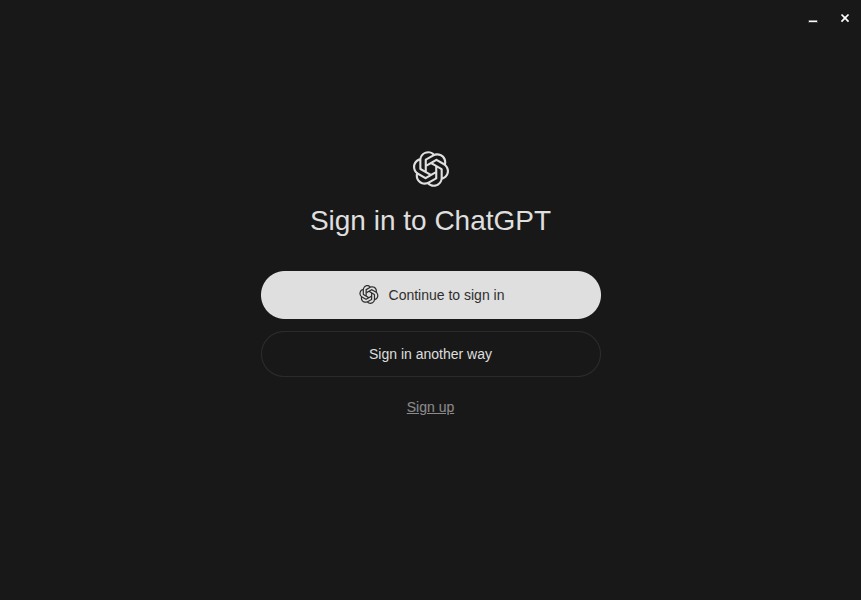
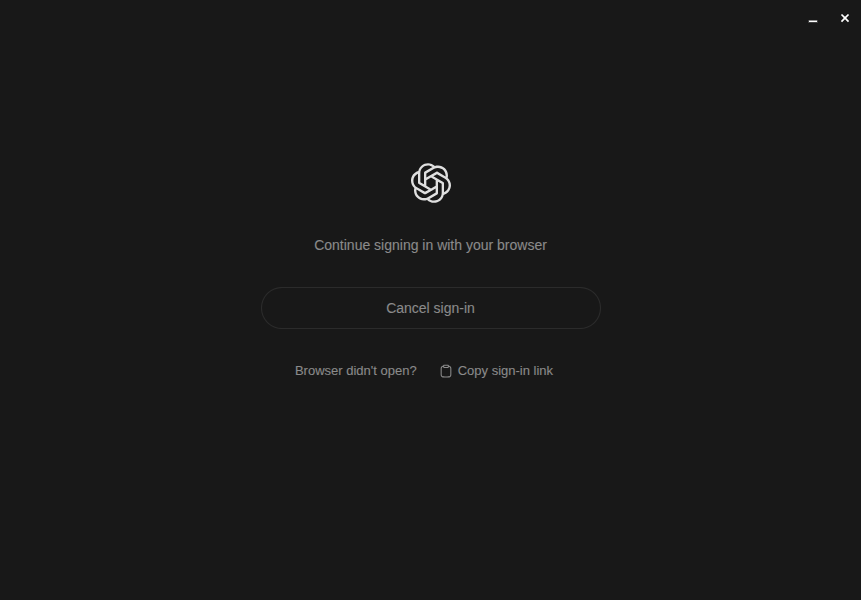

다시 설치!
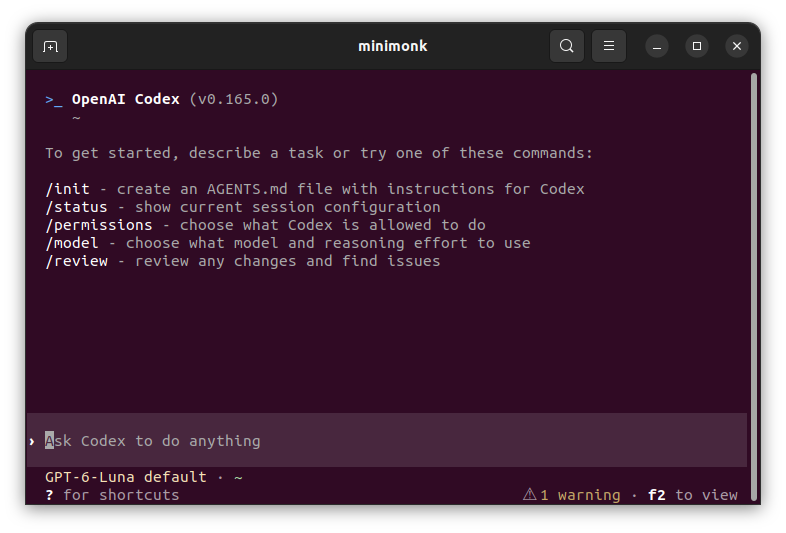
| $ curl -fsSL https://chatgpt.com/codex/install.sh | sh ==> Installing Codex CLI ==> Detected platform: Linux (x64) ==> Resolved version: 0.165.0 ==> Downloading Codex CLI ==> Installing standalone package to /home/minimonk/.codex/packages/standalone/releases/0.165.0-x86_64-unknown-linux-musl ==> /home/minimonk/.local/bin is already on PATH ==> Current terminal: codex ==> Future terminals: open a new terminal and run: codex Codex CLI 0.165.0 installed successfully. Start Codex now? [y/N] |
[링크 : https://learn.chatgpt.com/docs/codex/cli]
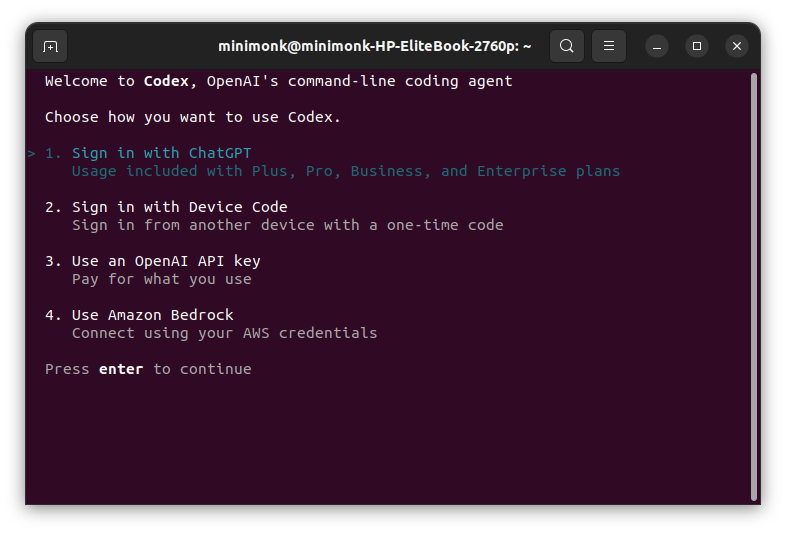
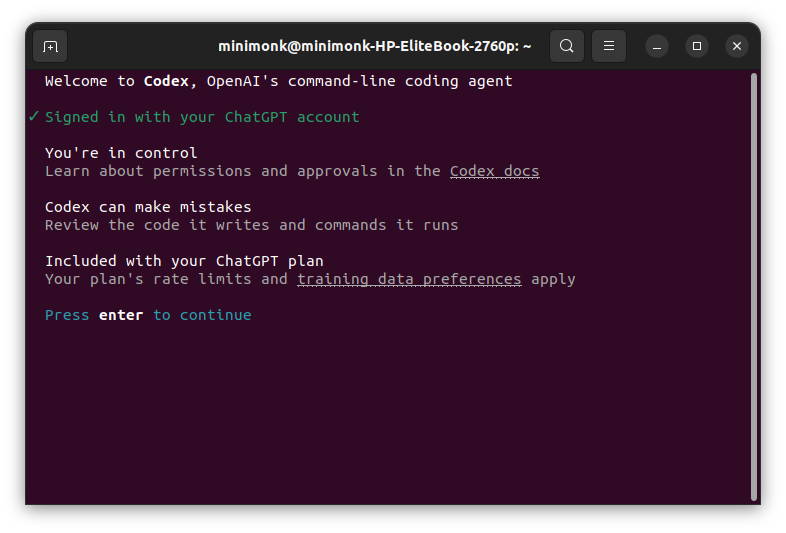
그래~ 이거지!
'모종의 음모 > ai 프로그램' 카테고리의 다른 글
| cluade code 서브 에이전트 (0) | 2026.10.28 |
|---|---|
| claude code /goal 사용해보기 (0) | 2026.10.27 |
| gpt 무료사용자 codex 사용 가능하네? (0) | 2026.10.24 |
| 프로그래밍도 할 줄 아는 local LLM 만들기.. part 2? (0) | 2026.10.20 |
| strata (0) | 2026.10.20 |


