$ sudo apt-cache search fx2lafw sigrok-firmware-fx2lafw - Firmware for Cypress FX2(LP) based logic analyzers
윈도우는 짧던데.. 싶어서 다시 보니 윈도우는 장치목록이 스크롤 생겨서 그랬던 듯.
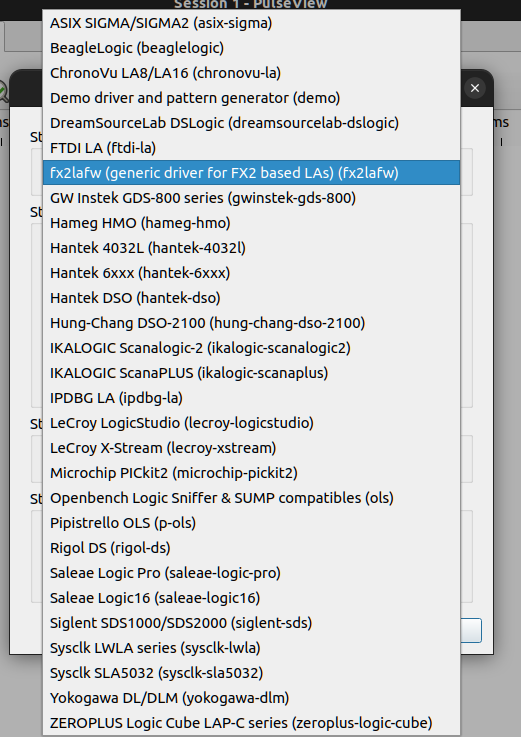
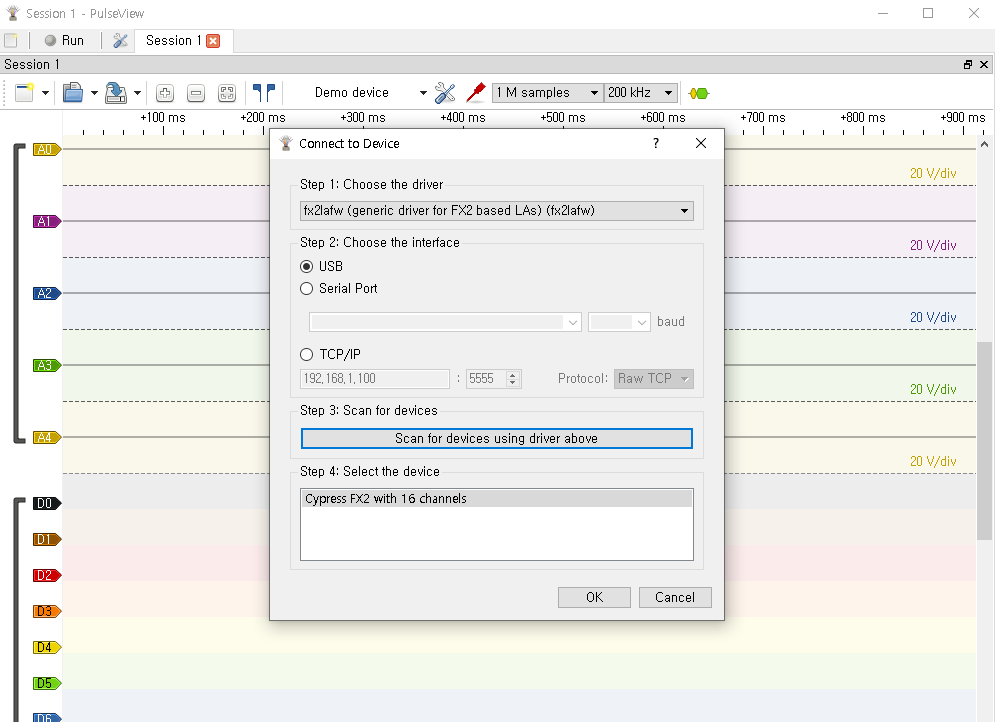
fx2lafw를 선택한다
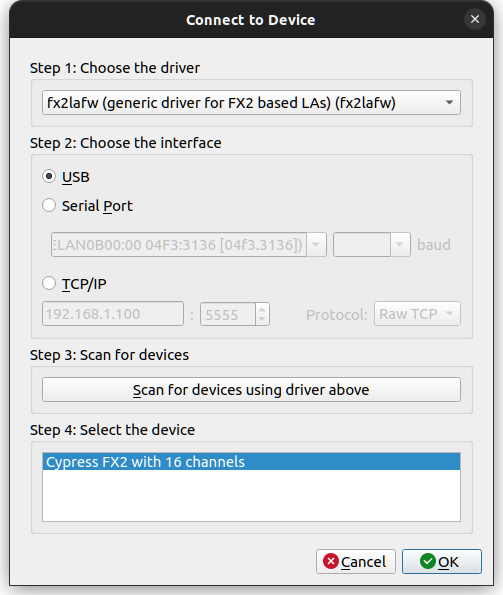
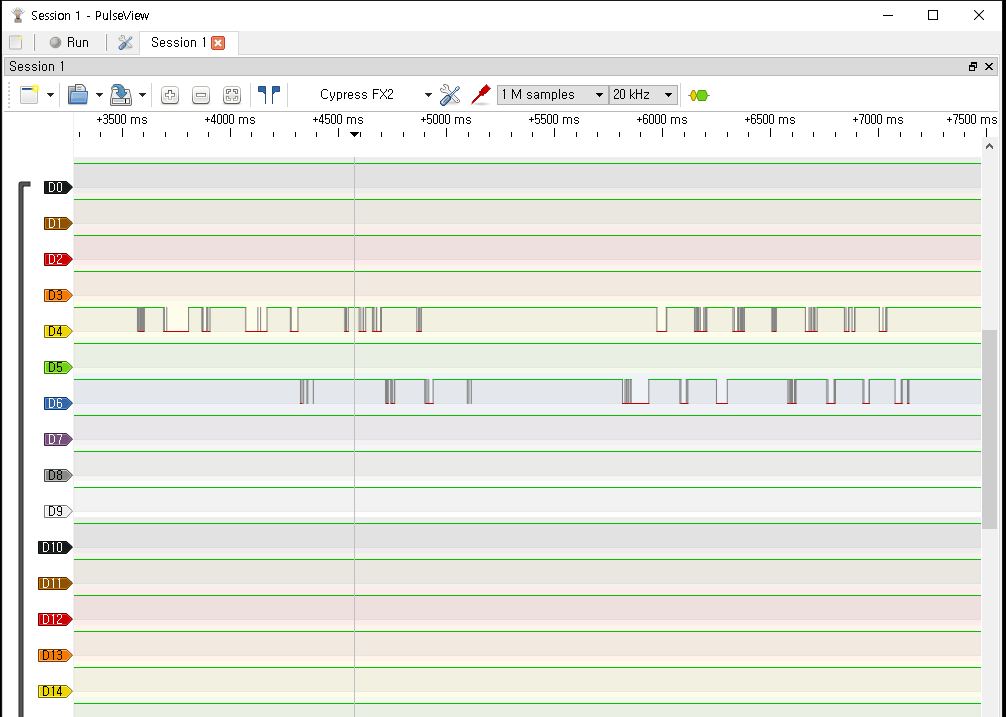
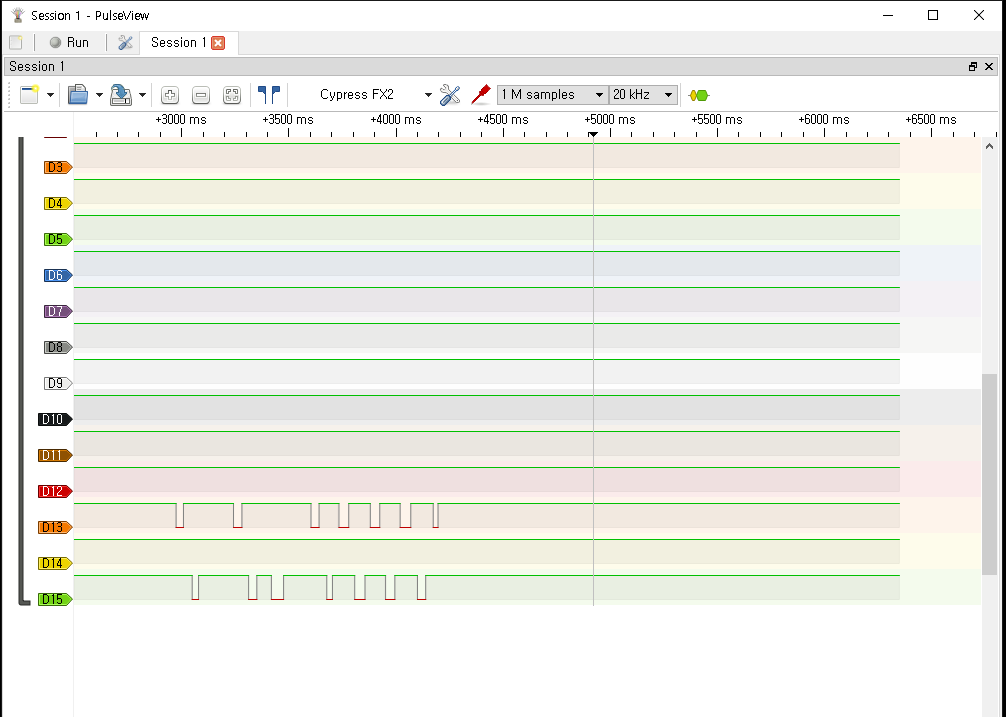
scan 하면 똭!
음 좋아좋아 잘되네
+
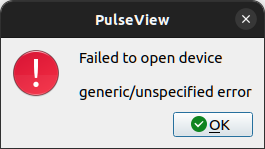
만약에 이런 에러가 난다면 펌웨어 패키지 없어서 그러니, 가장 위의 패키지 중 펌웨러를 설치해보면 될 듯.
$ pulseview Warning: Ignoring XDG_SESSION_TYPE=wayland on Gnome. Use QT_QPA_PLATFORM=wayland to run on Wayland anyway. sr: resource: Failed to open resource 'fx2lafw-cypress-fx2.fw' (use loglevel 5/spew for details). sr: fx2lafw: Firmware upload failed for device 1.43 (logical), name fx2lafw-cypress-fx2.fw. sr: fx2lafw: Unable to get version info: LIBUSB_ERROR_TIMEOUT. sr: fx2lafw: Failed to get firmware version. sr: fx2lafw: Unable to open device. Notifying user of session error: "generic/unspecified error"
Jumper cap of 24C128: controlling the ability of data reading and writing. Plug in the cap, AT24C128 is closed; remove it, AT24C128 is started. Jumper cap of D1, D2: controlling the power of LED light. Plug in the cap, the anode of LED 1 and 2 will be connected to the positive pole of power source through resistance. Remove the cap, the anode of D1 and D2 will be open.
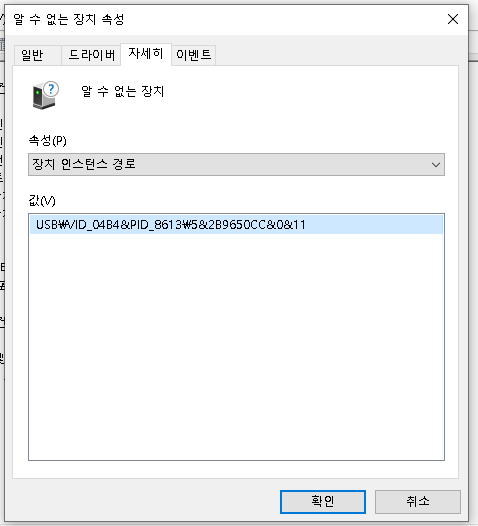
[188337.135281] usb 1-2: new high-speed USB device number 61 using xhci_hcd [188337.261398] usb 1-2: New USB device found, idVendor=04b4, idProduct=8613, bcdDevice=a0.01 [188337.261404] usb 1-2: New USB device strings: Mfr=0, Product=0, SerialNumber=0 [188337.299924] usbtest 1-2:1.0: FX2 device [188337.299930] usbtest 1-2:1.0: high-speed {control bulk-in bulk-out} tests (+alt) [188337.299986] usbcore: registered new interface driver usbtest