당근에서 3만원에 업어온 nvidia 3d vision kit.
예전 글 찾아보니 200$정도 했었고, 그래픽 카드도 나쁜걸 써서 엄두도 못내던 녀석.
15년 만에 가져보게 되었구나..
2011.03.19 - [하드웨어/3D Stereoscopic] - NVIDIA 3D vision kit
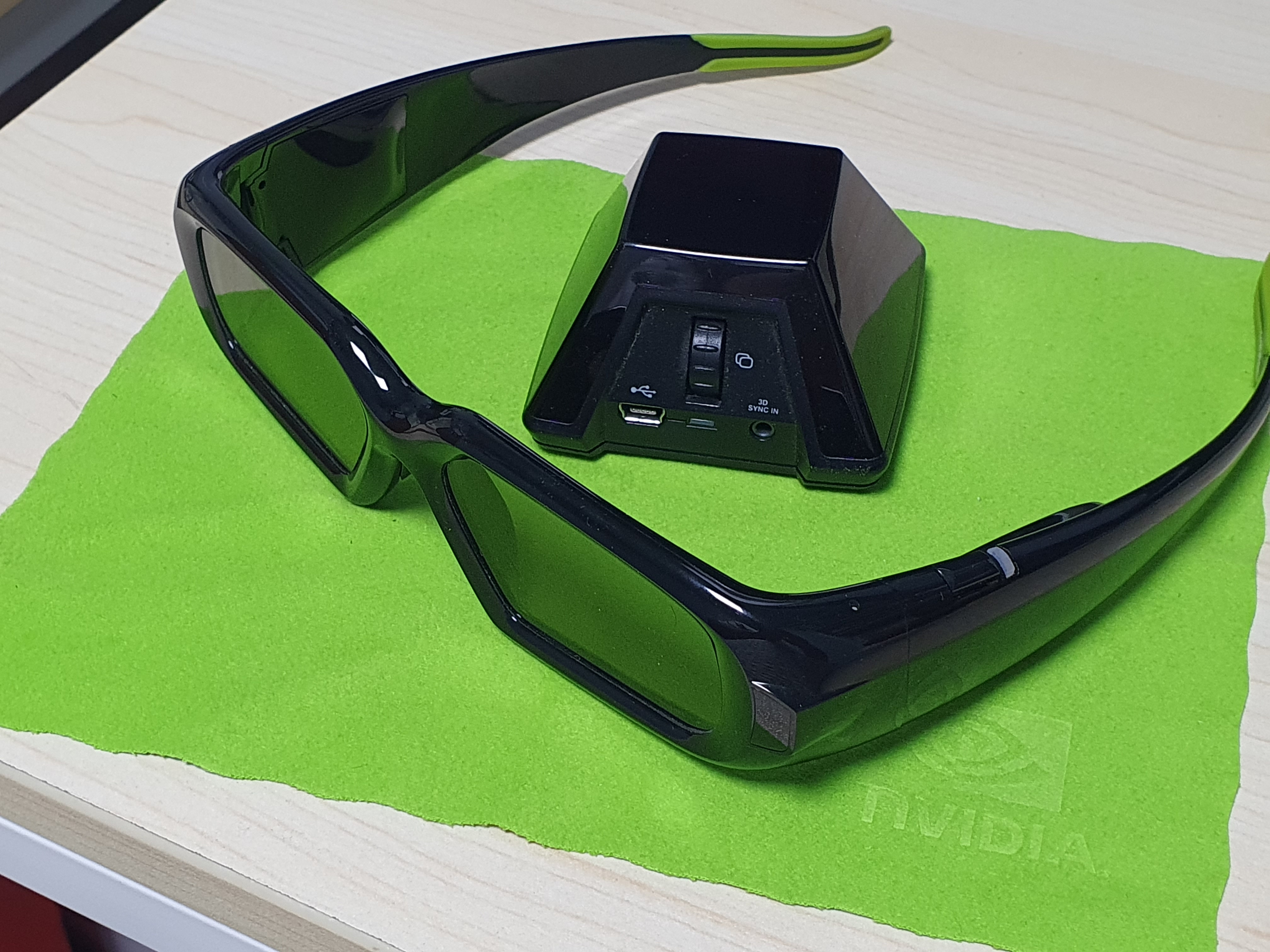
에미터는 머리가 잘린 피라미드 같다.
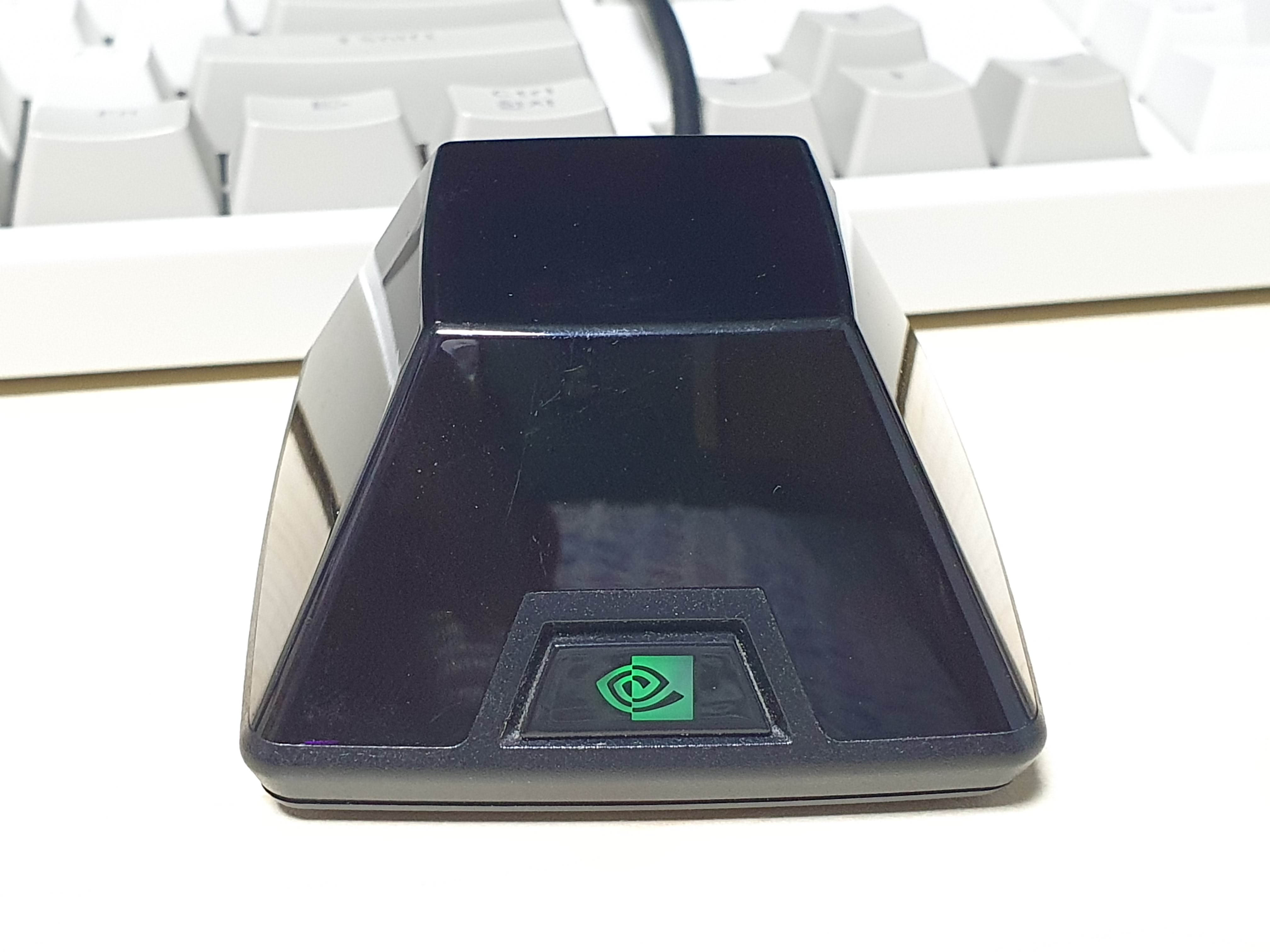
드라이버 설치해야지 nvidia 로고가 녹색으로 들어온다.
nvidia 3d vision 이라는 심플한 모델명.
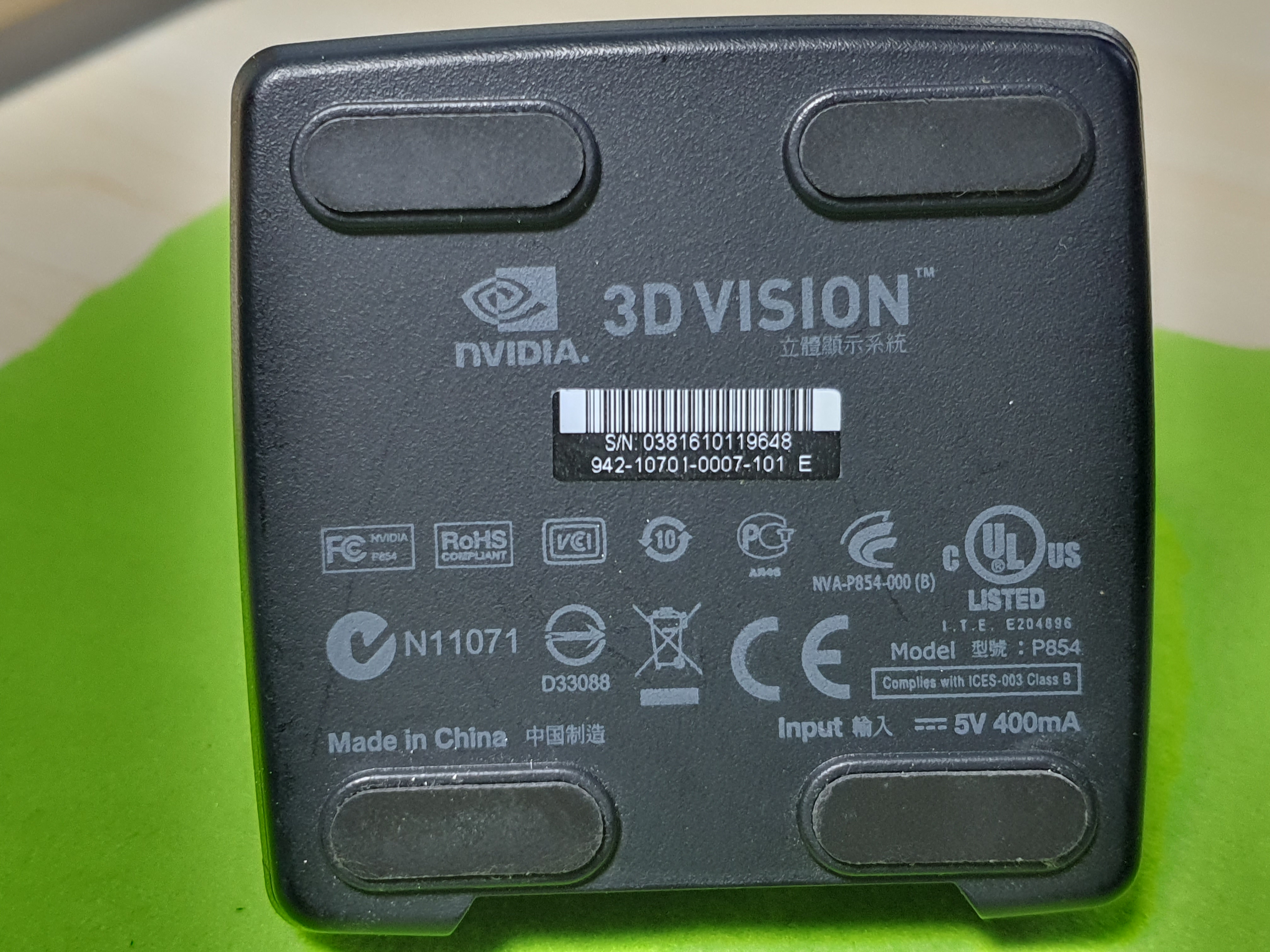
안경에도 nvidia 3d vision model : P854 라고 써있다.

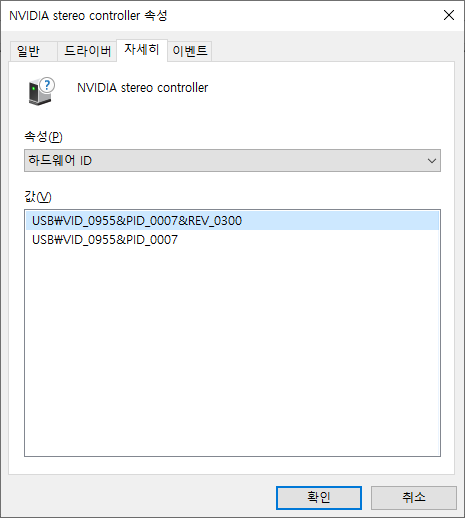
드라이버 버전이 높아서 그런가 ir emitter 드라이버 설치되지 않는다.

머 본다고 큰 도움이 되진 않는 VID와 PID
판매자분의 조언으로 425.31이 마지막 버전이라고 하셔서 일단 설치!
| Please note: Effective April 12, 2018, Game Ready Driver upgrades, including performance enhancements, new features, and bug fixes, will be available only for desktop Kepler, Maxwell, Pascal, Volta, and Turing-series GPUs, as well as for systems utilizing mobile Maxwell, Pascal, and Turing-series GPUs for notebooks. Following the posting of the final driver from Release 418 on April 11, 2019 GeForce Game Ready Drivers will no longer support NVIDIA 3D Vision or systems utilizing mobile Kepler-series GPUs. Critical security updates will be available for these products through April 2020. A complete list of Kepler-series GeForce GPUs can be found here. Those looking to utilize 3D Vision can remain on a Release 418 driver. Our software that enables the use of 3D gaming with 3D TVs, 3DTV Play, is now included for free in Release 418. It is no longer available as a standalone download. Our 3D Vision Video Player will continue to be offered as a standalone download, for free, until the end of 2019. Exceptions:
|
[링크 : https://www.nvidia.com/ko-kr/drivers/details/145988/]
555.85 에서 425.31로 다운드레이드!
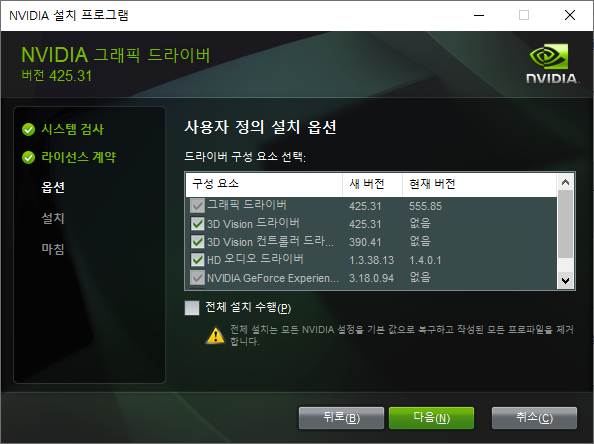
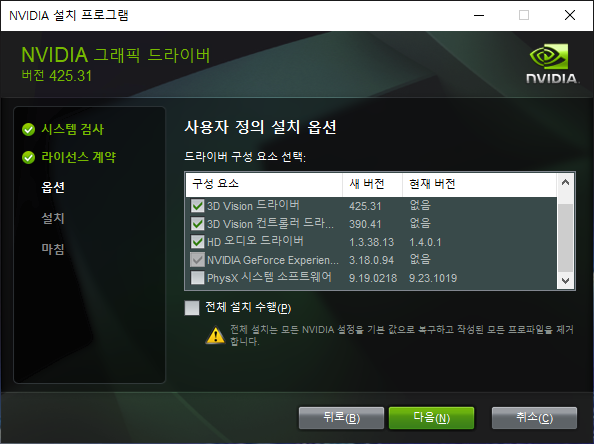
그 와중에 phys 도 중단되었는지 버전 차이가 별로 없다.
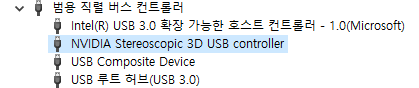
NVIDIA Stereo controller 에서
NVIDIA Stereoscopic 3D USB controller로 이름이 바뀐다.
2017년 11월 28일자.

심심해서 리눅스에서 연결해보니 Vendor specific class 라.. 이건 또 머래
| [ 52.022936] usb 1-1.2: new high-speed USB device number 4 using ehci-pci [ 52.123750] usb 1-1.2: New USB device found, idVendor=0955, idProduct=0007, bcdDevice= 3.00 [ 52.123772] usb 1-1.2: New USB device strings: Mfr=1, Product=2, SerialNumber=0 [ 52.123781] usb 1-1.2: Product: NVIDIA stereo controller [ 52.123787] usb 1-1.2: Manufacturer: Copyright (c) 2008 NVIDIA Corporation |
| /: Bus 01.Port 1: Dev 1, Class=root_hub, Driver=ehci-pci/3p, 480M ID 1d6b:0002 Linux Foundation 2.0 root hub |__ Port 1: Dev 2, If 0, Class=Hub, Driver=hub/8p, 480M ID 8087:0024 Intel Corp. Integrated Rate Matching Hub |__ Port 2: Dev 4, If 0, Class=Vendor Specific Class, Driver=, 480M ID 0955:0007 NVIDIA Corp. |
| Bus 001 Device 004: ID 0955:0007 NVIDIA Corp. NVIDIA stereo controller Couldn't open device, some information will be missing Device Descriptor: bLength 18 bDescriptorType 1 bcdUSB 2.00 bDeviceClass 0 bDeviceSubClass 0 bDeviceProtocol 0 bMaxPacketSize0 64 idVendor 0x0955 NVIDIA Corp. idProduct 0x0007 bcdDevice 3.00 iManufacturer 1 Copyright (c) 2008 NVIDIA Corporation iProduct 2 NVIDIA stereo controller iSerial 0 bNumConfigurations 1 Configuration Descriptor: bLength 9 bDescriptorType 2 wTotalLength 0x0012 bNumInterfaces 1 bConfigurationValue 1 iConfiguration 0 bmAttributes 0x80 (Bus Powered) MaxPower 400mA Interface Descriptor: bLength 9 bDescriptorType 4 bInterfaceNumber 0 bAlternateSetting 0 bNumEndpoints 0 bInterfaceClass 255 Vendor Specific Class bInterfaceSubClass 0 bInterfaceProtocol 0 iInterface 0 |
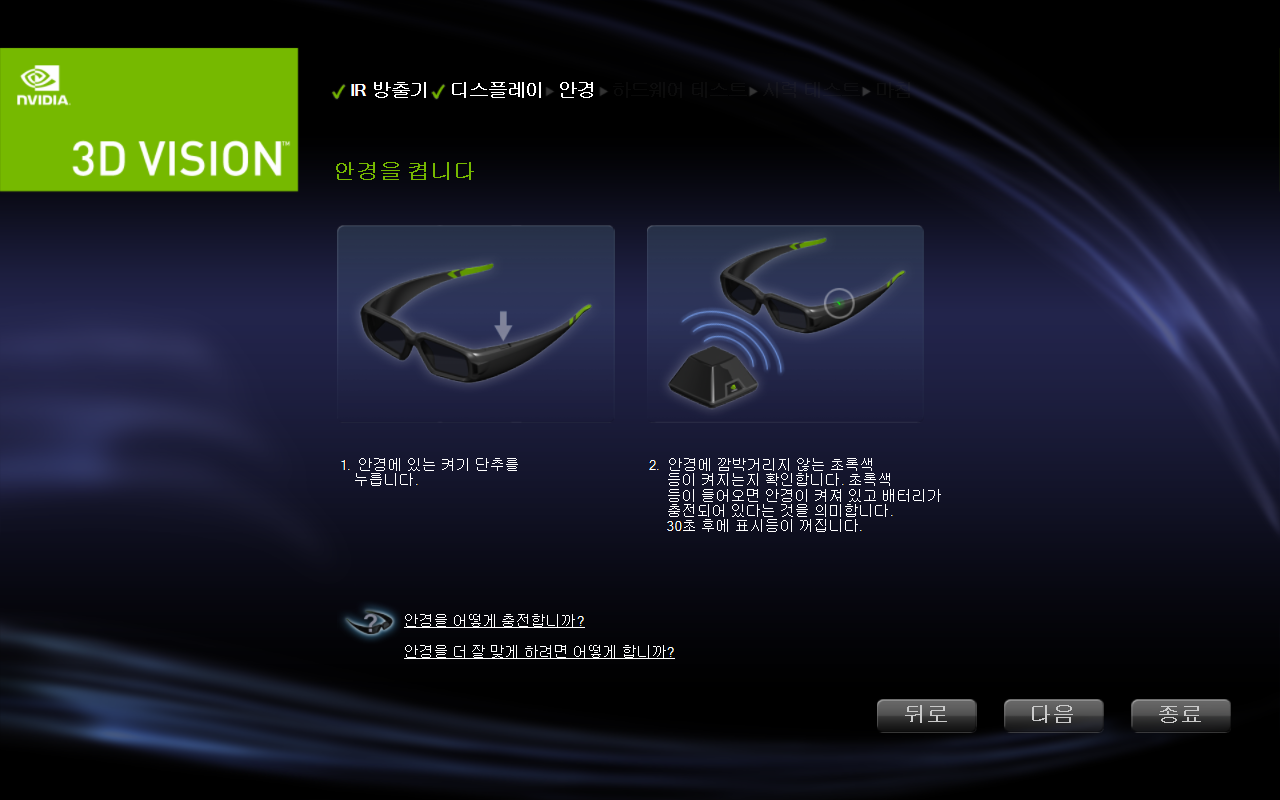
참 오랫만에 보는 그리고 단 한번 lg 3d tv로 성공했던 그 페이지
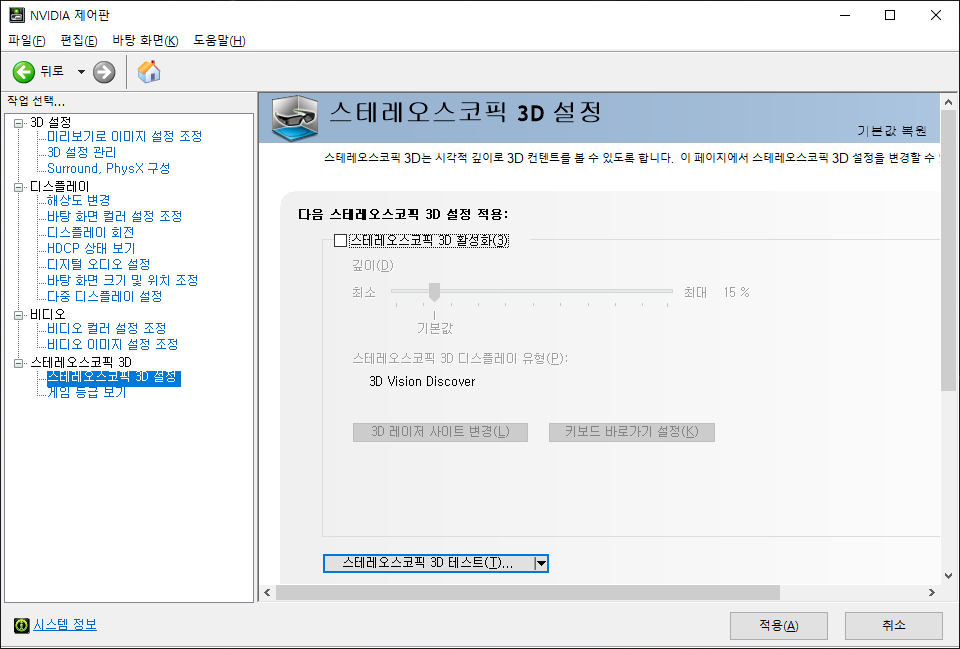
먼가 오작동하는지 번쩍번쩍 하길래 슈퍼슬로우로 해서 프레임넘기며 보니
우 -> 좌 순서로 점멸을 하나 싶기도 하고?
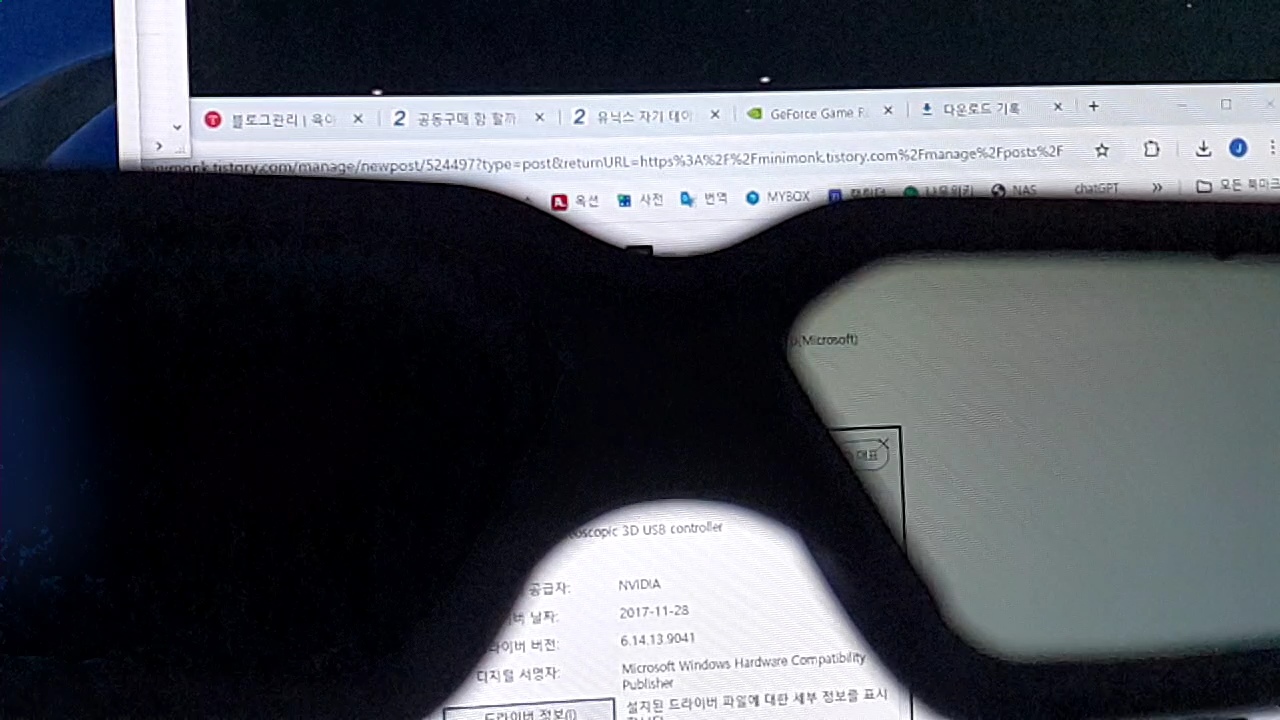
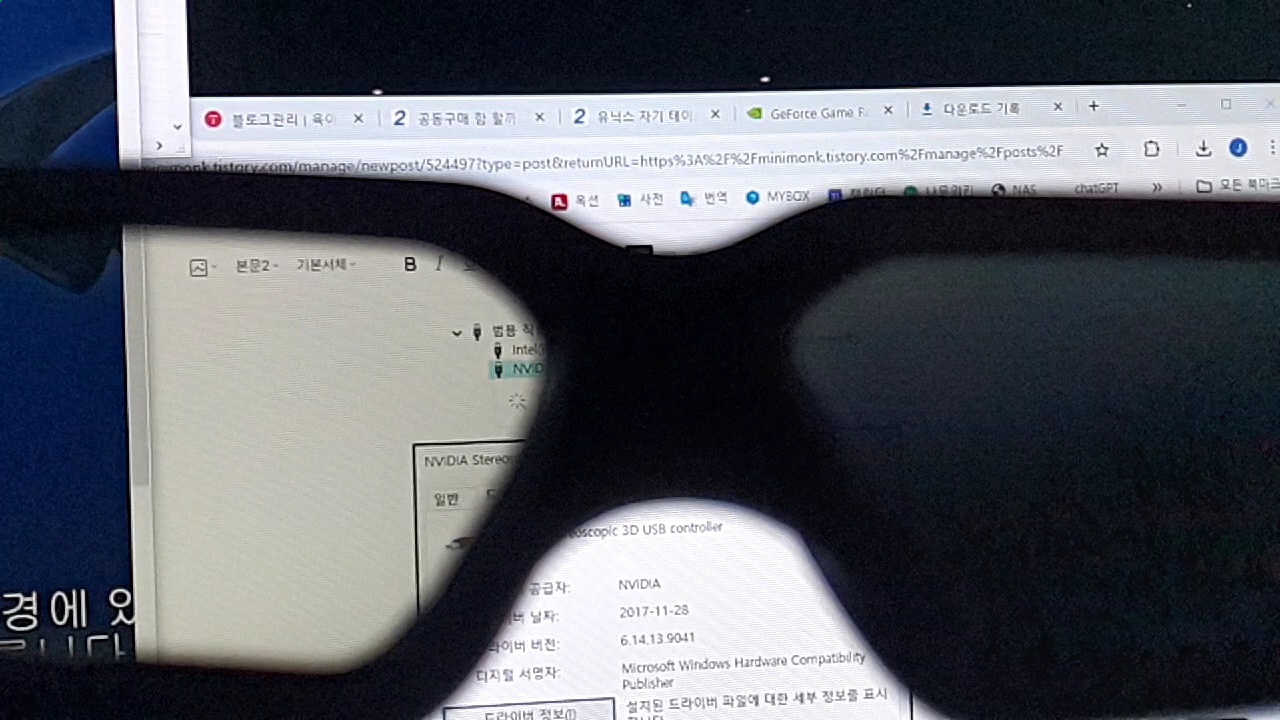
참 오랫만에 보는구만
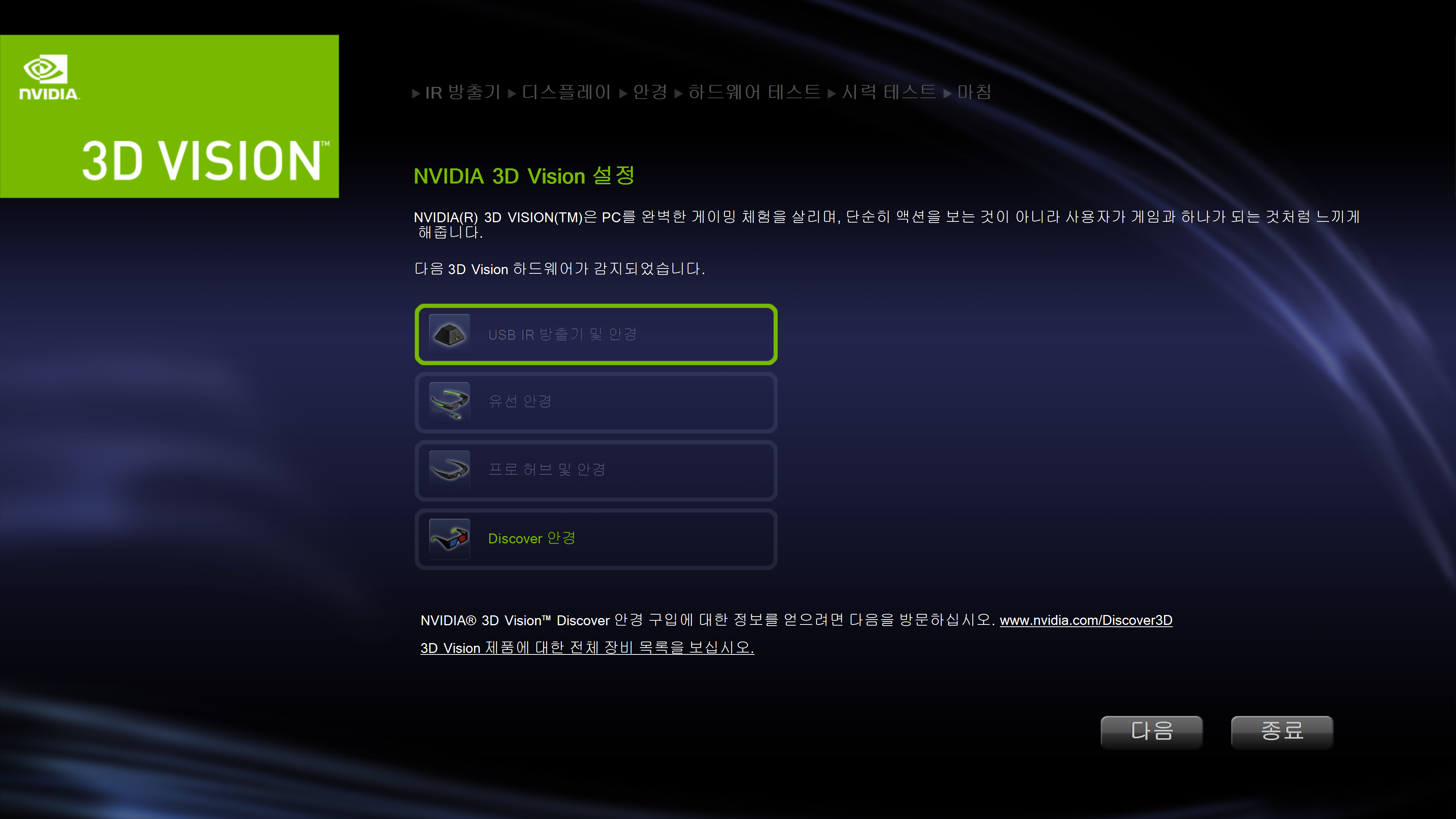
4k 60hz에서 하려니 안되네.. 결국은 빔프로젝터 출동! 해야하나?
| The kit is specially designed for 120 Hz LCD monitors, but is also compatible with CRT monitors (some of which may work at 1024×768×120 Hz and even higher refresh rates), DLP-projectors, 3LCD projectors and others. It requires a compatible graphics card from Nvidia (GeForce 200 series or later). |
[링크 : https://en.wikipedia.org/wiki/Nvidia_3D_Vision]
[링크 : https://blog.naver.com/sptjjang/140124866226]
+
2026.02.07
드라이버 버전 낮추고, 해상도를 빔프로젝터 120Hz를 지원하는 1024x768로 변경.
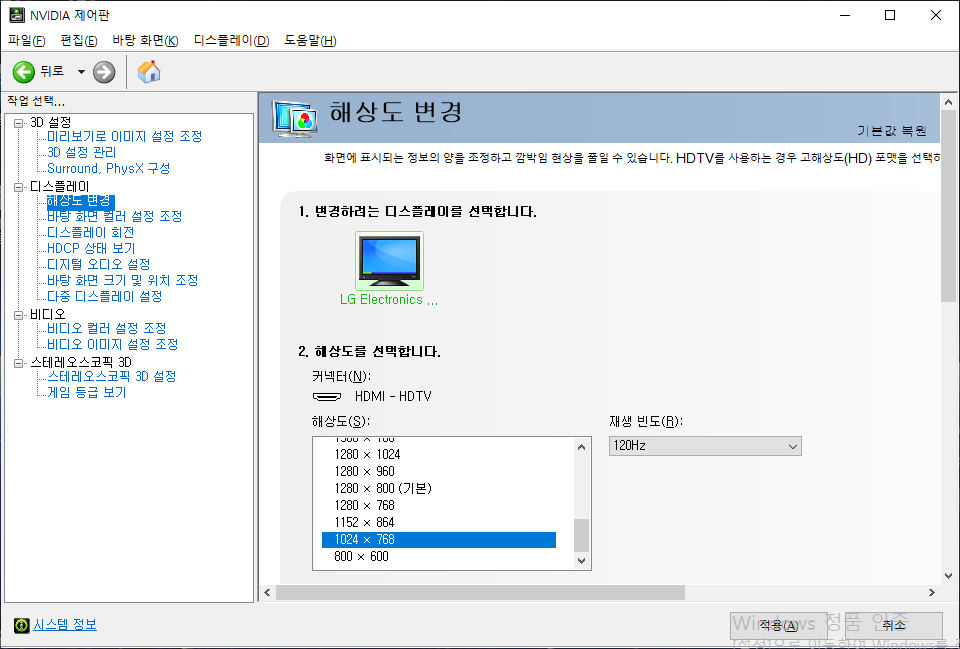
빔 프로젝터 HDMI로 연결해서 시도. 3D vision 에 정상적으로 사용가능하다고 나온다.
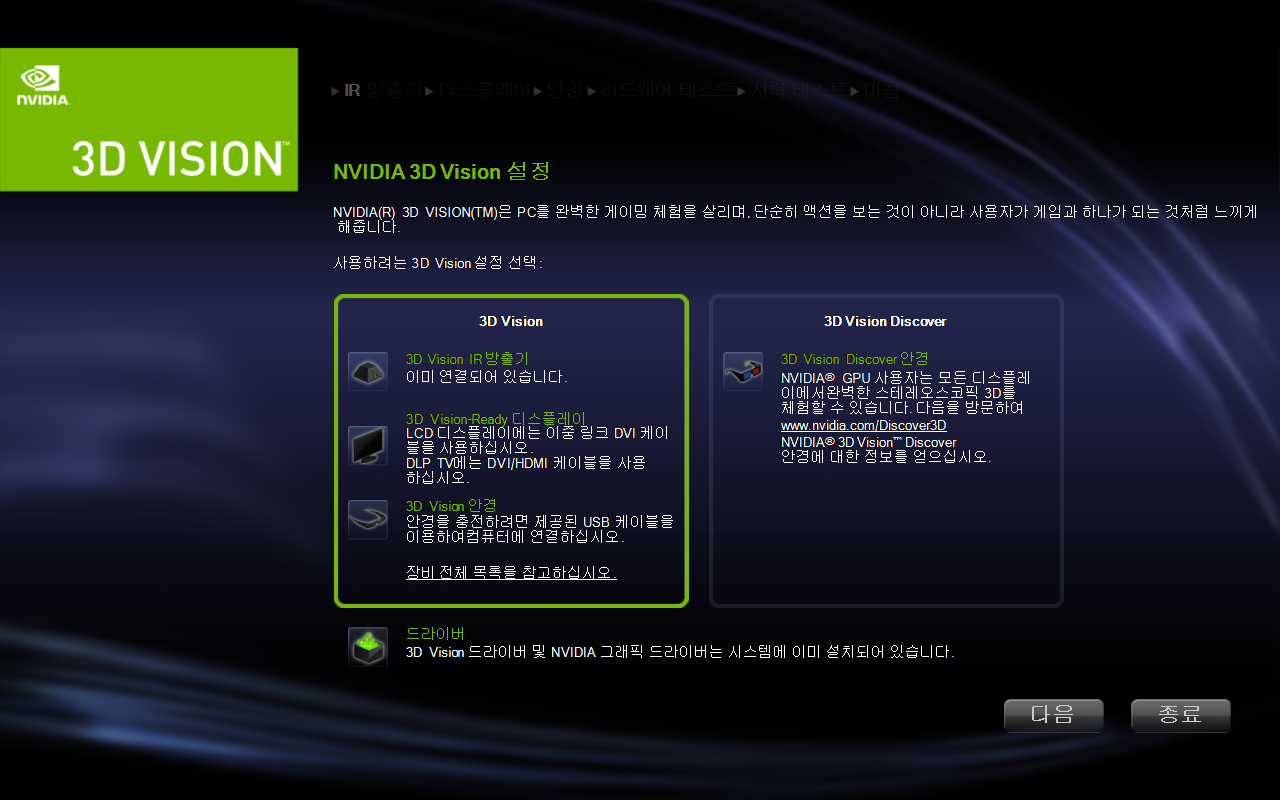
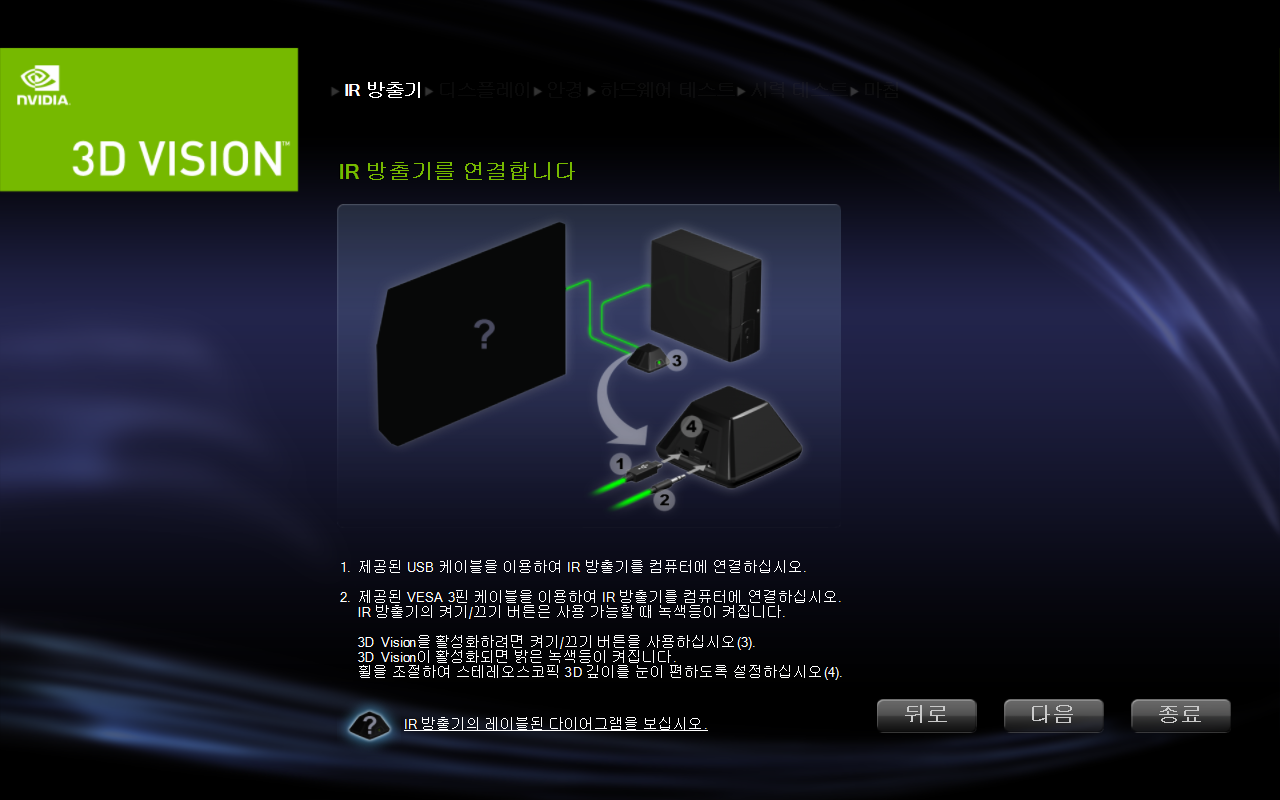
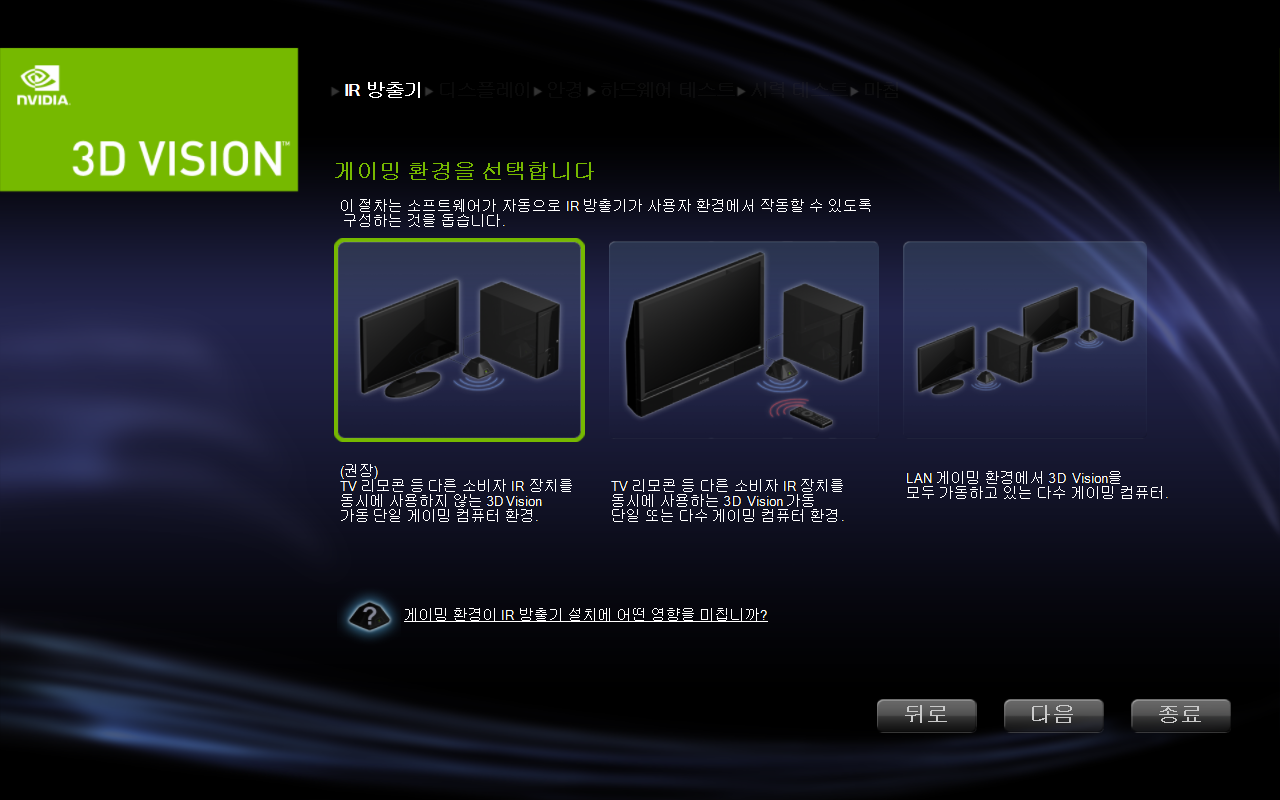
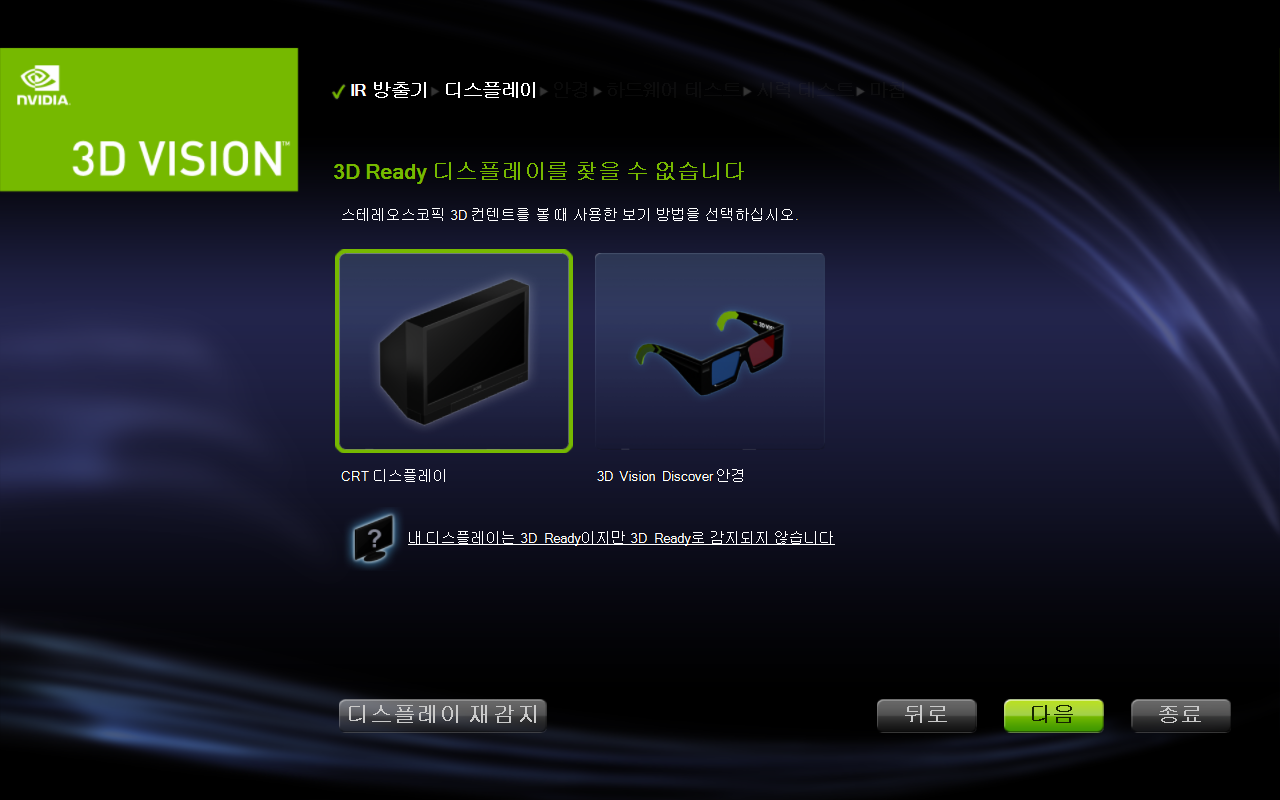
그나저나 "내 디스플레이는 3D Ready 이지만 3D Ready로 감지되지 않습니다" 라는 문구가 나온다.
120Hz만 지원하면 무조건 지원한다는데.. 흐음.. 머지?
'하드웨어 > 3D Stereoscopic' 카테고리의 다른 글
| nvidia 3d vision + doom eternal 실패 (0) | 2026.02.07 |
|---|---|
| nvidia 3d vision 테스트 - flatout (0) | 2026.02.07 |
| 3d 셔터 글래스 호환성 및 프로토콜 (0) | 2026.02.06 |
| nvidia sheild + trinus vr light + tridef + moonlight(핸드폰) (0) | 2018.04.29 |
| LG 42LW4500 + GTX650 3D로 보기 (0) | 2013.10.13 |


