프로그램 사용/Blender2026. 6. 24. 23:06

epic을 통해서 가입. 음.. 그런데 왜 굳이(?) epic일까?

혹시 언리얼 엔진에서 지원하는 것들인가?


[링크 : https://sketchfab.com/3d-models/firefighter-in-turnout-gear-96801f24932642eea7708067da680a74]


블렌더에서 보니 추가 플러그인 까는게 아니면 되는게 glb 뿐이니 위에서 glb로 받아온다.


오.. 그럴싸한데 그와중에 왜 몸이 저렇게 막 토막쳐져있지?


[링크 : https://taekhyeong.tistory.com/152]

'프로그램 사용 > Blender' 카테고리의 다른 글

blender armature addon  (0) 2026.06.27
blender bone (armature)  (0) 2026.06.24
blener ll3m  (0) 2026.05.27
gemini + blender  (0) 2025.09.01
blender로 stl 구멍 메우기  (0) 2025.08.20
Posted by 구차니

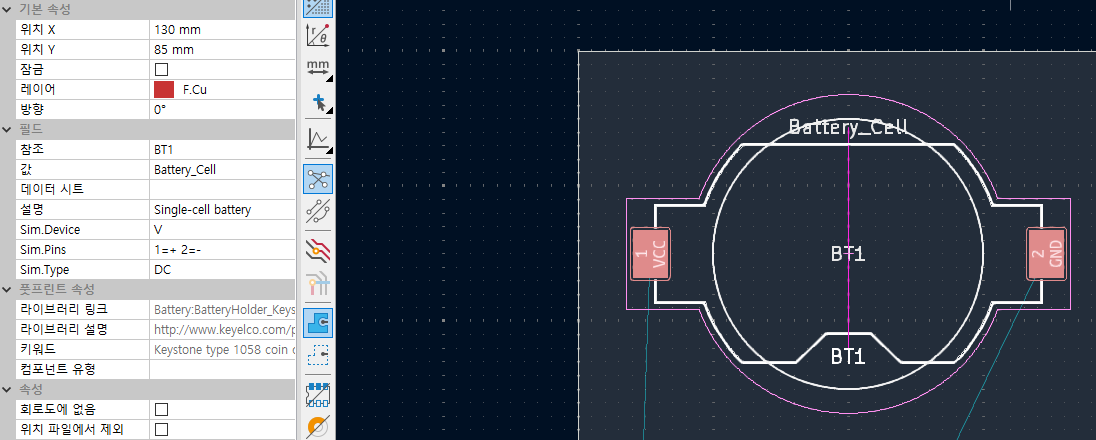
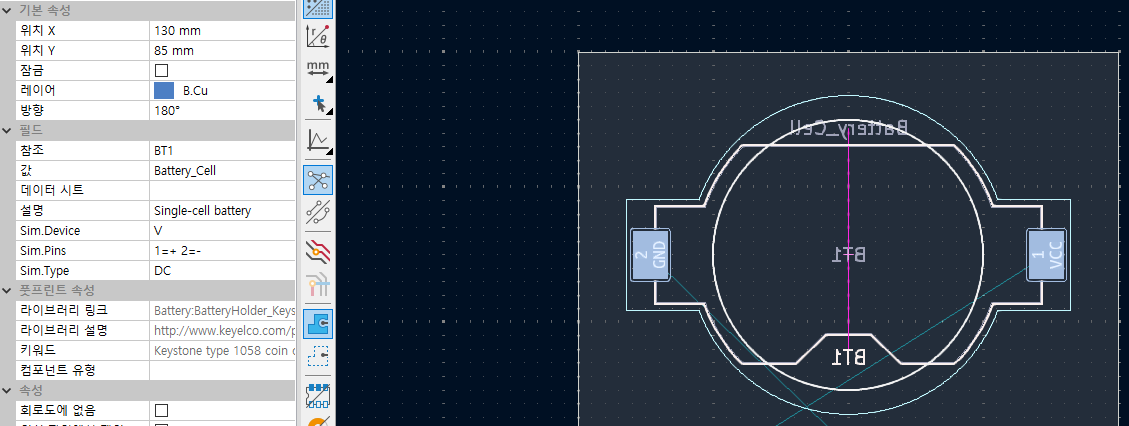
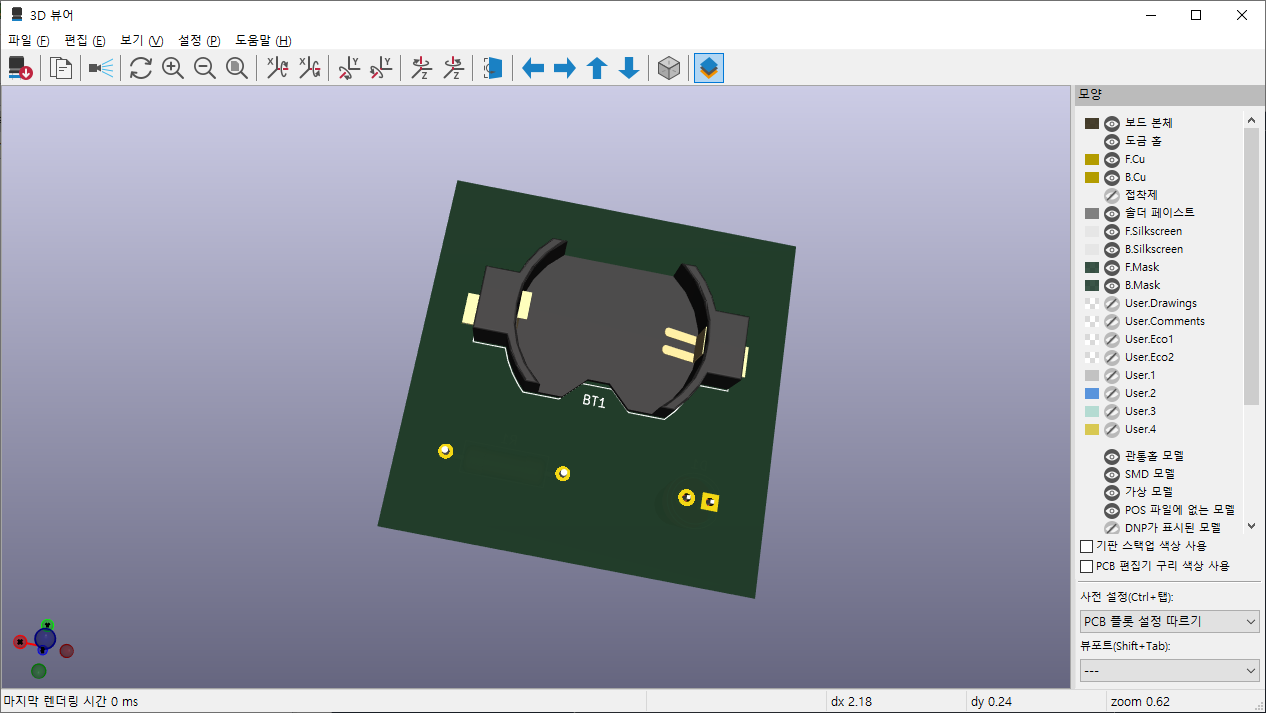
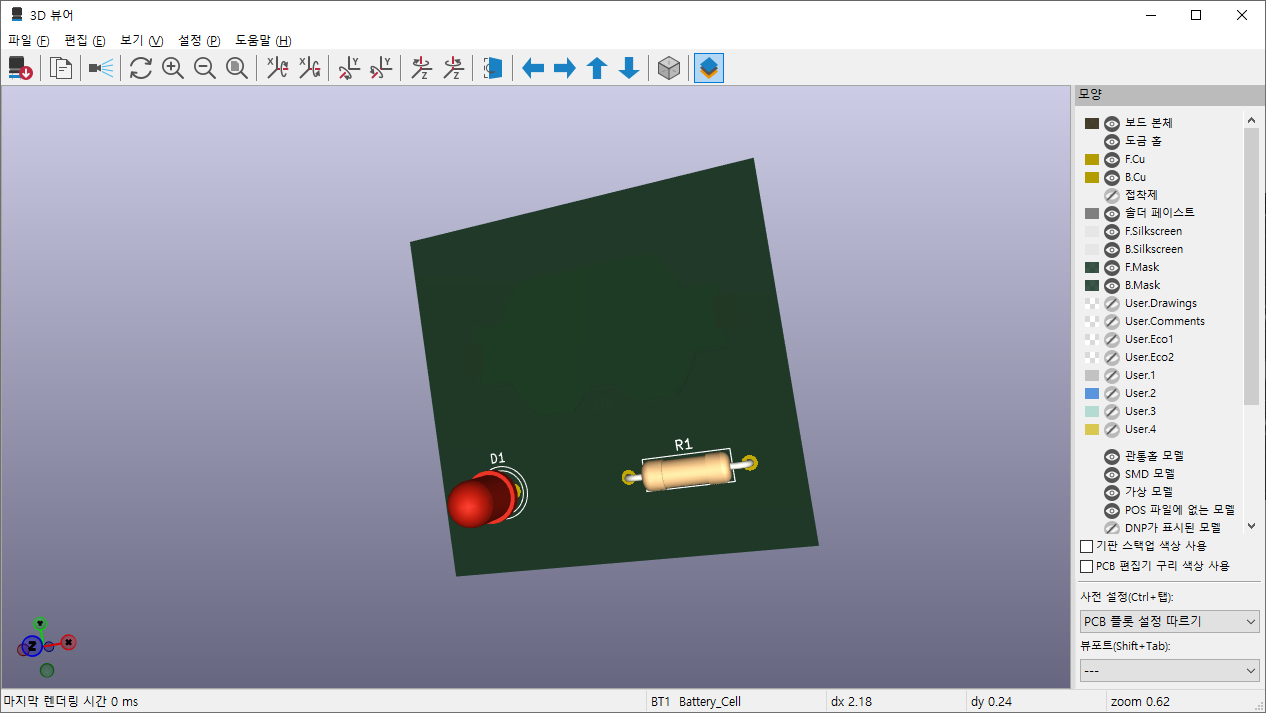
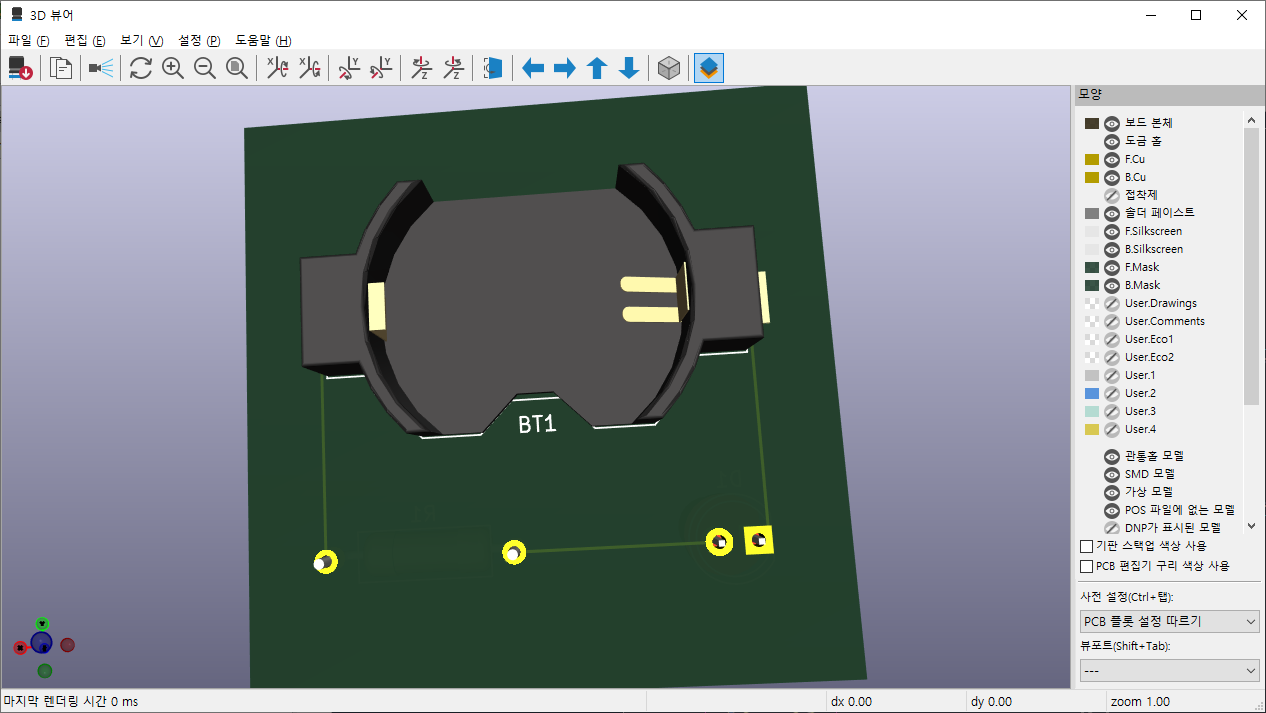
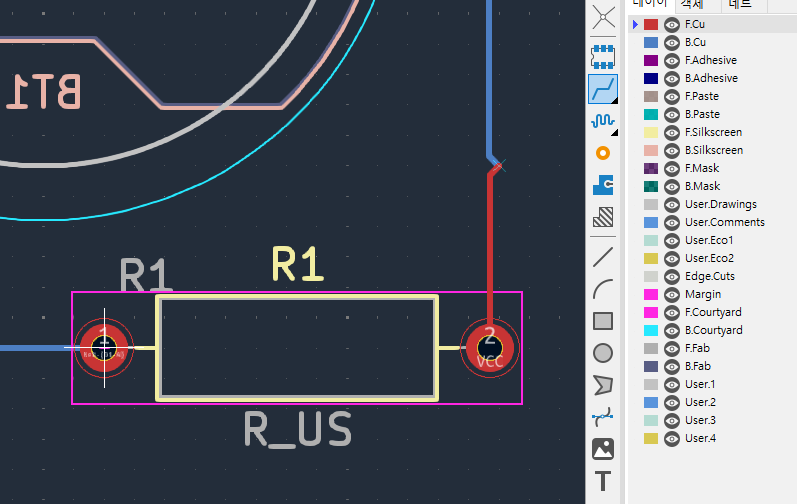
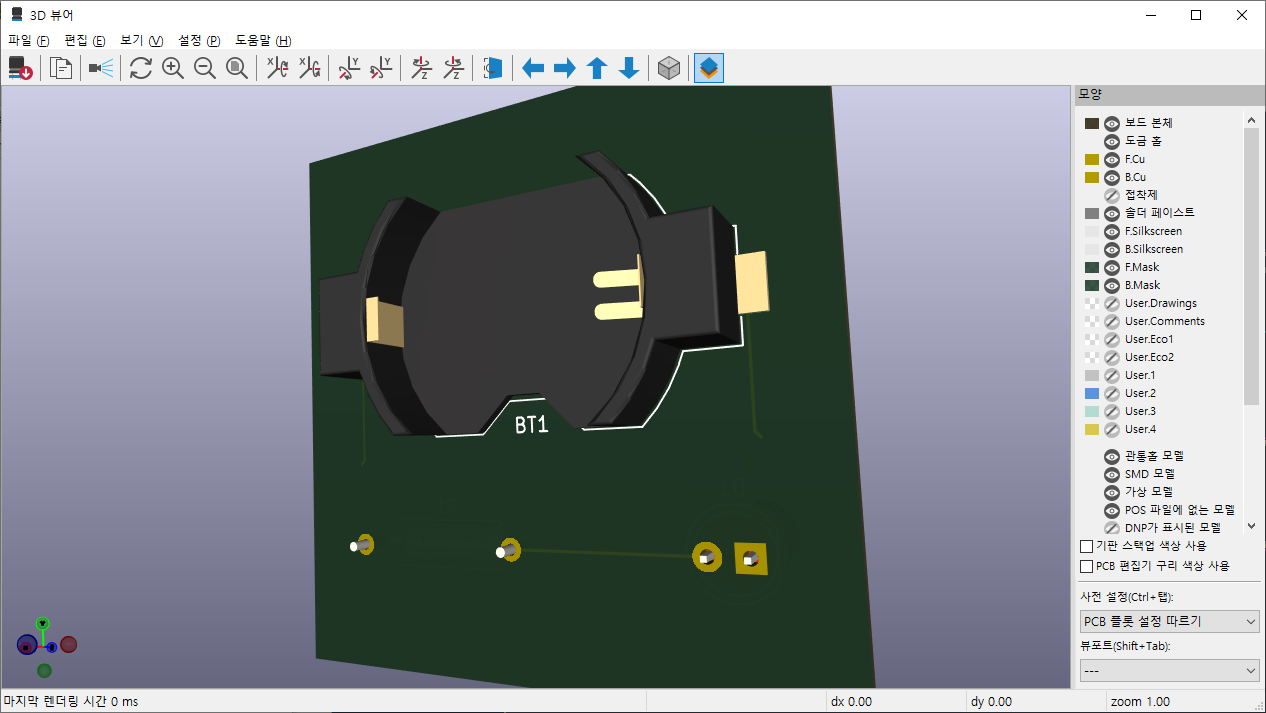
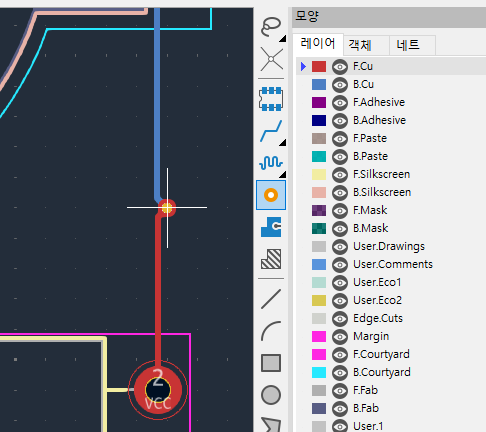
gpt의 도움을 받아서

어찌어찌 변환하고 시도해봄


비정상


정상


정리가 좀 필요해서 나중에 파일은 올려야겠다.


'프로그램 사용 > yolo_tensorflow' 카테고리의 다른 글

moviad / 딥러닝 학습율  (0) 2026.06.25
moviad / stftpm / 1080 ti / webcam feat claude  (0) 2026.06.19
moviad stfpm  (0) 2026.06.18
ubuntu 26.04 + 3070 + tensorflow + python 3.14 + docker...  (0) 2026.06.17
STFPM 실행  (0) 2026.06.01
Posted by 구차니
게임/닌텐도 스위치2026. 6. 23. 23:03

14만원에 

초기형 블랙 본체랑 마리오 오딧세이 해서 업어옴

데이터 이전했는데 잘 되었는진 모르겠고

일단 출퇴근하면서 니어 오토마타나 끝내보자 ㅋㅋㅋ

'게임 > 닌텐도 스위치' 카테고리의 다른 글

니어 오토마타 1회차 끝  (0) 2026.06.27
니어 오토마타 공략(?) 팁  (2) 2026.06.25
닌텐도 세이브 이전하기  (0) 2025.12.26
조이콘 수리  (2) 2025.10.15
조이콘 홀 센서?  (0) 2025.10.08
Posted by 구차니

이전 사진 뒤져보니 2002년 9월 즈음에도 망가져서 수리했는데

4년만에 또 뽀각 -_-


통합핸들 일반형

음.. 이게 왜 핸들이여?!?!?

[링크 : https://yylxzin.co.kr/goods/goods_view.php?goodsNo=1000000008]

'개소리 왈왈 > 육아관련 주저리' 카테고리의 다른 글

타이어 손상  (0) 2026.06.29
바쁜주말  (2) 2026.05.31
밀크티 타블렛(s6 lite) 초기화 하기  (0) 2026.05.23
고향  (0) 2026.05.03
유류비 지원 때문인가?  (0) 2026.05.01
Posted by 구차니
Linux/Ubuntu2026. 6. 23. 16:16

문제 없이 설치되는데

재시작 하면 부팅할 매체를 찾지 못한다.

혹시나 해서 다시 설치 usb로 켜서

gparted 에서 bios_grub 라는 flag 에서

boot로 바꾸었더니 boot + esp가 활성화 되는데

이렇게 해도 안된다. 혹시 uefi가 정상적으로 지원되지 않는 바이오스라 그런건가..?

'Linux > Ubuntu' 카테고리의 다른 글

ubuntu 26.04 + 595.71.05 + CUDA 13.2  (0) 2026.06.17
festival - a text-to-speech system(tts)  (0) 2026.05.06
luit  (0) 2026.03.23
ubuntu 22.04 bgr 패널 대응  (0) 2025.12.29
clamav  (0) 2025.12.22
Posted by 구차니
개소리 왈왈/블로그2026. 6. 23. 14:25

주말이라도 안쉬고 했는데 떨어질건 떨어짐 ㅋㅋㅋ

그냥 한달에 한번 씨게(!) 긁어서 업데이트 하는 느낌(RAG db)


'개소리 왈왈 > 블로그' 카테고리의 다른 글

한 달에 한 번?  (0) 2026.06.17
개인정보 유출 통지 - 데이원 컴퍼니 <- 콜로소  (2) 2026.06.11
잠깐의 행복했던 방문자 수  (0) 2026.06.08
도메인 결제  (4) 2026.06.01
해피빈 기부  (0) 2026.05.18
Posted by 구차니
파일방2026. 6. 23. 13:23

그냥 깔면 알아서 업데이트 된...다?


ISO 파일은 바뀌지 않고 안전하다고 하니 일단 ㄱㄱ


우옹


어? 26.04가 아니라 24.04.4 설치 실패 버그픽스????

  • 2026/04/23 --- 1.1.12 release
  1. Bugfix for ubuntu24.04.4 install failure. (#3567).
  2. Fix the VirtualBox UEFI display issue when booting Windows. (#3570)
  3. Improve for UEFI boot Windows/WinPE resolution issue fix.
  4. Fix Oracle Linux 6.9 install issue

[링크 : https://www.ventoy.net/en/doc_news.html]

'파일방' 카테고리의 다른 글

microhttpd  (0) 2026.06.05
tmux  (0) 2026.05.11
appimage , AppImageLauncher  (0) 2026.04.20
usb device tree viewer  (0) 2026.02.22
exaone 경량 모델  (0) 2026.02.04
Posted by 구차니
embeded/robot2026. 6. 22. 23:06

이게 먼소리여..

유니버셜 로봇 강의 가서

다른 사람들이 손가락으로 막 이상한 짓(?) 하고 있어서

웬지 좌표계 같아서 찾아보는데 이해가 안된다 ㅠㅠ


좀 보다 보니..

오른손 좌표계에서

축 증가방향 - 엄지(x) 검지(y) 중지(z)

축 회전방향 - 따봉했을때 검지-중지-약지-새끼 의 방향


[링크 : https://dev-igner.tistory.com/51]

[링크 : https://hyekunamatata.tistory.com/14]

'embeded > robot' 카테고리의 다른 글

mycobot280 pi / TCP(tool center point)  (0) 2026.06.30
mycobot 280 pi / python  (0) 2026.06.29
mycobot280_pi urdf  (0) 2026.06.22
블루로봇 밸런스 스테이지  (0) 2026.06.21
elephant robotics cobot python api  (0) 2026.06.19
Posted by 구차니
embeded/robot2026. 6. 22. 22:51

URDF 포맷의 정보를 이용하면 관절관의 거리 등이 있어서

ROS2 나 moveit2 에서 충돌 검사를 통해서 자기 파괴하지 않도록 할 수 있다고 한다.


moveit은 ros 1용

moveit2는 ros 2 용인듯. 그런데 단독 사용은 안되려나?

[링크 : https://github.com/moveit/moveit2]


<?xml version="1.0"?>
<robot  xmlns:xacro="http://www.ros.org/wiki/xacro" name="firefighter" >

<xacro:property name="width" value=".2" />


  <link name="g_base">
    <visual>
      <geometry>
        <mesh filename="package://mycobot_description/urdf/mycobot_280_pi/G_base.dae"/>
      </geometry>
      <origin xyz = "0.0 0 -0.03" rpy = "0 0 1.5708"/>
    </visual>
    <collision>
      <geometry>
        <mesh filename="package://mycobot_description/urdf/mycobot_280_pi/G_base.dae"/>
      </geometry>
      <origin xyz = "0.0 0 -0.03" rpy = "0 0 1.5708"/>
    </collision>
  </link>

  <link name="joint1">
    <visual>
      <geometry>
     <!--- 0.0 0 -0.04  1.5708 3.14159-->
       <mesh filename="package://mycobot_description/urdf/mycobot_280_pi/joint1_pi.dae"/>
      </geometry>
    <origin xyz = "0.0 0 0 " rpy = " 0 0 0"/>
    </visual>
    <collision>
      <geometry>
     <!--- 0.0 0 -0.04  1.5708 3.14159-->
       <mesh filename="package://mycobot_description/urdf/mycobot_280_pi/joint1_pi.dae"/>
      </geometry>
    <origin xyz = "0.0 0 0 " rpy = " 0 0 0"/>
    </collision>
  </link>

  <link name="joint2">
    <visual>
      <geometry>
       <mesh filename="package://mycobot_description/urdf/mycobot_280_pi/joint2.dae"/>
      </geometry>
    <origin xyz = "0.0 0 -0.06096 " rpy = " 0 0 -1.5708"/>
    </visual>
      <collision>
      <geometry>
       <mesh filename="package://mycobot_description/urdf/mycobot_280_pi/joint2.dae"/>
      </geometry>
    <origin xyz = "0.0 0 -0.06096 " rpy = " 0 0 -1.5708"/>
    </collision>
  </link>


  <link name="joint3">
    <visual>
      <geometry>
       
       <mesh filename="package://mycobot_description/urdf/mycobot_280_pi/joint3.dae"/>
      </geometry>
    <origin xyz = "0.0 0 0.03256 " rpy = " 0 -1.5708 0"/>
    </visual>
      <collision>
        <geometry>
       <mesh filename="package://mycobot_description/urdf/mycobot_280_pi/joint3.dae"/>
      </geometry>
    <origin xyz = "0.0 0 0.03256 " rpy = " 0 -1.5708 0"/>
    </collision>
  </link>


  <link name="joint4">
    <visual>
      <geometry>
       <!--- 0.0 0 -0.04 -->
       <mesh filename="package://mycobot_description/urdf/mycobot_280_pi/joint4.dae"/>
      </geometry>
    <origin xyz = "0.0 0 0.03056 " rpy = " 0 -1.5708 0"/>
    </visual>
      <collision>
      <geometry>
       <!--- 0.0 0 -0.04 -->
       <mesh filename="package://mycobot_description/urdf/mycobot_280_pi/joint4.dae"/>
      </geometry>
    <origin xyz = "0.0 0 0.03056 " rpy = " 0 -1.5708 0"/>
    </collision>
  </link>


<link name="joint5">
    <visual>
      <geometry>
       <!--- 0.0 0 -0.04 -->
       <mesh filename="package://mycobot_description/urdf/mycobot_280_pi/joint5.dae"/>
      </geometry>
    <origin xyz = "0.0 -0.001 -0.0345 " rpy = " 0 -1.5708 1.5708"/>
    </visual>
      <collision>
      <geometry>
       <!--- 0.0 0 -0.04 -->
       <mesh filename="package://mycobot_description/urdf/mycobot_280_pi/joint5.dae"/>
      </geometry>
    <origin xyz = "0.0 -0.001 -0.0345 " rpy = " 0 -1.5708 1.5708"/>
    </collision>
  </link>


  <link name="joint6">
    <visual>
      <geometry>
       <!--- 0.0 0 -0.04 -->
       <mesh filename="package://mycobot_description/urdf/mycobot_280_pi/joint6.dae"/>
      </geometry>
    <origin xyz = "0 0.00 -0.038 " rpy = " 0 0 0"/>
    </visual>
      <collision>
      <geometry>
       <!--- 0.0 0 -0.04 -->
       <mesh filename="package://mycobot_description/urdf/mycobot_280_pi/joint6.dae"/>
      </geometry>
    <origin xyz = "0 0.00 -0.038 " rpy = " 0 0 0"/>
    </collision>
  </link>


  <link name="joint6_flange">
    <visual>
      <geometry>
       <!--- 0.0 0 -0.04 -->
       <mesh filename="package://mycobot_description/urdf/mycobot_280_pi/joint7.dae"/>
      </geometry>
    <origin xyz = "0.0 0 -0.012 " rpy = " 0 0 0"/>
    </visual>
      <collision>
      <geometry>
       <!--- 0.0 0 -0.04 -->
       <mesh filename="package://mycobot_description/urdf/mycobot_280_pi/joint7.dae"/>
      </geometry>
    <origin xyz = "0.0 0 -0.012 " rpy = " 0 0 0"/>
    </collision>
  </link>


  <joint name="g_base_to_joint1" type="fixed">
    <axis xyz="0 0 0"/>
    <limit effort = "1000.0" lower = "-3.14" upper = "3.14159" velocity = "0"/>
    <parent link="g_base"/>
    <child link="joint1"/>
    <origin xyz= "0 0 0" rpy = "0 0 0"/>  
  </joint>


  <joint name="joint2_to_joint1" type="revolute">
    <axis xyz="0 0 1"/>
    <limit effort = "1000.0" lower = "-2.9321" upper = "2.9321" velocity = "0"/>
    <parent link="joint1"/>
    <child link="joint2"/>
    <origin xyz= "0 0 0.13956" rpy = "0 0 0"/>  
  </joint>


  <joint name="joint3_to_joint2" type="revolute">
    <axis xyz="0 0 1"/>
    <limit effort = "1000.0" lower = "-2.4434" upper = "2.4434" velocity = "0"/>
    <parent link="joint2"/>
    <child link="joint3"/>
    <origin xyz= "0 0 -0.001" rpy = "0 1.5708 -1.5708"/>  
  </joint>


  <joint name="joint4_to_joint3" type="revolute">
    <axis xyz=" 0 0 1"/>
    <limit effort = "1000.0" lower = "-2.6179" upper = "2.6179" velocity = "0"/>
    <parent link="joint3"/>
    <child link="joint4"/>
    <origin xyz= "  -0.1104 0 0   " rpy = "0 0 0"/>  
  </joint>


  <joint name="joint5_to_joint4" type="revolute">
    <axis xyz=" 0 0 1"/>
    <limit effort = "1000.0" lower = "-2.6179" upper = "2.6179" velocity = "0"/>
    <parent link="joint4"/>
    <child link="joint5"/>
    <origin xyz= "-0.096 0 0.06462" rpy = "0 0 -1.5708"/>  
  </joint>

  <joint name="joint6_to_joint5" type="revolute">
    <axis xyz="0 0 1"/>
    <limit effort = "1000.0" lower = "-2.7052" upper = "2.7925" velocity = "0"/>
    <parent link="joint5"/>
    <child link="joint6"/>
    <origin xyz= "0 -0.07318 -0.001" rpy = "1.5708 -1.5708 0"/>  
  </joint>

  <joint name="joint6output_to_joint6" type="revolute">
    <axis xyz="0 0 1"/>
    <limit effort = "1000.0" lower = "-3.14" upper = "3.14159" velocity = "0"/>
    <parent link="joint6"/>
    <child link="joint6_flange"/>
    <origin xyz= "0 0.0456 0" rpy = "-1.5708 0 0"/>  
  </joint>


</robot>

[링크 : https://github.com/elephantrobotics/mycobot_ros/blob/noetic/mycobot_description/urdf/mycobot_280_pi/mycobot_280_pi.urdf]


엥 ur5e 니가 왜 여기서 나와 -ㅁ-

[링크 : https://github.com/jdj2261/pykin]

[링크 : https://ropiens.tistory.com/177] << 볼 것 링크


'embeded > robot' 카테고리의 다른 글

mycobot 280 pi / python  (0) 2026.06.29
왼손 오른손 좌표계  (0) 2026.06.22
블루로봇 밸런스 스테이지  (0) 2026.06.21
elephant robotics cobot python api  (0) 2026.06.19
elephant robotics mycobot 280 pi python 예제  (0) 2026.06.16
Posted by 구차니
embeded/Cortex-M3 STM2026. 6. 22. 12:21

AVR 때는 자주 쓴거 같은데

stm32 되면서 함수를 통해 1개 핀에 대해서만 바꾸다 보니 불편해서 찾아보는데

머.. 결국은 레지스터 건드릴 수 밖에 없는 듯


ODR 값 읽고 마스킹 후에 한번에 갈아 치우는게 나을 듯

If you want the whole port (all 16 pins) get the value, then you simply write it to the ODR register:
GPIOB->ODR = 0xFFFF; //writing 1/0 in a bit position, 
sets/resets that bit. ALL BITS ARE AFFECTED no matter the value your write in.

If you want to set some pins, but not altering the other pins, with one instruction:
GPIOB->BSRR = 0x00F; //writing 1 in a bit position, 
sets that bit leaves the others as they are

If you want to reset some pins, but not altering the other pins, with one instruction:
GPIOB->BRR = 0x00F; //writing 1 in a bit position, 
clears that bit and leaves the others as they are

If you want a "portion" of a GPIO port to get an specific value, this method is 2 instructions instead of "read-change-write":
GPIOB->BRR = 0x00F; //clear the first 4 bits
GPIOB->BSRR = 0x00A; //set the desired bits in that 4-bit field


 ODR 정도는 low level 함수로 존재하나 보다.

using LL API:

LL_GPIO_WriteOutputPort(GPIOA,x);

[링크 : https://electronics.stackexchange.com/questions/683401/can-i-write-a-8-bit-or-16-bit-data-to-the-outport-of-the-stm32-directly]


wtite_bits(uint16_t cmd)
{
    uint32_t data = GPIOA -> ODR;

    data &= ~(0x1fff);
    data |= cmd & 0x1fff;
    GPIOA -> ODR = data;

    data = GPIOB -> ODR;
    data &= ~(0x0007);
    data |= (cmd & 0x8fff) >> 13;
    GPIOB -> ODR = data;
}

[링크 : https://stackoverflow.com/questions/48365156/stm32f4-write-read-16bits-into-two-8-bit-gpio-port]

'embeded > Cortex-M3 STM' 카테고리의 다른 글

stm32 uart data bit  (0) 2026.03.17
stm32 다른 영역으로 점프(부트로더)  (0) 2026.03.06
stm32cubeide cpp 변환이후 generate code  (0) 2026.02.25
mbed + stm32cube hal...?  (0) 2026.02.23
Mbed studio on ubuntu 22.04  (0) 2026.02.23
Posted by 구차니