embeded/robot
mycobot280 pi / TCP(tool center point)
구차니
2026. 6. 30. 15:18
위대하신(!) GPT 님께 질문을 바꾸어서 해보니 답을 내려주시었다!
| from pymycobot.mycobot import MyCobot mc = MyCobot("/dev/ttyAMA0", 1000000) # Tool TCP 설정 # x, y, z, rx, ry, rz mc.set_tool_reference([0, 0, 100, 0, 0, 0]) # End Type을 Tool로 변경 mc.set_end_type(1) |
[링크 : https://chatgpt.com/share/6a435d66-1bd0-83ee-a338-b2b1932bee98]
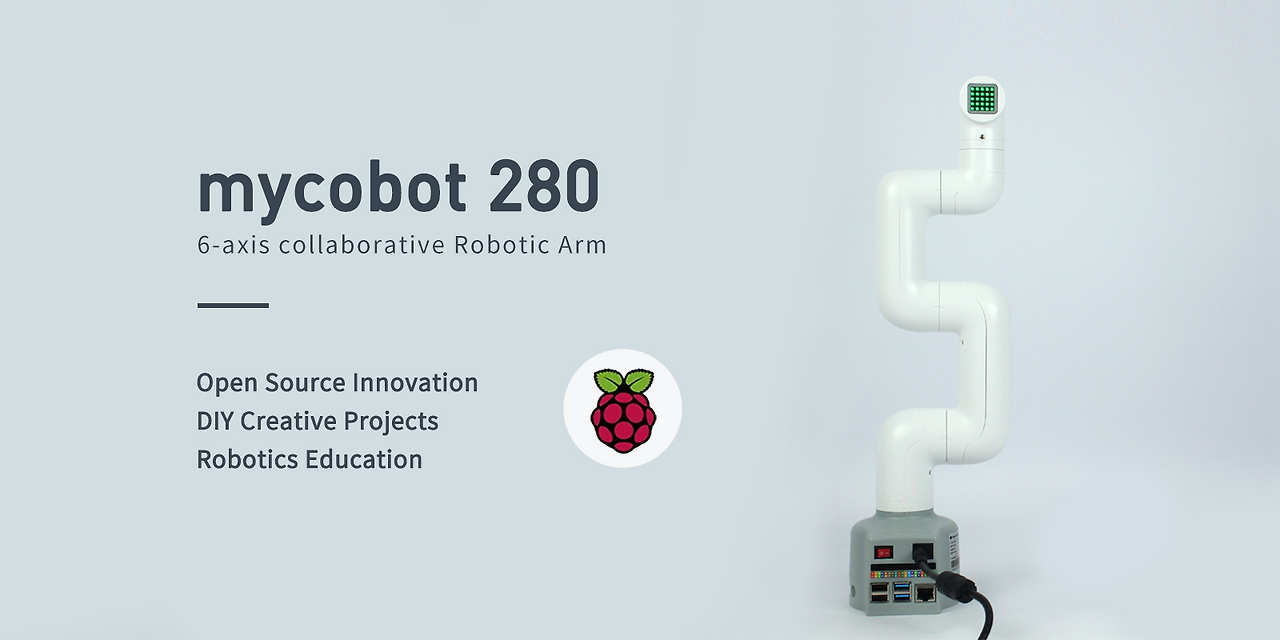
send_angles([0,0,0,0,0,0], 10) 을 이용해서 쭉 펴면
이렇게 생겨 먹어서 굳이... 하자면 아래 기준 y축 방향이긴 한데
[링크 : https://docs.elephantrobotics.com/docs/gitbook-en/2-serialproduct/2.1-280/2.1.5-PI-2023.html]
gpt로 물어보고 다시 설명을 보니 다 써있었구나.. -_ㅠ
| T in the figure is the set tool coordinate system. The posture of this coordinate system is consistent with O’, and the relative displacement of the origin has occurred. Use the python function to set the tool coordinate system: set_tool_reference([x, y, z, rx, ry, rz]) //Set tool coordinate system set_end_type(1) //Set the end coordinate system type as tool Assume that the tool coordinate system T is not rotated relative to O' (rx = ry = rz = 0) Assume that the origin of the tool coordinate system T is in the coordinate system O’ at (x = 0, y = 0, z = 100mm) The final tool coordinate system parameter is set_tool_reference(0, 0, 100, 0, 0, 0) |
그런데 왜 끝부분의 z 축은 가장 아래의 x 축을 보고 있는걸까?

[링크 : https://docs.elephantrobotics.com/docs/gitbook-en/2-serialproduct/2.1-280/Kinematics&Coordinate.html]
| 2.3 set_tool_reference(coords) Function: Set Tool coordinate system。 Parameters: coords: The coordinate value of [x, y, z, rx, ry, rz] has a length of 6, x, y, z ranging from - 280 to 280, and rx, ry, yz ranging from - 314 to 314 Return Value: None 2.4 get_tool_reference() Function: Get Tool coordinate system。 Return Value: Returns a coordinate list with a length of 6 2.9 set_end_type(end) Function: Set end coordinate system。 Parameters: end: 0 - flange(default),1 - tool Return Value: None 3.0 get_end_type() Function: Get end coordinate system Return Value: 0 - flange(default),1 - tool, -1 - error |
[링크 : https://docs.elephantrobotics.com/docs/gitbook-en/7-ApplicationBasePython/7.3_coord.html]
+
해보니 잘 된다.
set_end_type() 의 문제였던 듯.
set_end_type(1) 해주고 나서 set_coords() 에서 rx 를 오가게 하니 된다.